For learners
Take quizzes, revise with study tools, join Study Groups and discover public material.
Personal quiz creation, study tools, public discovery, creator management, Institution Workspace and CBT sit inside one connected product.
 QuiyoAI-powered quiz studio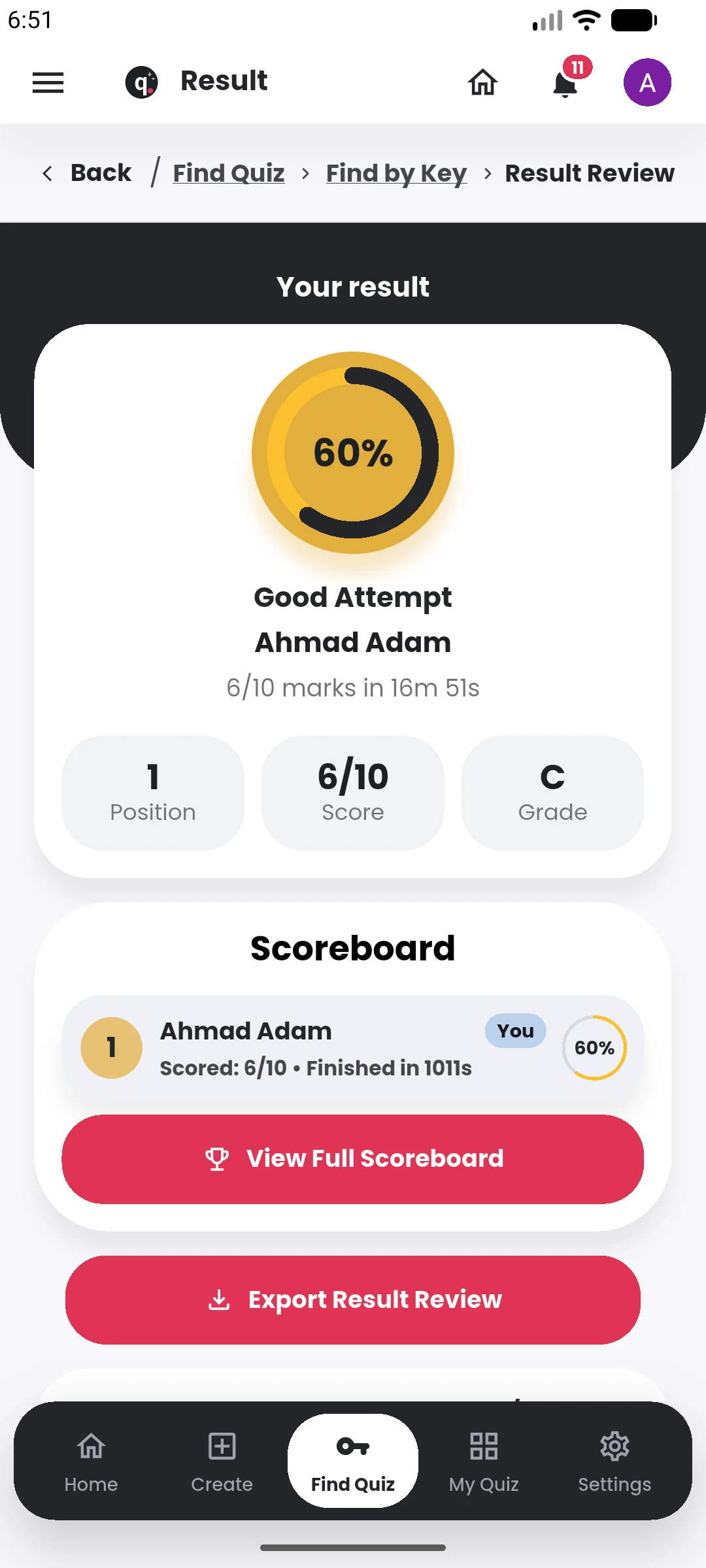
SUPPORTED BY LEADING TECHNOLOGY ECOSYSTEMS


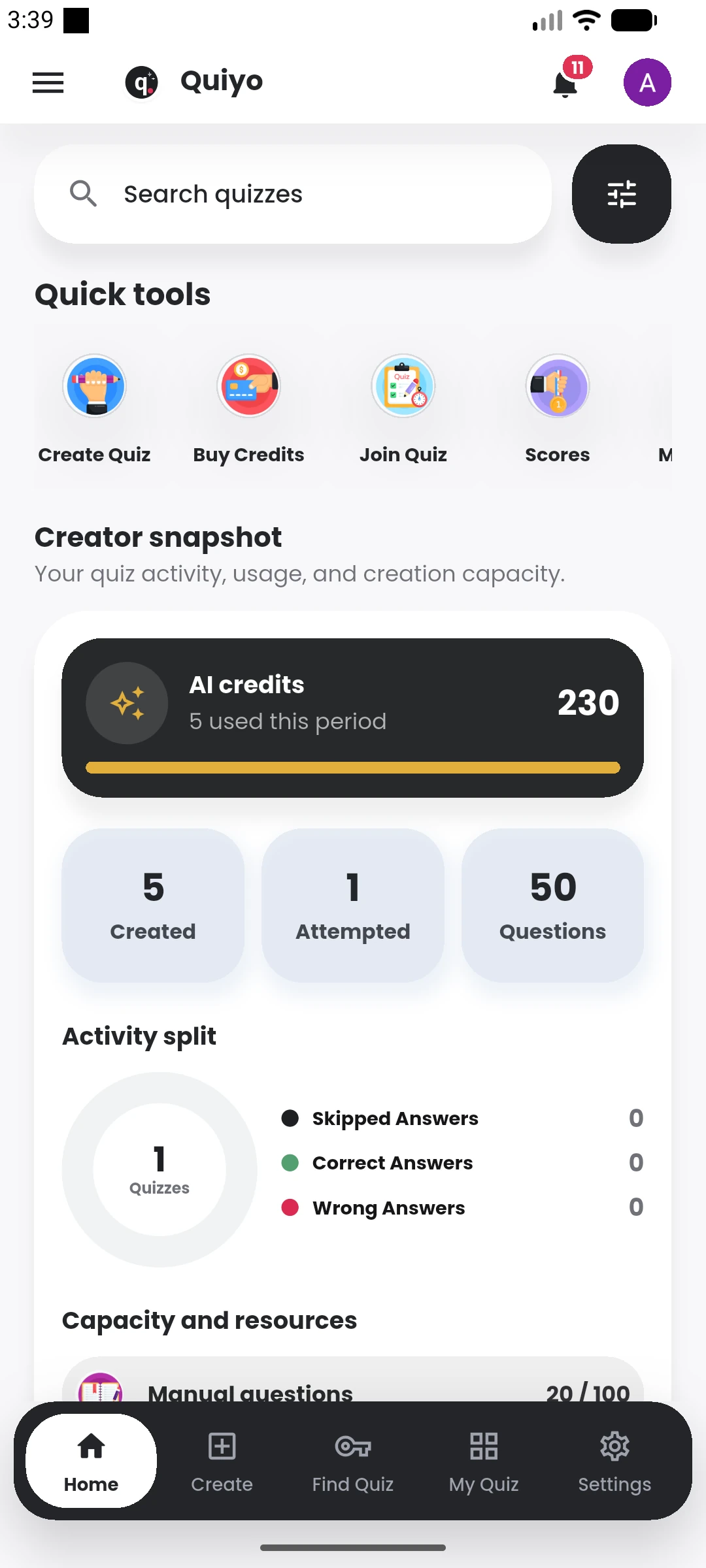
Personal users can create quizzes, study with generated resources, discover public material and manage their own assessment activity.
Institution Workspace adds shared materials, question banks, team roles, participants, blueprints, CBT operations and institution-level results.
Different users can enter Quiyo for the work they need, from personal quizzes through institution operations.
Take quizzes, revise with study tools, join Study Groups and discover public material.
Generate and refine quizzes, publish them and manage attempts, results and analytics.
Run richer assessments, including structured essays and configurable delivery rules.
Organise teams, participants, materials, question banks, blueprints, assessments and CBT.
A learner can create a quiz from a topic, file, image or existing questions, take it in Practice or Exam mode, review the result and continue studying with Key Points, Flashcards, Study Notes or a generated Podcast.
Creators can publish quizzes, follow attempts, work with scoreboards and analytics, manage access, review responses and keep useful questions available for future assessments. Public quizzes add discovery, creator profiles, comments, likes, follows and sharing around that core assessment flow.
Institutions get a larger workspace around the same work: materials, course outlines, managed question banks, assessment blueprints, participant and staff administration, CBT delivery, results, appeals and question intelligence.
The software now supports both everyday individual use and larger recurring assessment workflows.
See how the personal, creator and institution experiences connect.