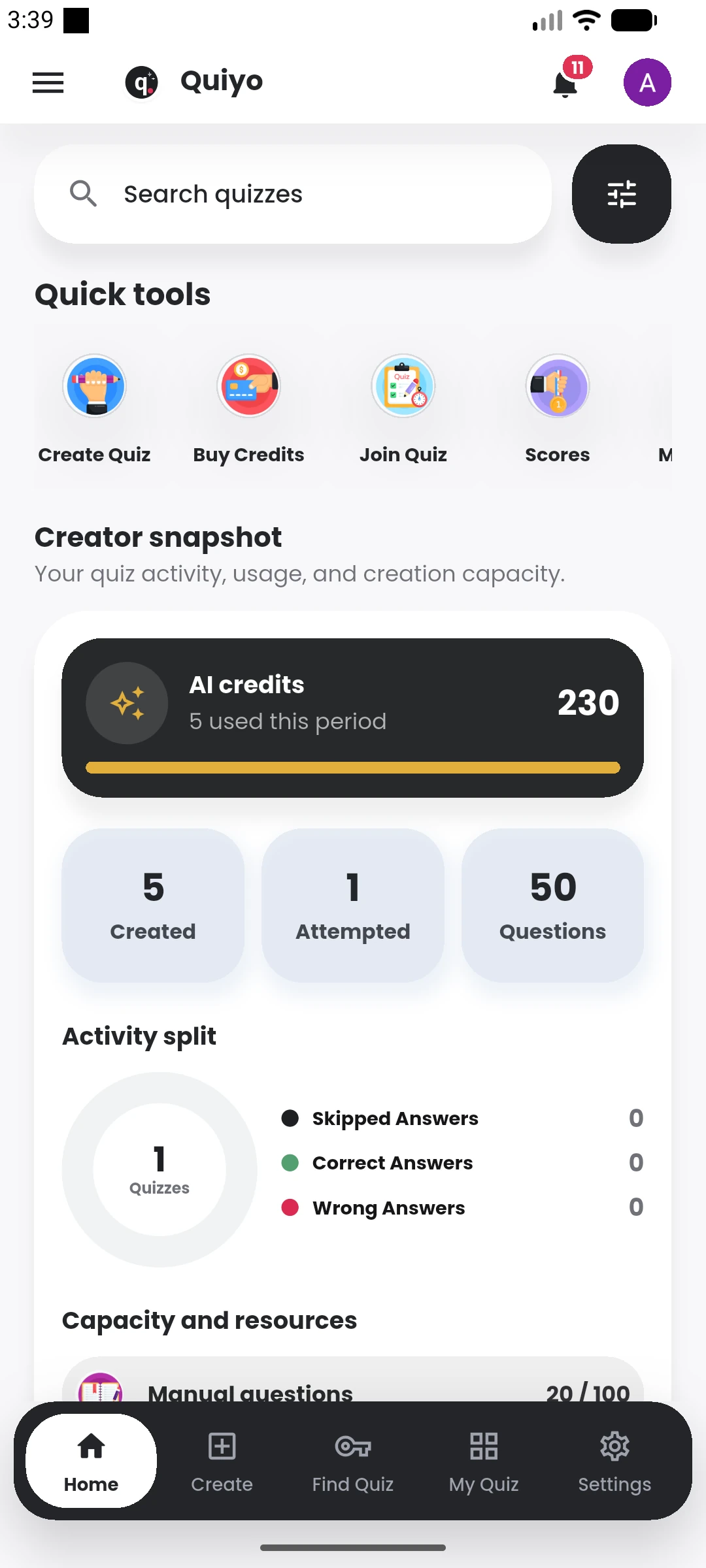
What do AI credits pay for?
They are used for supported AI-generation actions across Quiyo.
Understand personal plans, institution capacity, AI credits, payments and what happens when a plan changes.
 QuiyoAI-powered quiz studio
SUPPORTED BY LEADING TECHNOLOGY ECOSYSTEMS


This page answers the common questions around subscriptions, AI credits, institution capacity, payment processing and plan changes.
The checkout flow shows the payable amount and relevant renewal information before payment is completed.
Billing information is kept concise here, with the full current plan details on the main Pricing page.
They are used for supported AI-generation actions across Quiyo.
No. Institution plans include workspace capacity and organisation-level administration.
Yes. Additional AI capacity can be purchased when the existing balance is insufficient.
Current plan, purchase and billing information is available in the relevant account or institution billing area.
Personal purchases apply to the individual Quiyo account, while institution billing applies to the institution workspace and its agreed capacity. Keeping those two contexts separate avoids mixing a staff member’s personal activity with organisation spending.
Billing records provide the history needed to understand previous purchases, plan activity and AI-credit additions. Where a checkout is interrupted, the payment flow can be resumed through the relevant provider path.
The answers below cover the most common payment, credit and plan questions before a user or institution changes its current setup.
For account-specific payment issues, use Quiyo Support so the transaction can be reviewed directly.
Use the main Pricing page for published plan information and checkout details.