01
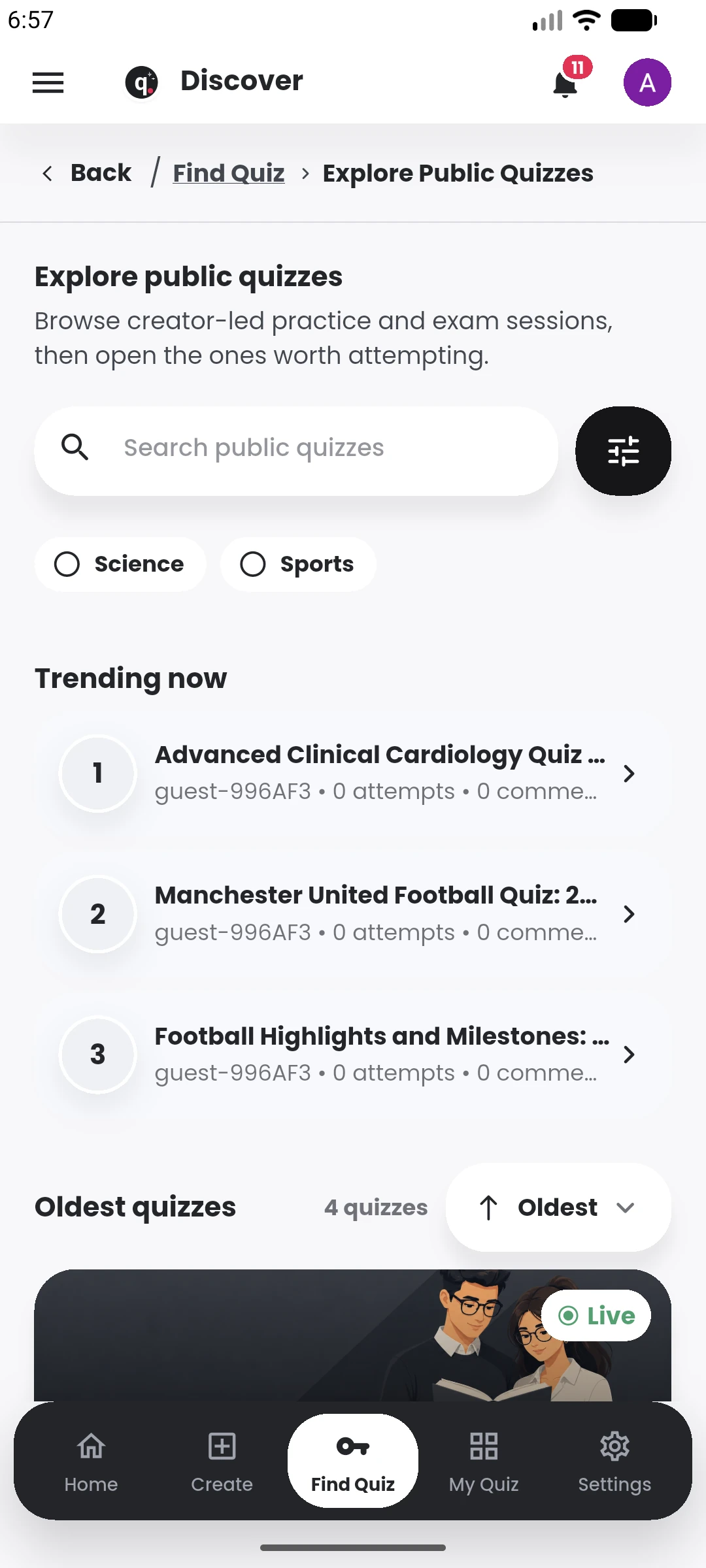
Discover public quizzes
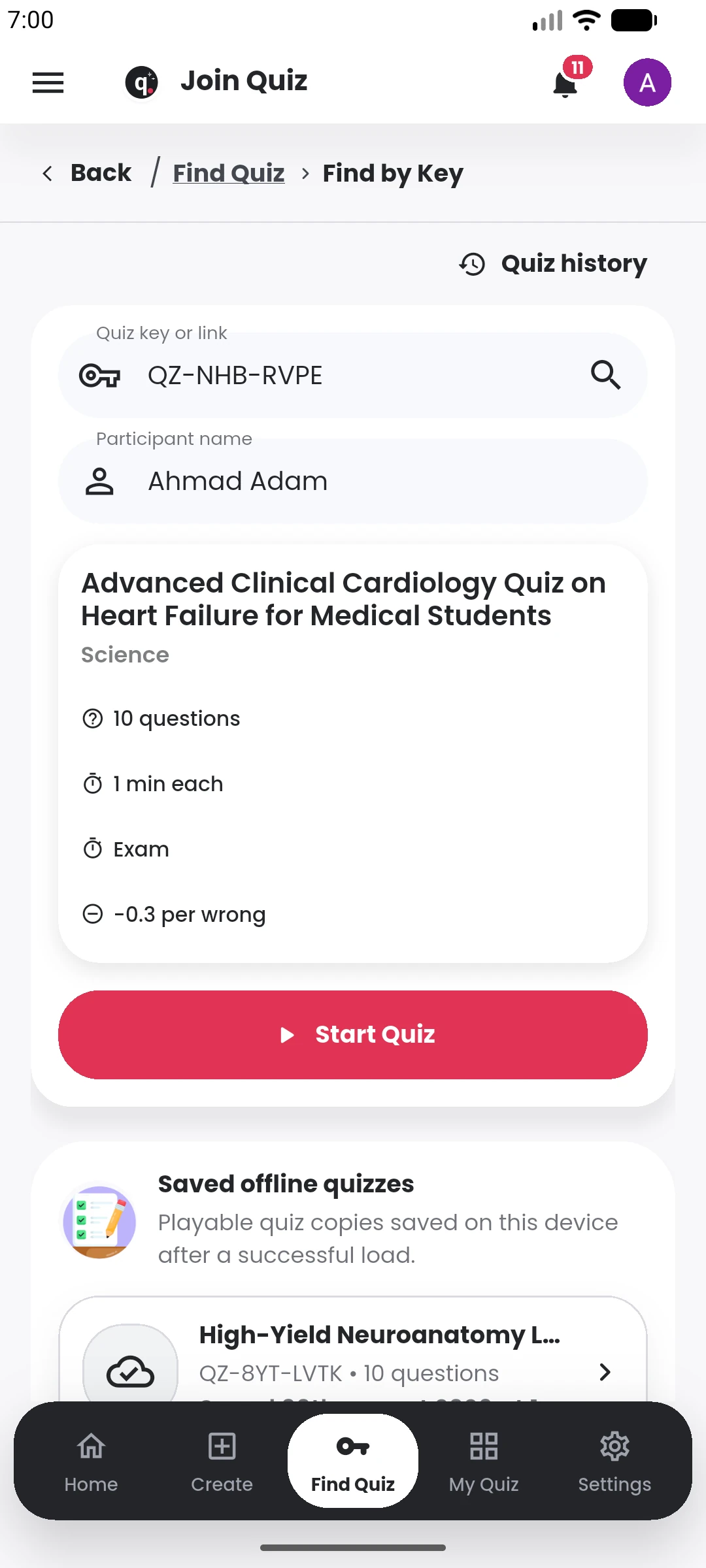
Browse public quizzes and move from search to an available session.
Create a quick quiz for friends, build study questions from your notes, or create and manage exams across an institution.
 Quiyo
Quiz, assessment and CBT workspace
Quiyo
Quiz, assessment and CBT workspace
SUPPORTED BY LEADING TECHNOLOGY ECOSYSTEMS


Before an assessment, you may be working through notes, PDFs, past questions and course materials just to get the questions ready.
After publishing, there are participants, timing, attempts, results, corrections, appeals, exports and the next assessment to think about.
Quiyo brings more of that work into the same place so you are not rebuilding the process with a different tool at every stage.
See how Quiyo helpsThe work is familiar: finding material, writing questions, organizing a test, handling results and repeating the same process again. Quiyo is built to make those jobs easier.

Start from a topic or material you already have instead of spending the whole preparation period writing every question from scratch.
See how Quiyo helps • 01

Bring notes, documents, images, course materials and past questions closer to the same place you use to prepare assessments.
See how Quiyo helps • 02

Keep session setup, participation, attempts, scoreboards, review and other post-publish work attached to the quiz.
See how Quiyo helps • 03

Keep materials, courses, teams, assessments, results and recurring assessment activity together as the amount of work grows.
See how Quiyo helps • 04
When a published question needs reassessment, Quiyo can update affected attempts instead of leaving you to recalculate results one by one.
See how Quiyo helps • 05

Refine, reuse, merge, export and build on questions you have already worked on instead of treating every new quiz as a blank slate.
See how Quiyo helps • 06
Quiyo can stay as simple as a personal quiz or take on more of the assessment work when you need publishing, participants, results, repeated assessments or an institution workspace.
For individuals: study, revise, challenge friends, build movie or sports quizzes, or create something only your group would think to ask.
Start creating →For educators and teams: build questions from material you already use, refine them, publish the assessment, review what happened and keep the useful work for next time.
Explore the workflow →For institutions: bring courses, materials, question preparation, assessments, CBT and results into a workspace that can grow with the institution.
Explore Institution Workspace →Discover, take and understand a quiz
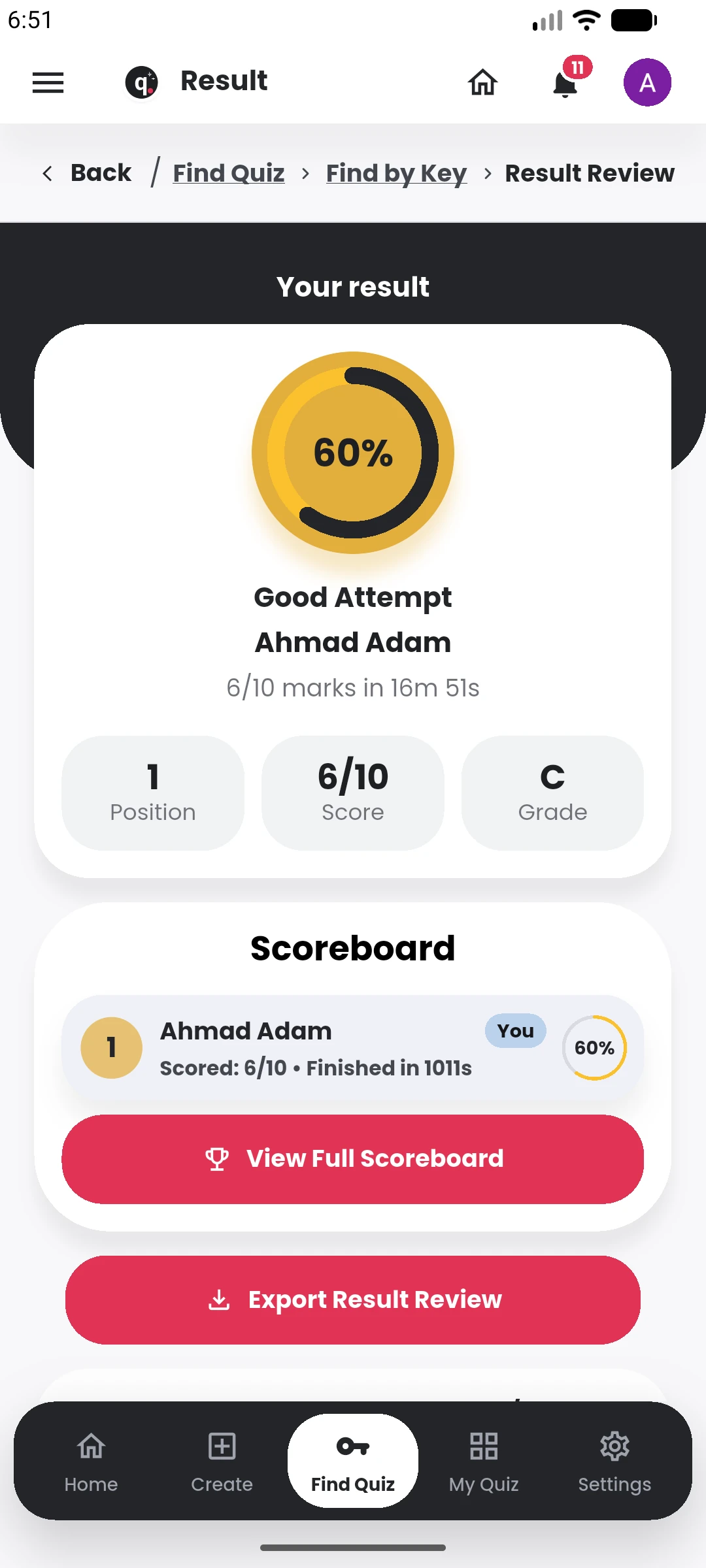
Browse public quizzes and move from search to an available session.
Institutions already have courses, teaching materials, past questions and people preparing or taking assessments. Quiyo gives that work a shared home instead of making every new test begin from zero.
Quiyo
Structure · Generate · Moderate
Organize the workspace around the courses, programmes, classes or other academic groupings your institution already works with.
Give the people preparing, reviewing and managing assessments one workspace instead of passing files and updates between separate tools.
Upload the notes, course outlines, textbooks, references and past questions that already shape what gets taught and assessed.
Prepare questions, review them, keep the strong ones and reuse good work instead of starting from zero for every assessment.
Bring the questions together around the coverage and difficulty you need, then keep refining before delivery.
Conduct the assessment through Quiyo, or export questions when the job needs a printed or offline format.
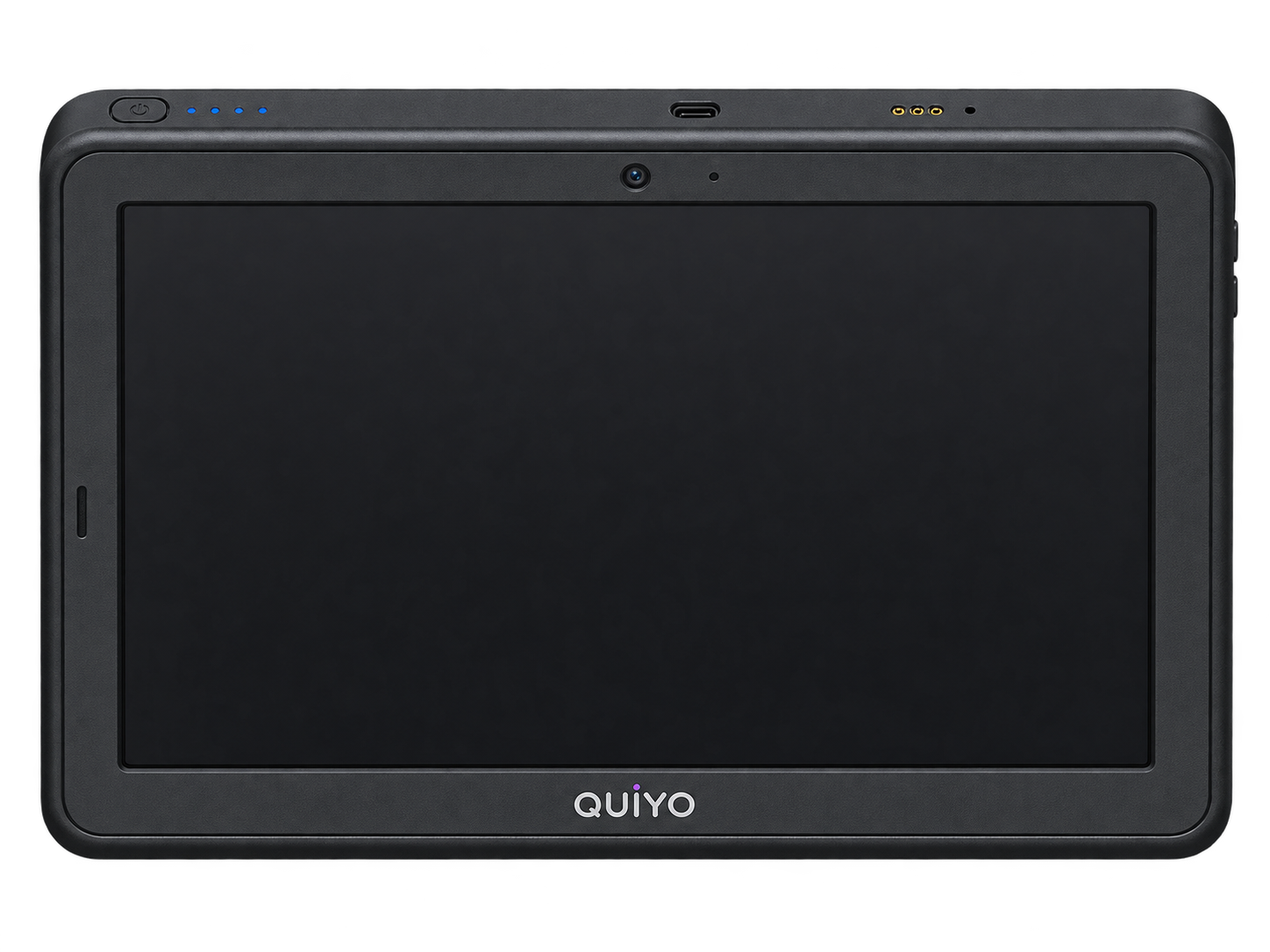
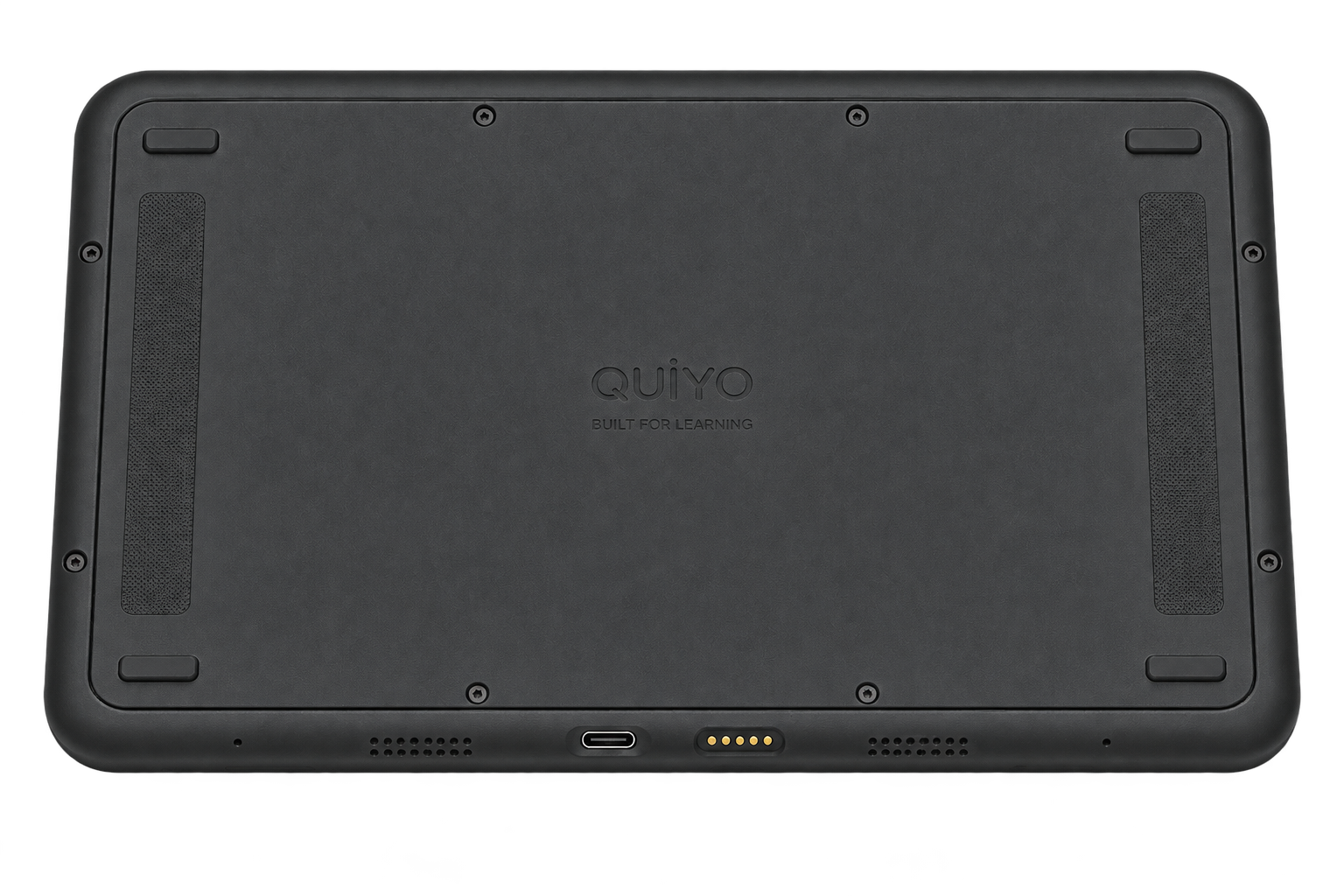
Quiyo Device
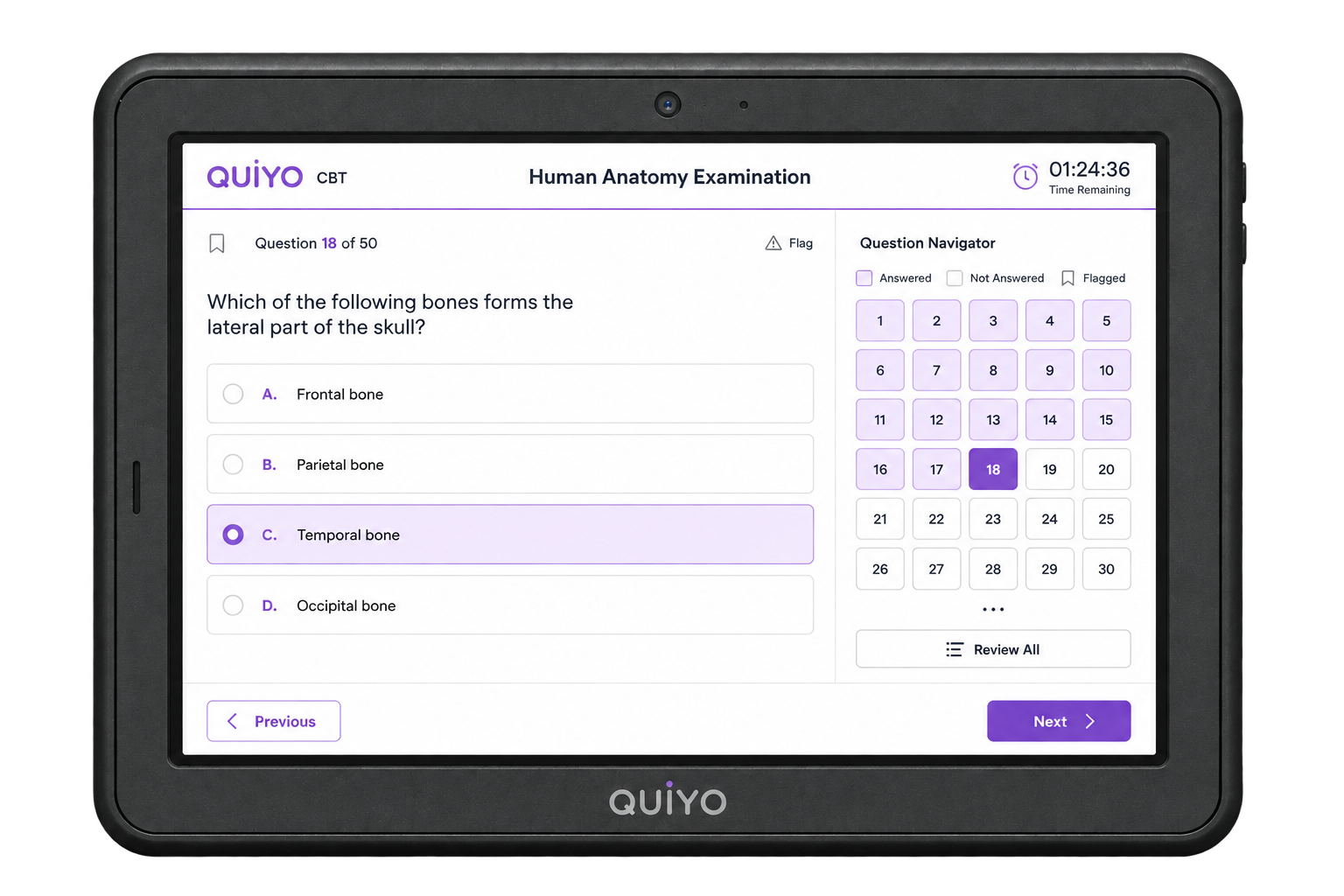
Quiyo Device is being developed as a dedicated assessment terminal for quizzes, CBT and institutional examinations, keeping the candidate experience focused on the assessment itself.
Hardware shown is representative of the current design direction and may change.
Explore Quiyo DeviceA quiz can begin from a blank editor, AI generation, a document, a previous quiz or an institution’s materials. Once it exists, you can keep refining, publishing, conducting, reviewing and reusing it in Quiyo.
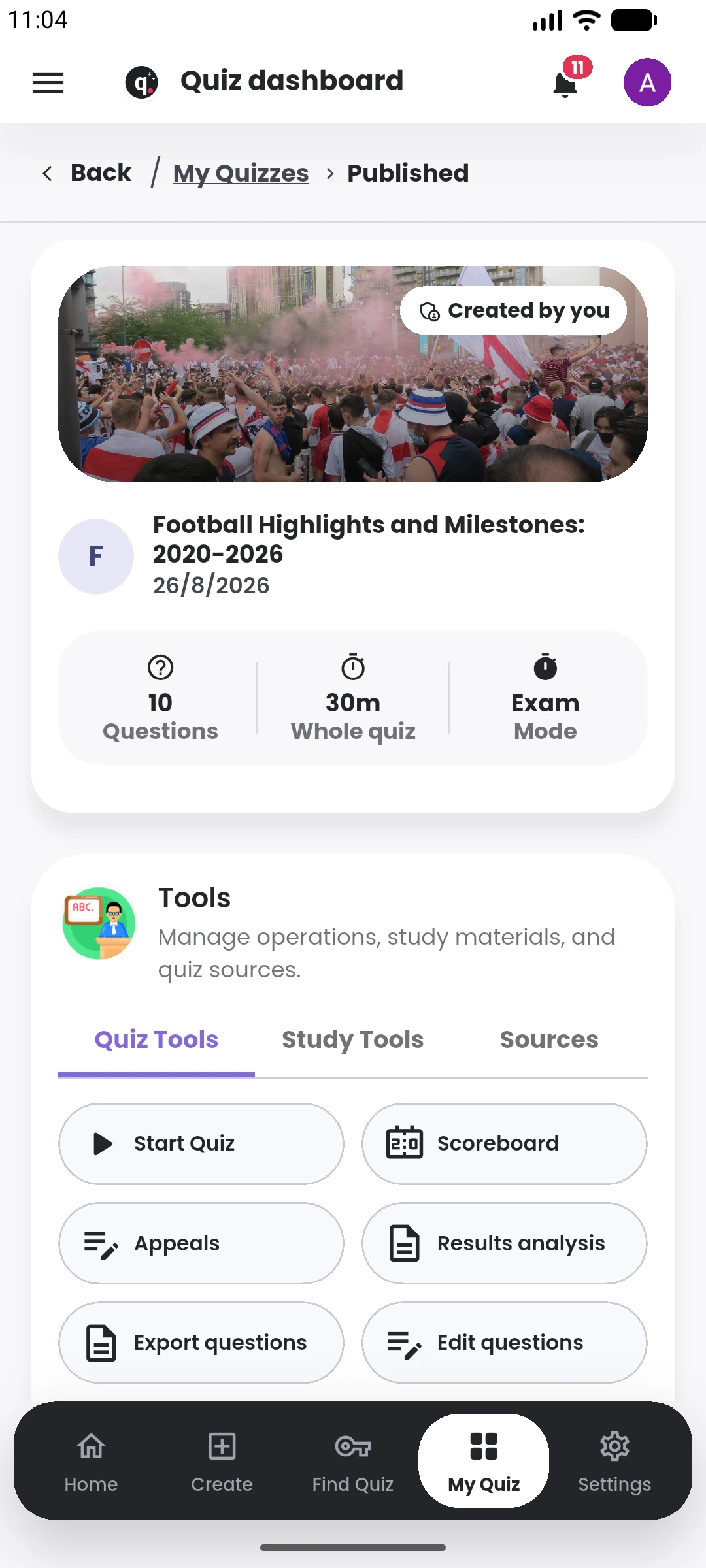
Use only the steps you need. A casual quiz may take minutes; a formal assessment can keep going through review, delivery, results and reuse.
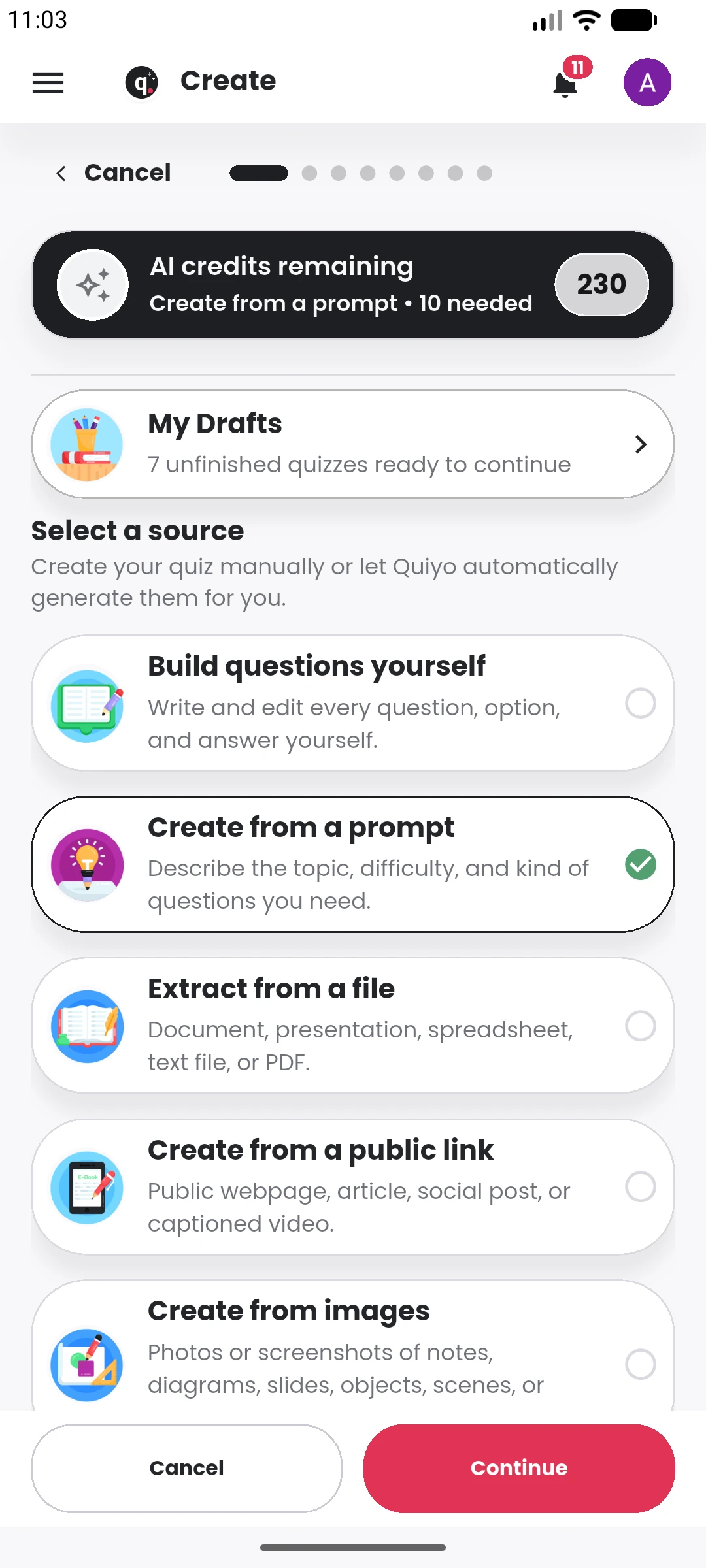
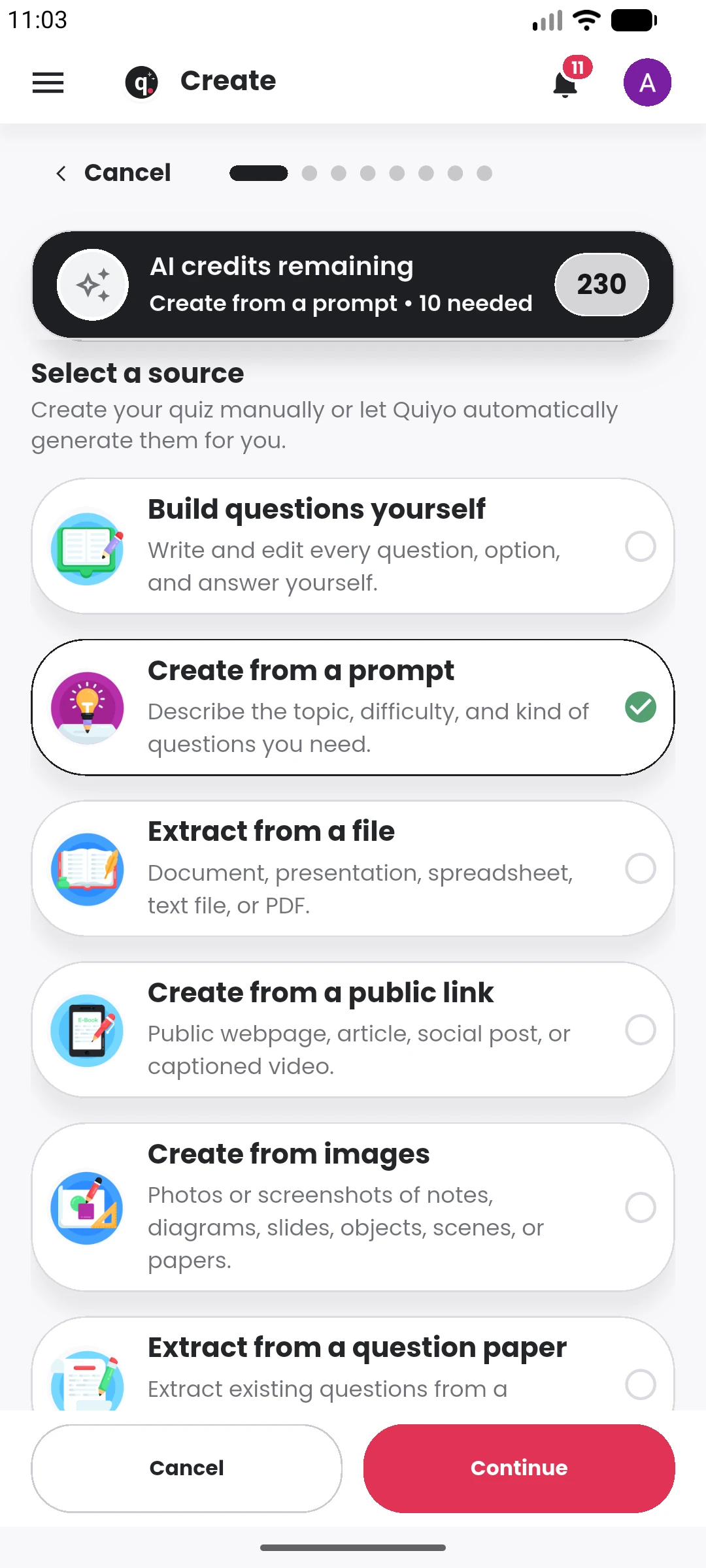
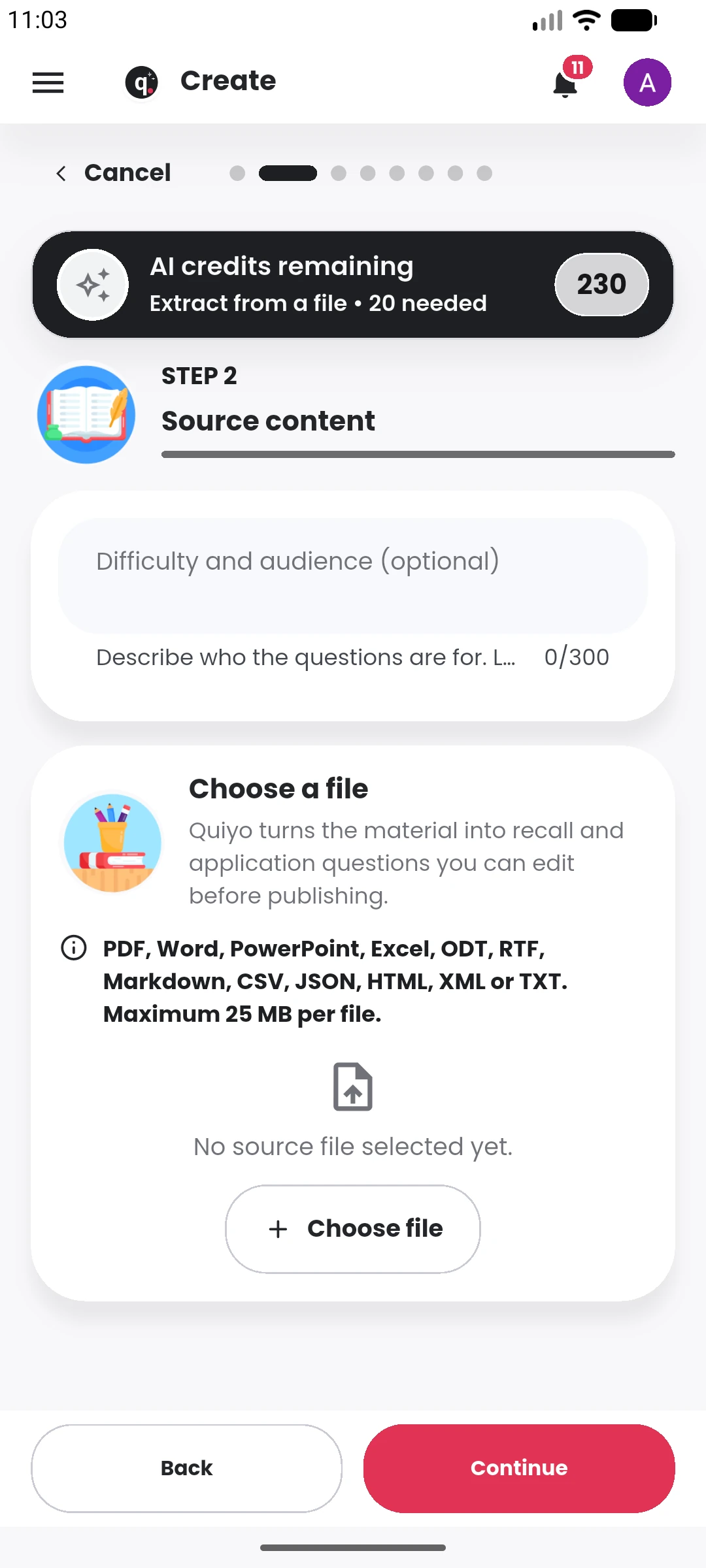
Start manually or bring a prompt, link, image, PDF, or TXT file.
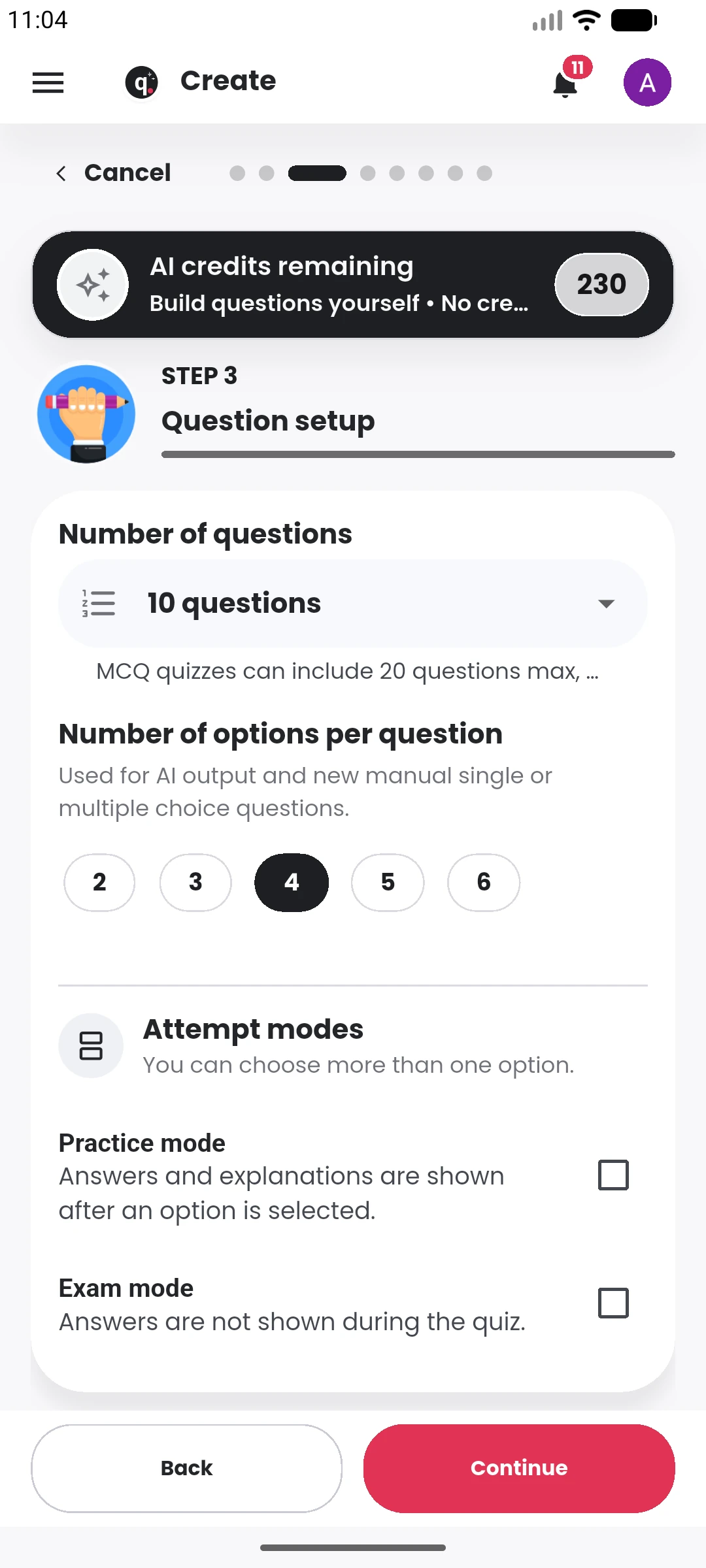
Set the topic, question count, mode, and generation direction.
Review the bank and change every detail that matters.
Configure visibility, timing, attempts, access, and results.
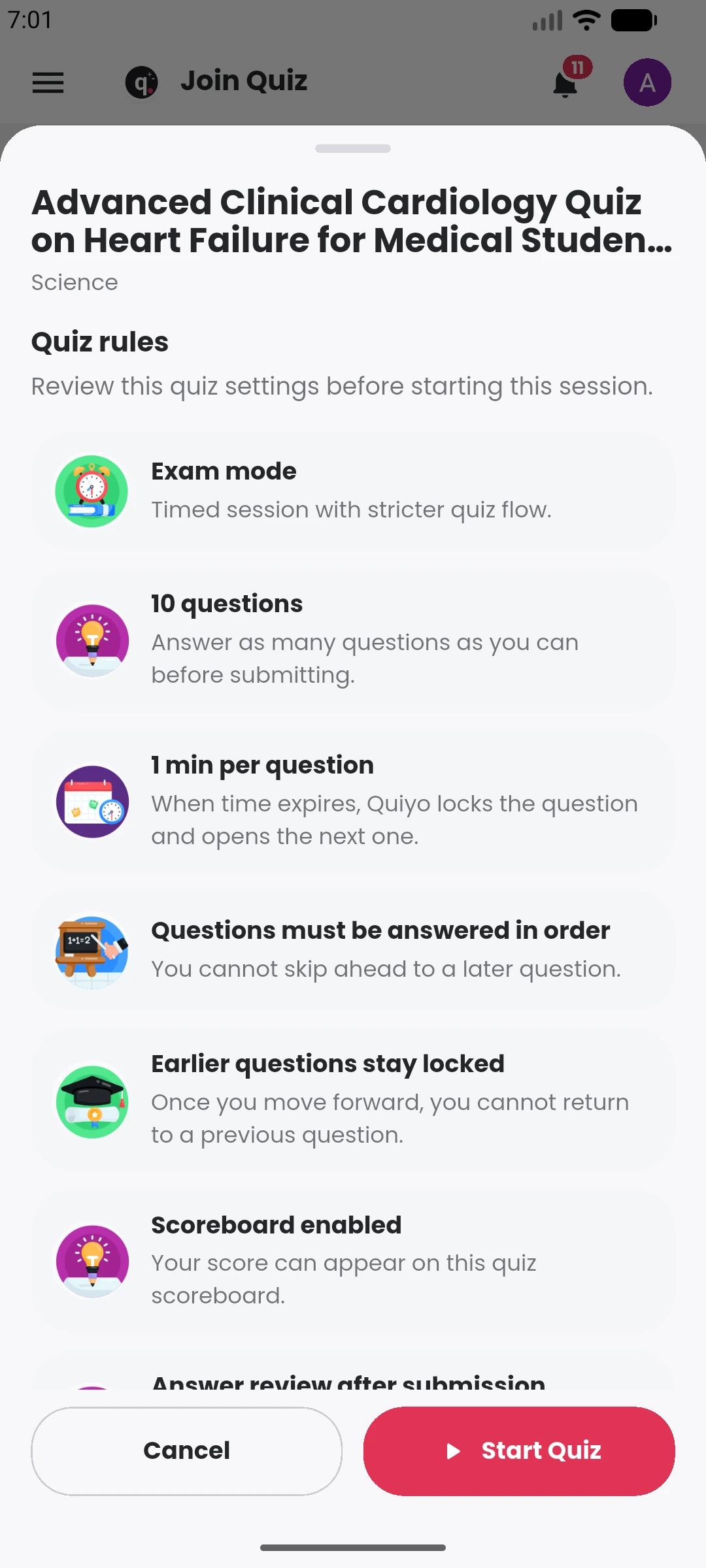
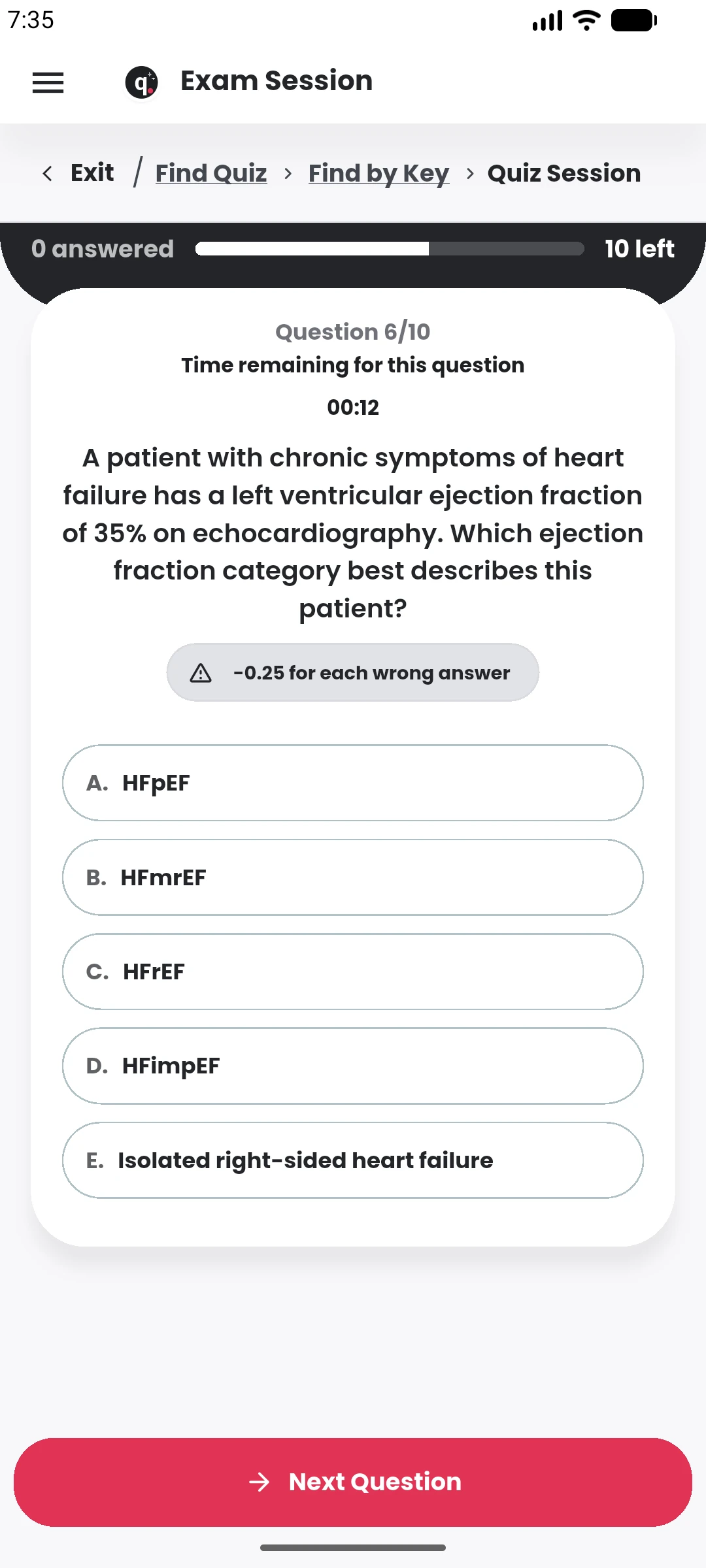
Run or share a controlled quiz-taking experience.
Download DOCX files or inspect attempts and outcomes.
From an idea or source to a working quiz
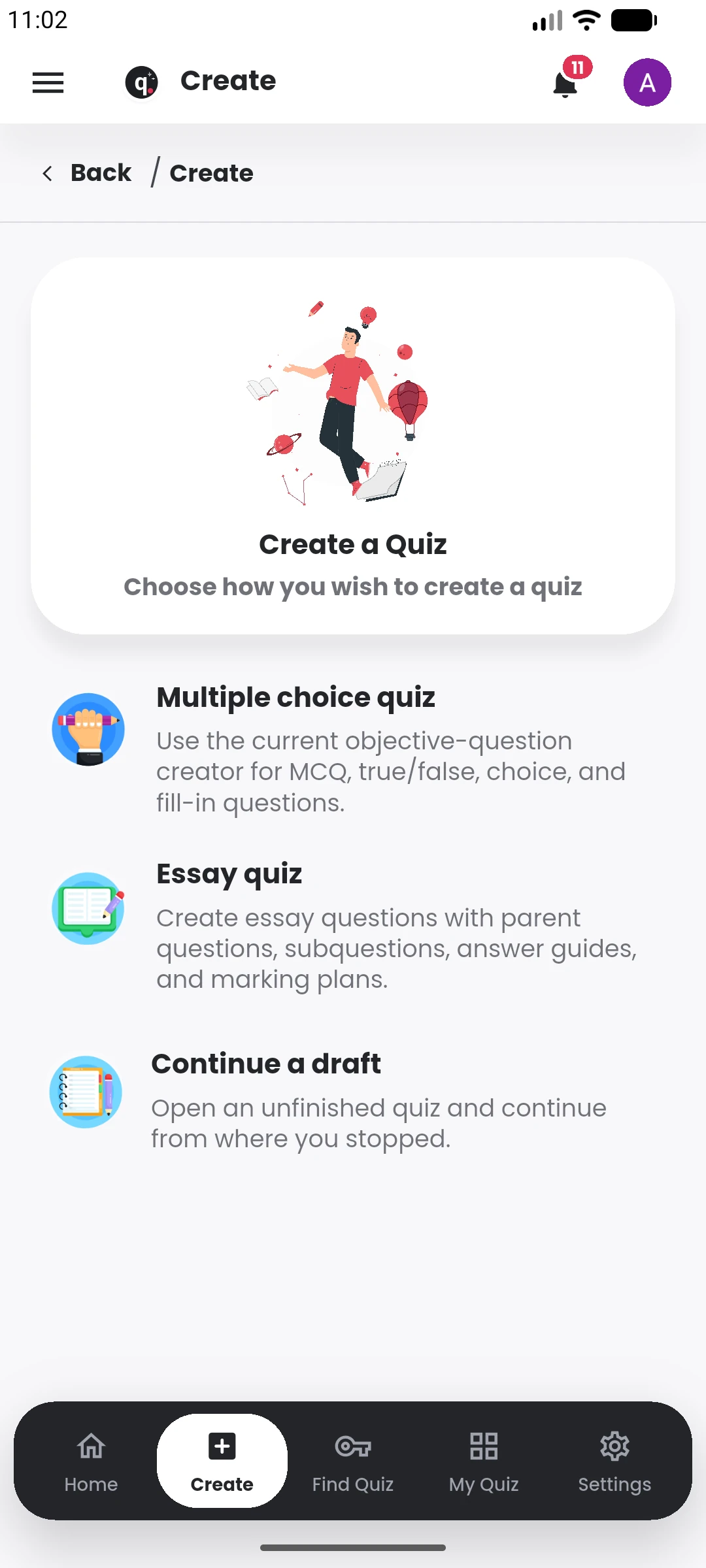
Start with multiple-choice, essay, or continue a draft already in progress.
Movies, sport, politics, science, art, music, history, general knowledge, professional training, academics, events, and whatever comes next.
Sign InUse the same source material to create questions, then continue with key points, flashcards, study notes and a two-host podcast. Keep studying alone, bring the quiz into a Study Group, or share it publicly.
Quiyo can turn the material behind a quiz into several study formats, so revision does not have to restart in another app.
Explore study toolsCondense the source into the ideas worth revisiting.
Generate term-definition, question-answer and fill-in formats.
Turn the source into structured revision notes.
Create a short two-host audio discussion from the same material.
Manage, review and learn from the result
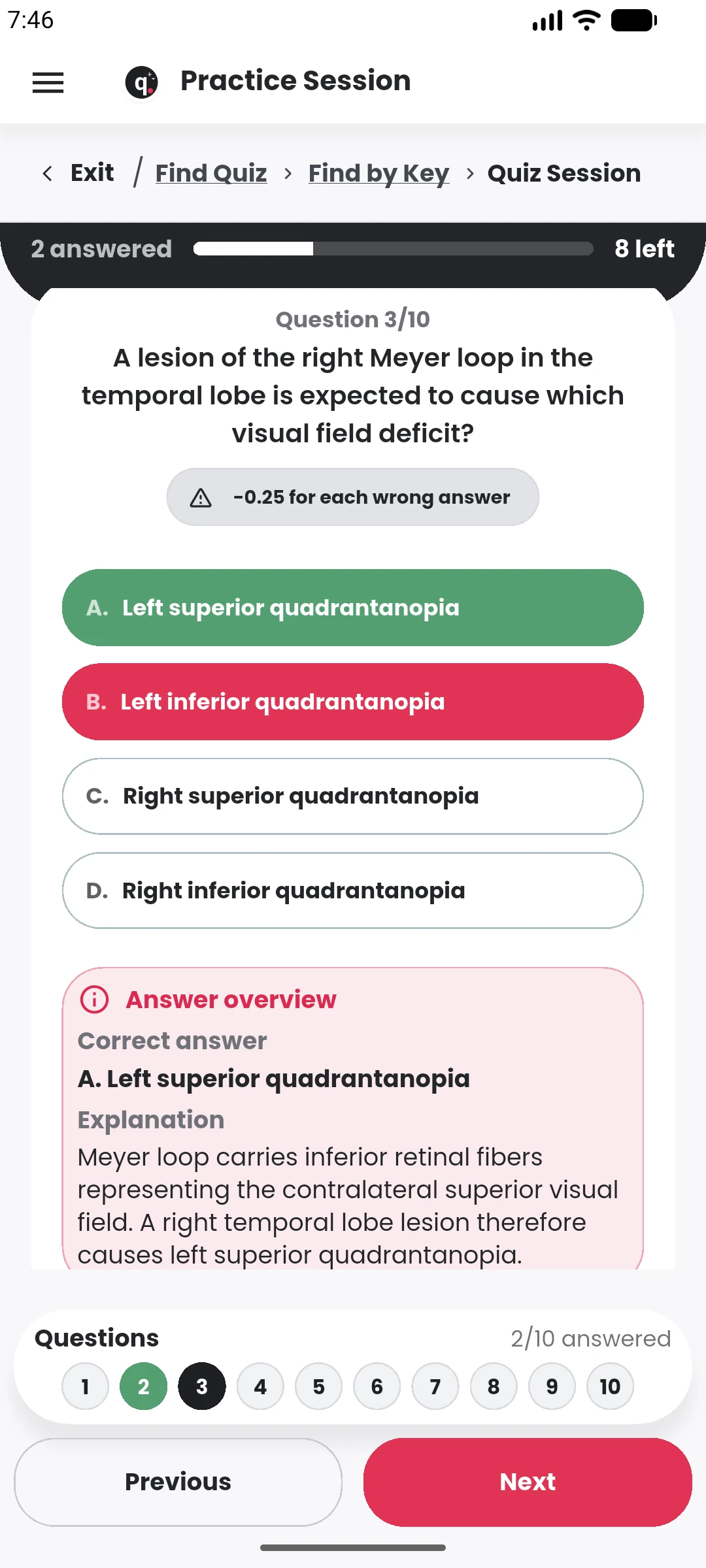
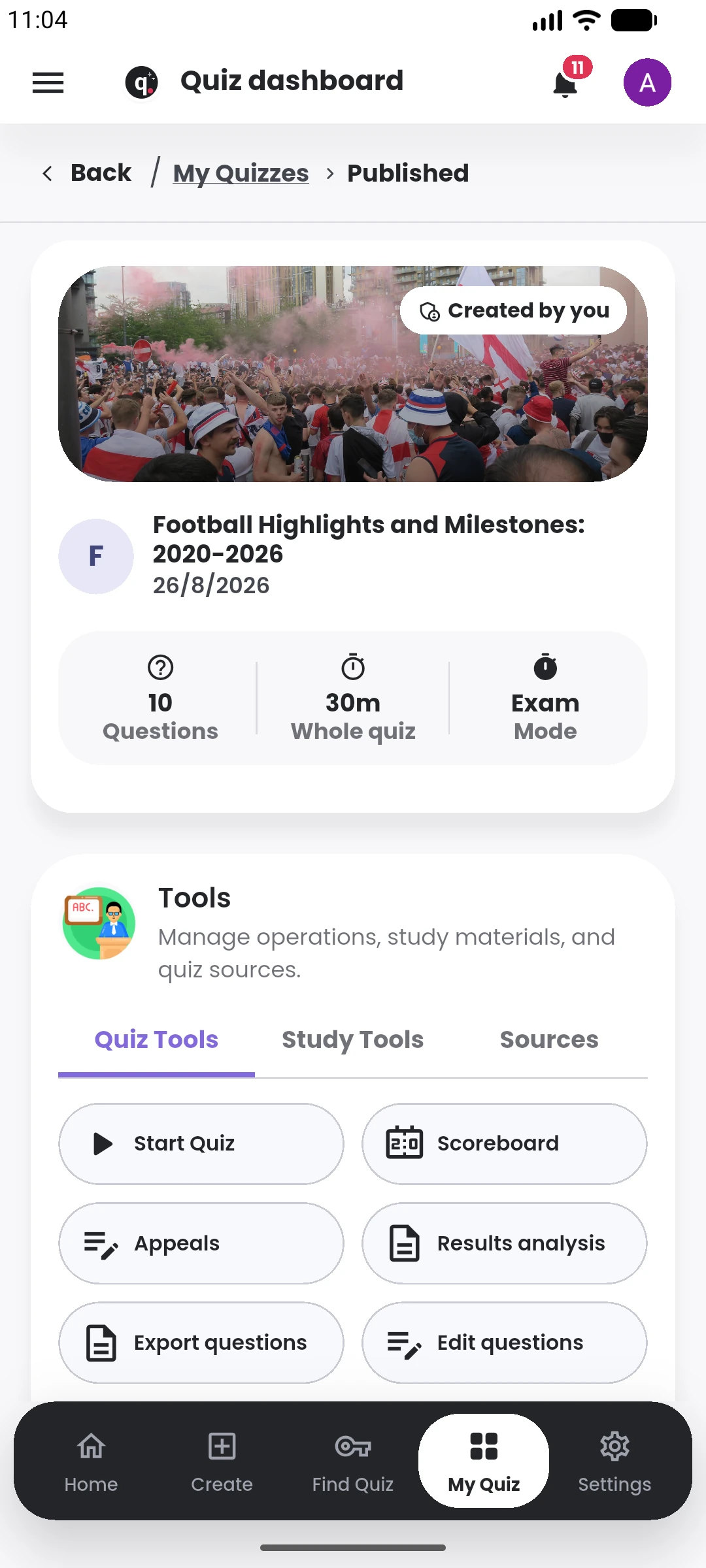
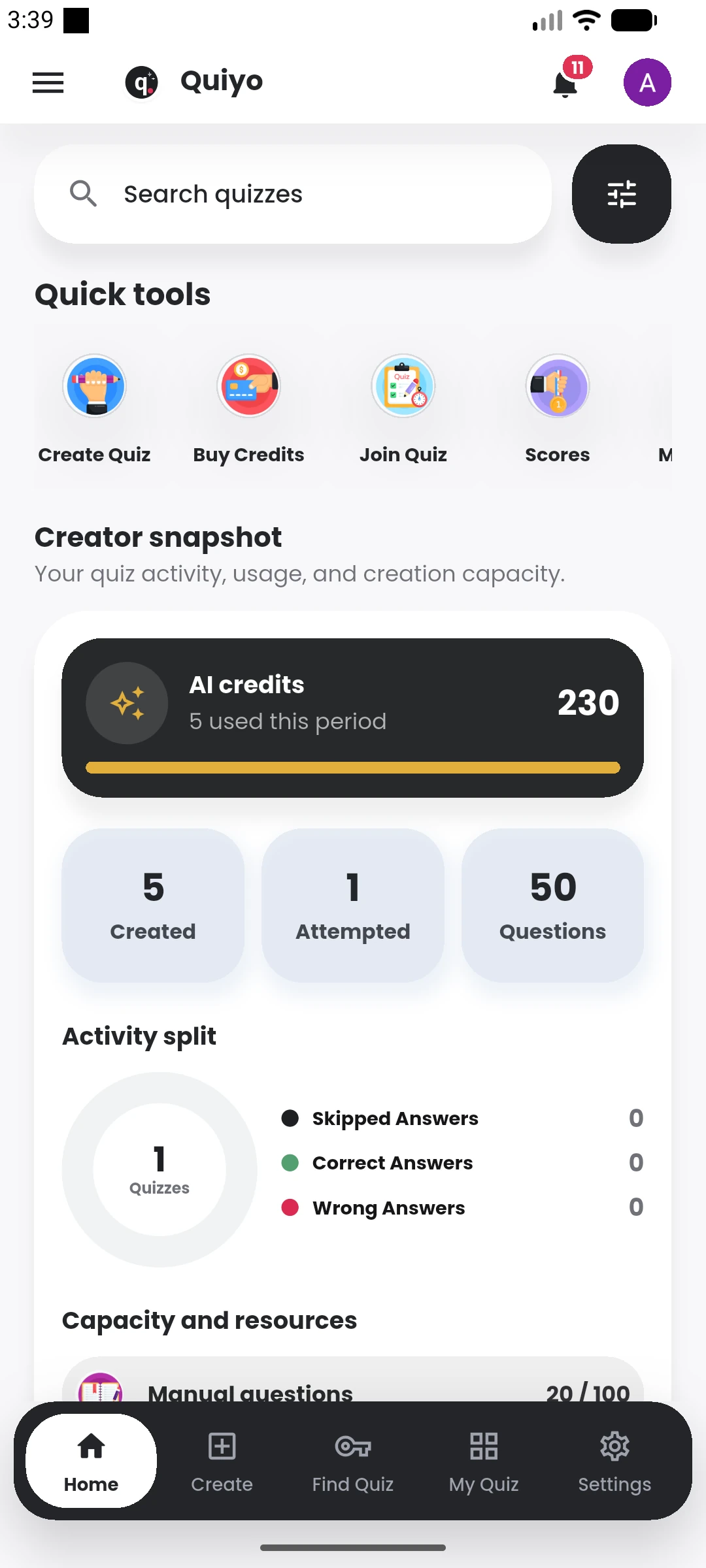
The quiz dashboard keeps the important post-publishing actions together.
Quiyo is not only the part that generates questions. It gives you somewhere to prepare the assessment, run it, review the outcome and keep the useful work for next time.
Build questions manually or start from a topic, prompt, notes, documents, images and other supported material. Review and edit the questions before they become part of the quiz.
Publish the quiz, control how it is taken, share it with participants, run it as CBT, or export the questions when you need a printed or offline assessment.
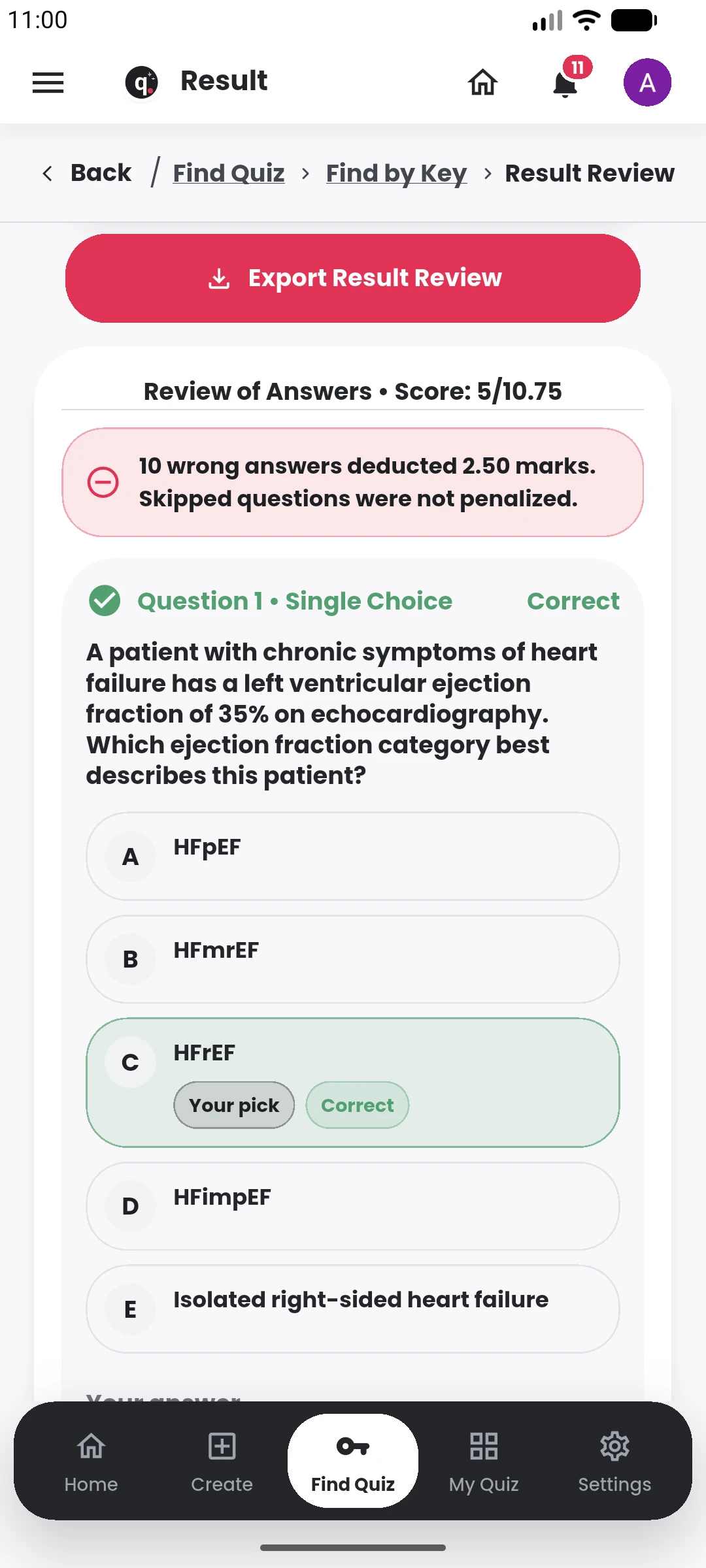
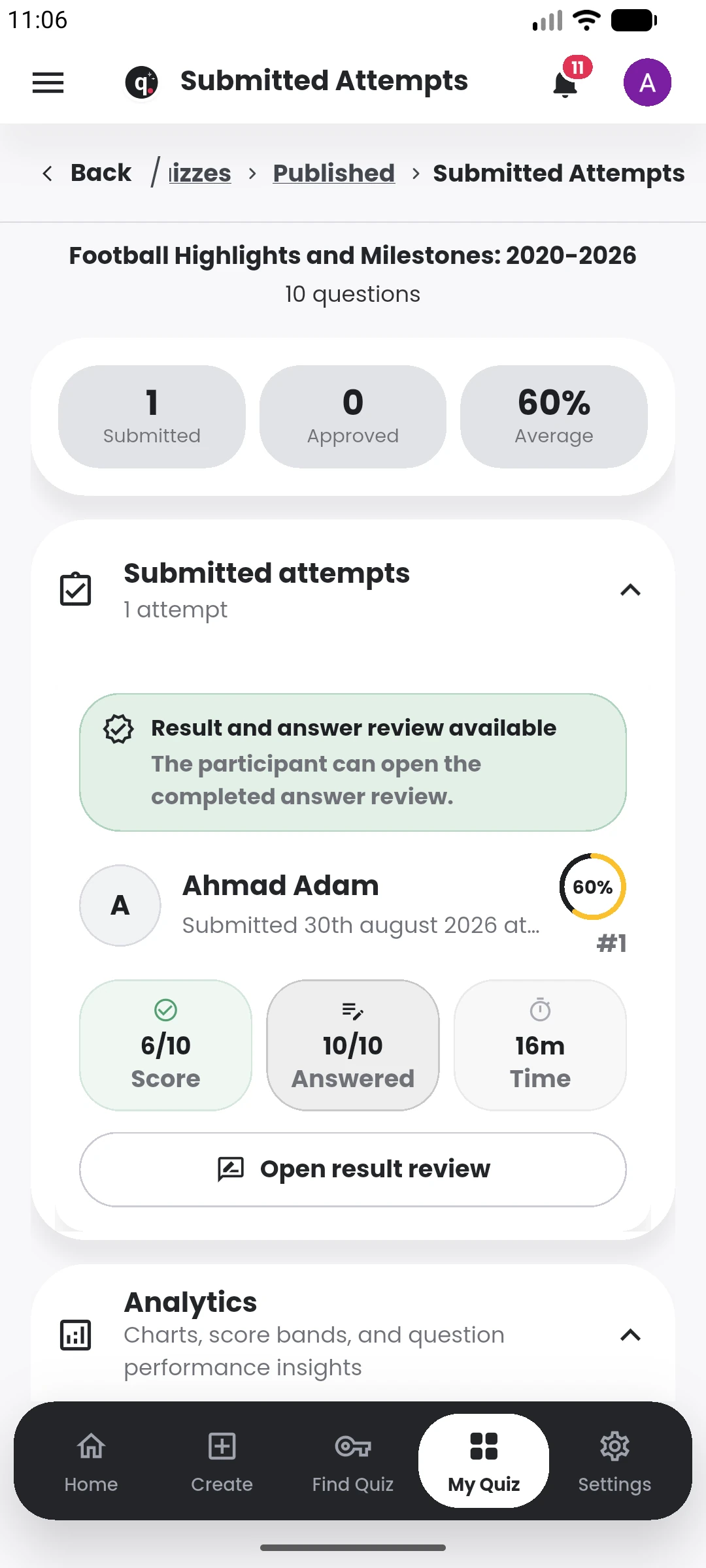
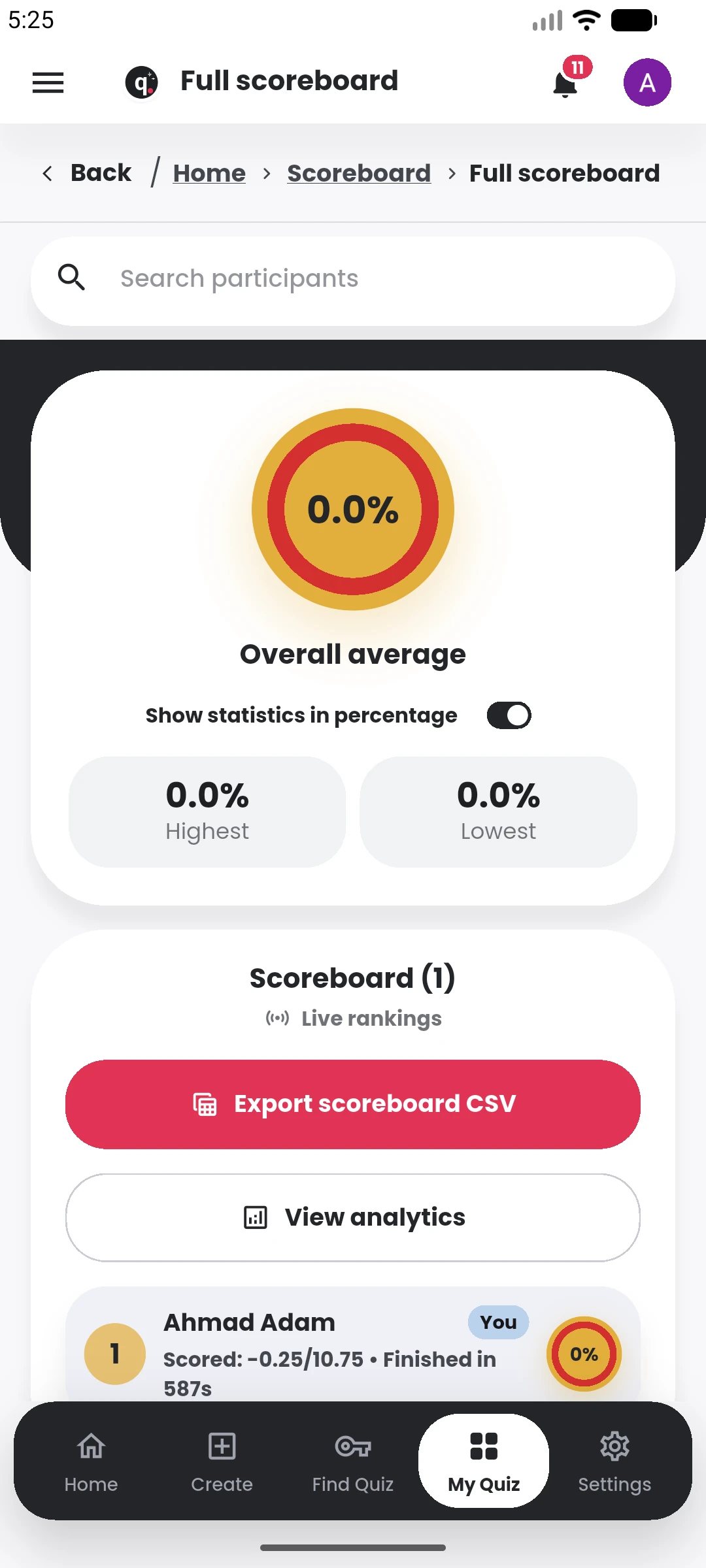
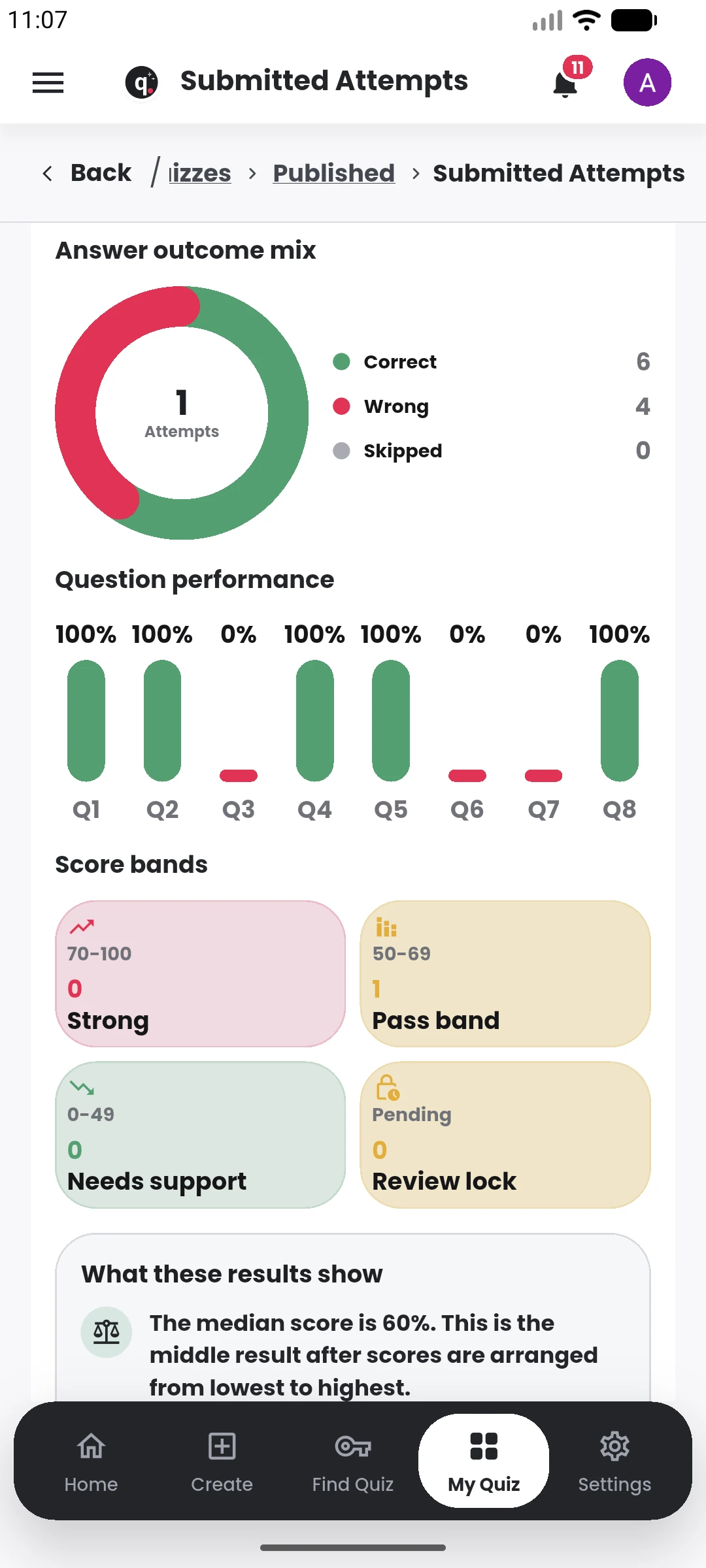
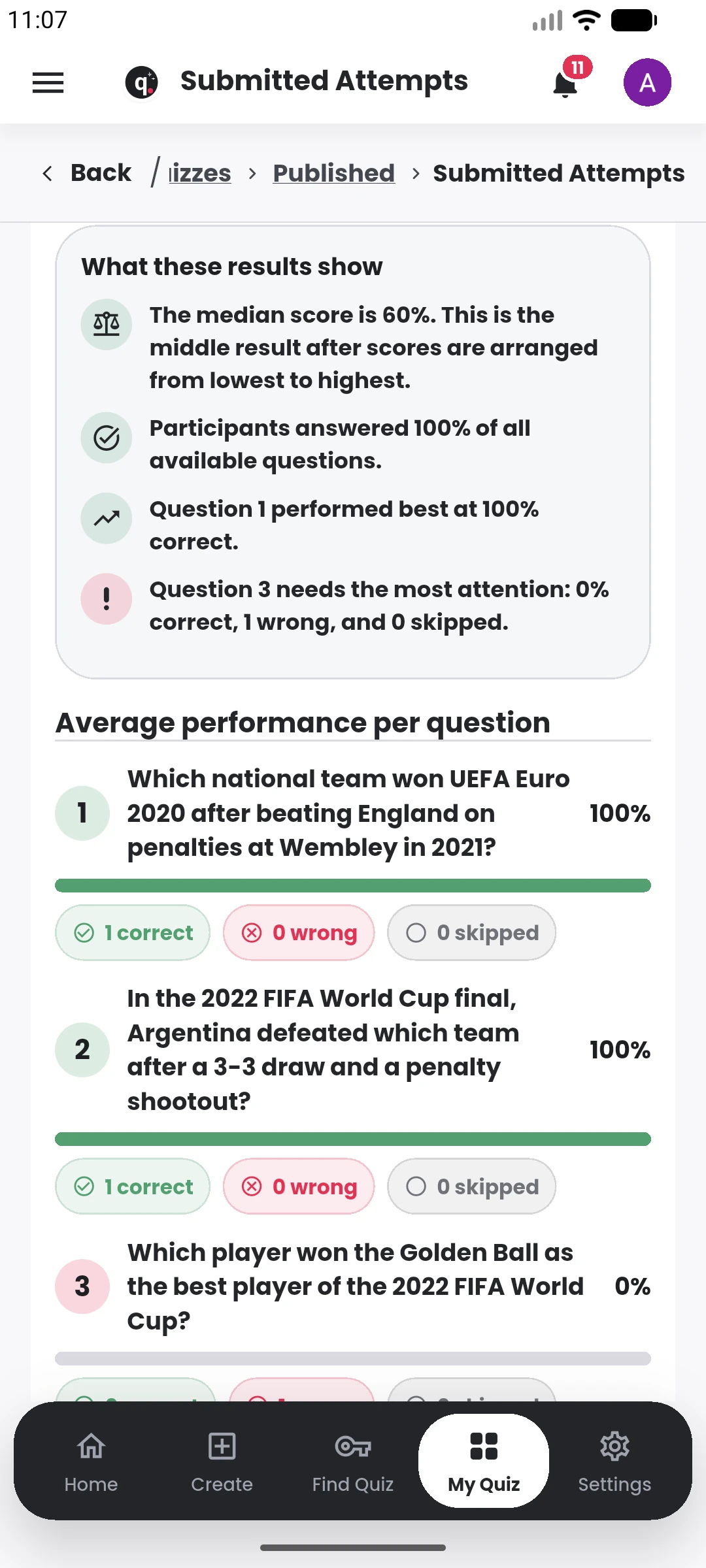
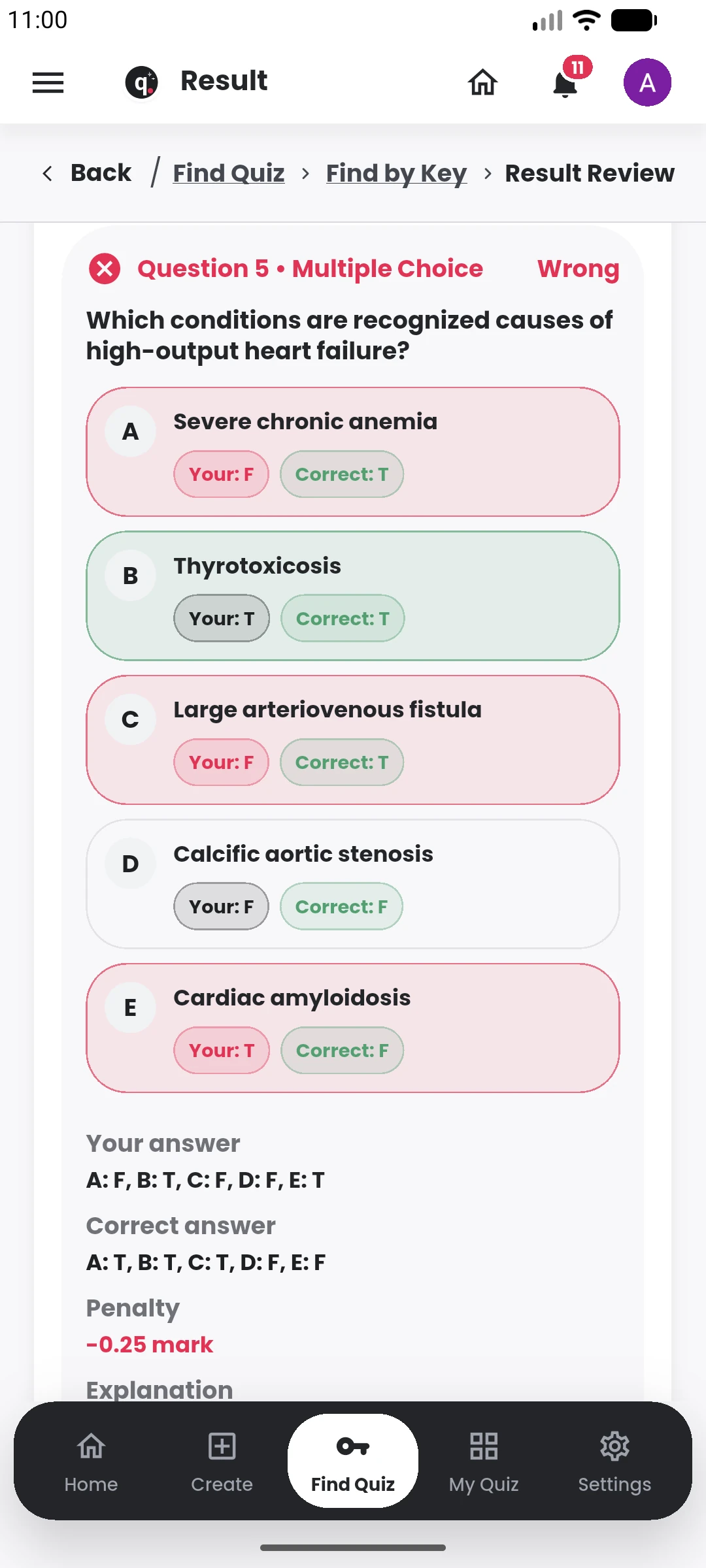
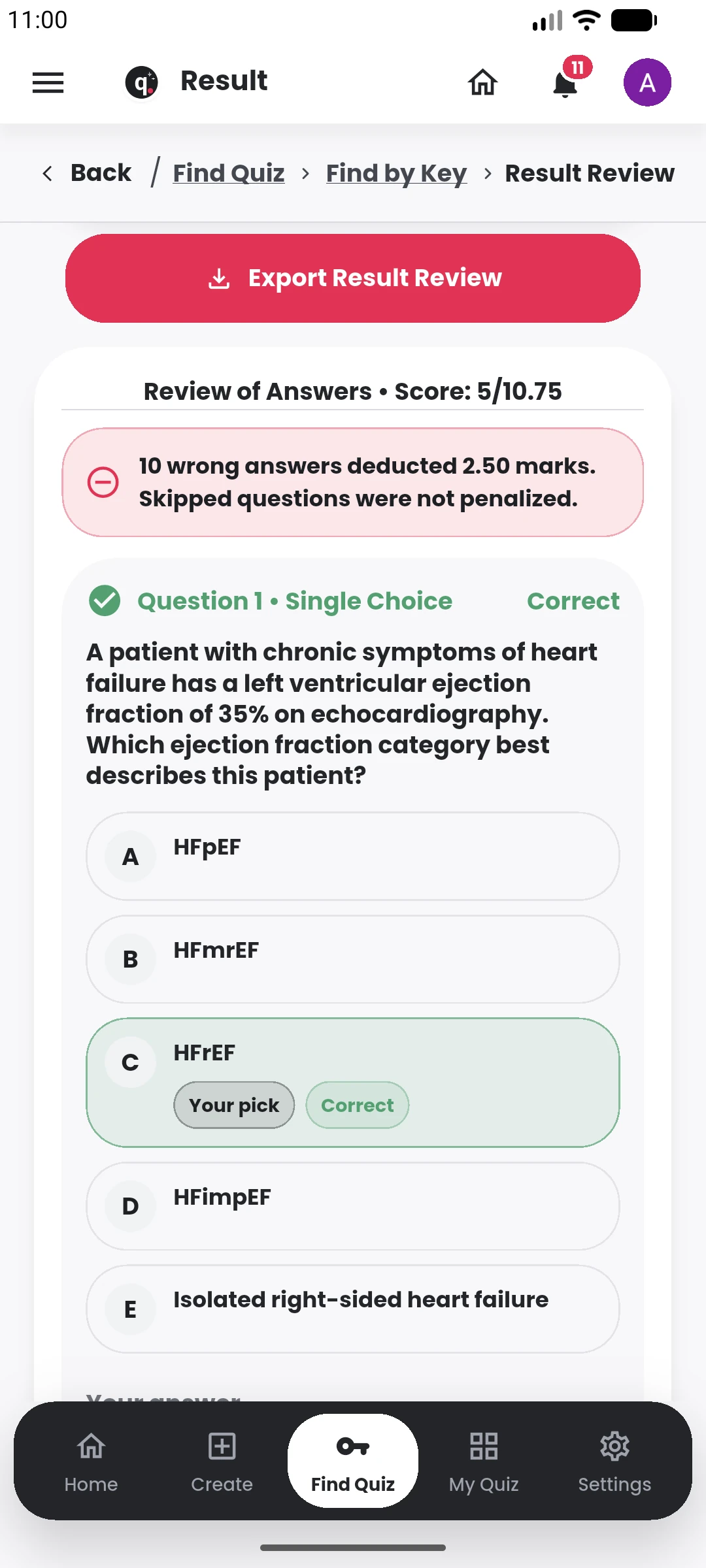
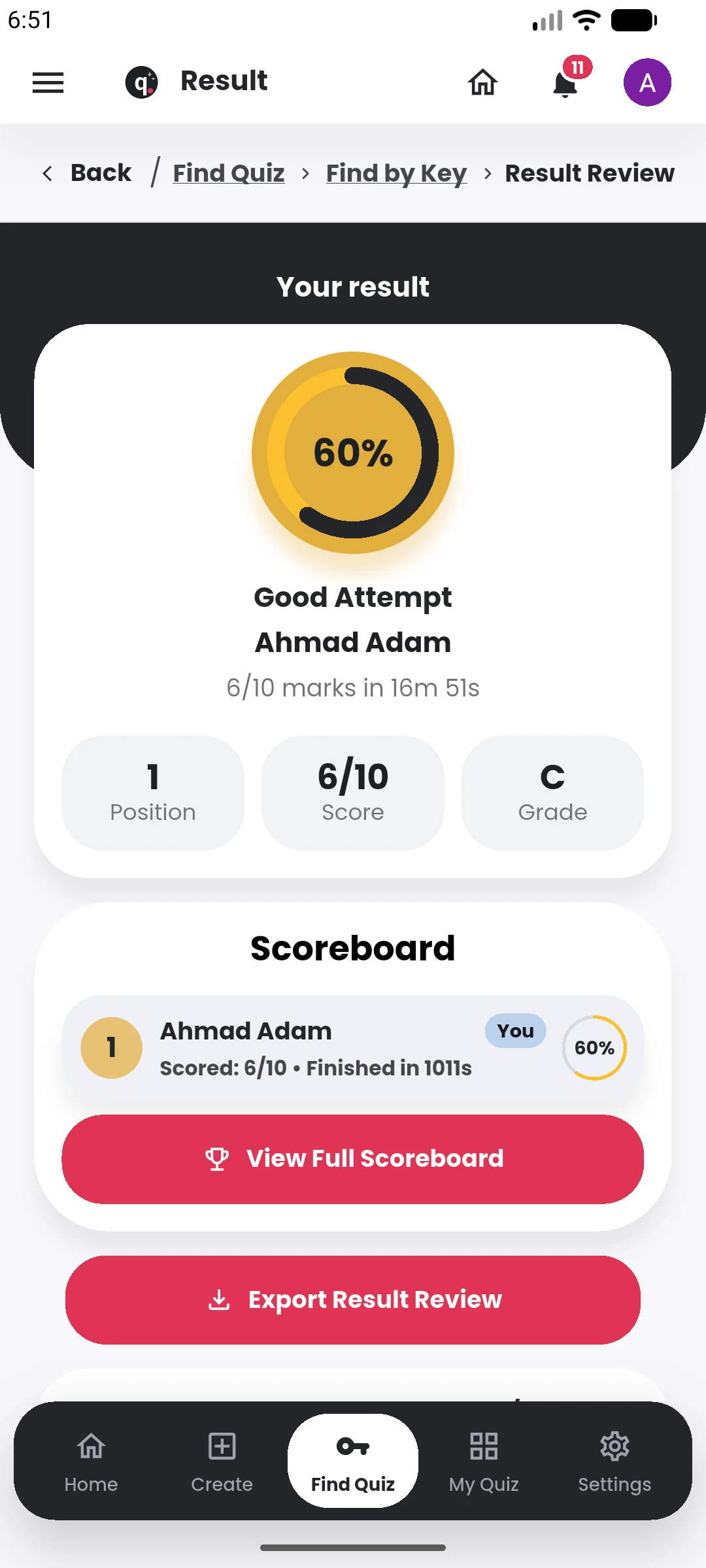
See attempts, results and scoreboards, correct faulty questions, update affected scores, handle follow-up work and export records when needed.
When the same assessment work becomes regular across a school or organization, Institution Workspace keeps materials, assessments, participants and repeated work together.
The tutorials are there when you want the step-by-step version of a workflow you have already seen on the site.
Turn a topic, detailed prompt, document, image, notes, or supported public link into an editable question bank.
Open tutorialFind publishing controls, update quiz settings, review the question bank, and monitor participation.
Open tutorialExport a polished DOCX question paper, with optional answer content, for offline use and sharing.
Open tutorialBrowse free public quizzes shared by other users, inspect the session details, and start an available quiz in Quiyo.
Open tutorialTry the product, see how pricing works, read the policies and contact support if something is not clear. You should not have to guess what you are signing up for.
Start with the core quiz workflow and see how the product feels before choosing a paid plan.
Open Quiyo →Review personal plans, AI-credit top-ups and how Institution Workspace capacity is configured.
View pricing →Privacy, terms and refund information are published on the site so the rules are available before purchase.
Read privacy policy →Browse tutorials and product guidance or contact support@quiyo.app when you need a direct answer.
Go to support →Quiyo is an independent assessment technology platform.
The product already supports personal quiz creation and assessment workflows, while the institution side is being expanded for broader real-world use.
Preparing questions is only the beginning. Materials may be in one place, question creation in another, delivery somewhere else, and results or corrections in spreadsheets. Quiyo is built to keep more of that work attached to the same assessment.
No. You can use Quiyo for revision, sports, movies, group games, training and public challenges, or use the same product for formal tests and institution-wide CBT.
Yes. Quiyo supports creating from topics and prompts as well as supported documents, images and other source material. You can then review and edit the questions before publishing.
No. AI can help you get a first draft faster, but you can also create and edit questions manually. The final quiz remains yours to refine.
You can manage the session, participation, attempts, scoreboards, results, review, exports and other follow-up work without treating publishing as the end of the workflow.
Quiyo supports reassessment so affected attempts can be updated after a question is corrected instead of forcing you to recalculate results one participant at a time.
It gives an institution a shared place for its courses, materials, question preparation, assessments, participants, CBT activity, results and recurring assessment work.
Yes. Quiyo supports DOCX question exports for classrooms, training, workshops, offline use and other situations where the assessment needs to leave the app.
A quick quiz, a revision set, a class test or institution-wide CBT. Start where you are and let Quiyo handle more when you need it.