

How to Generate a Quiz

Turn a topic, detailed prompt, document, image, notes, or supported public link into an editable question bank.

Video coming soon AI · sources · quiz studio
Quiyo AI-powered quiz studio
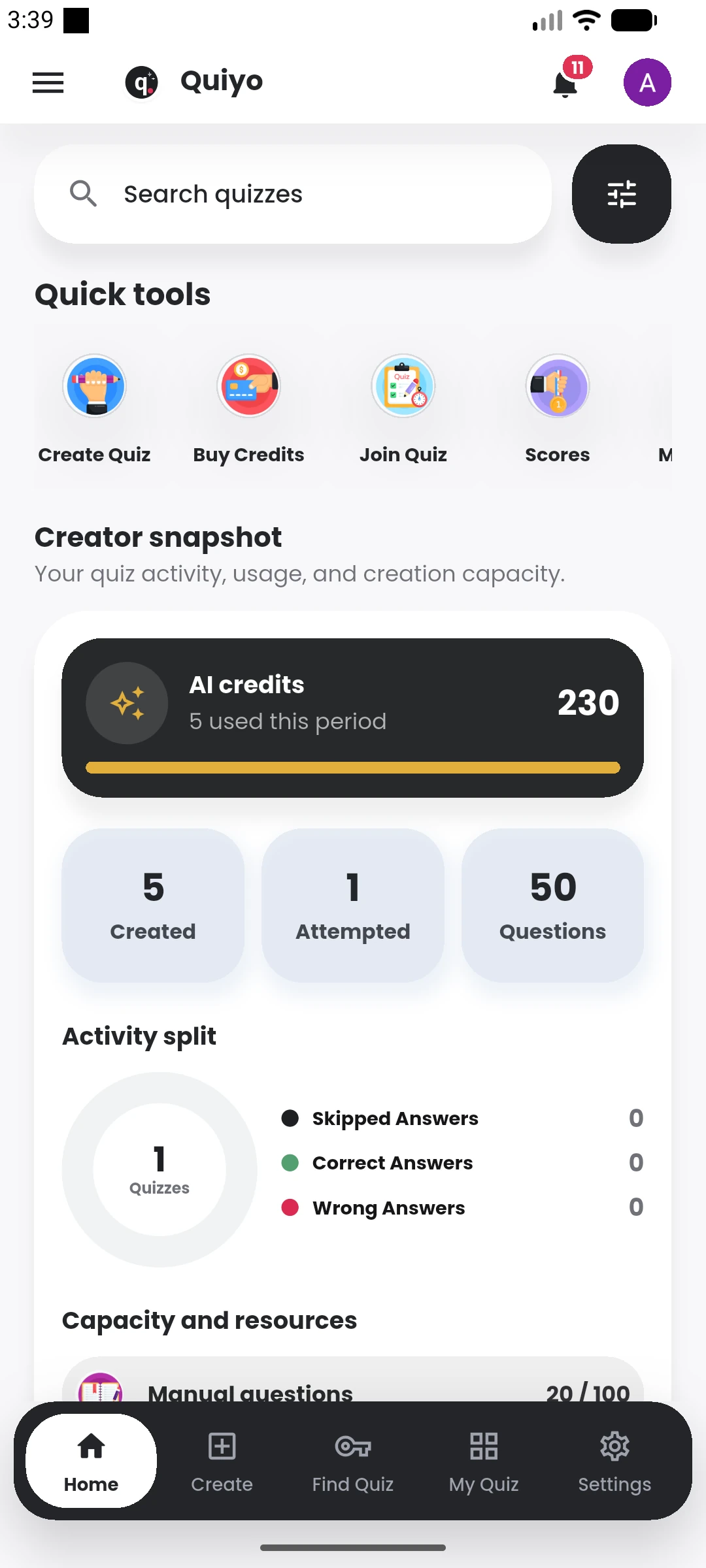
Quiyo mobile result showing score, grade, position and scoreboard. Quiyo mobile home showing quiz activity, AI credits and creator tools.

SUPPORTED BY LEADING TECHNOLOGY ECOSYSTEMS

Video coming soon

The complete written walkthrough is ready below.

Follow these steps

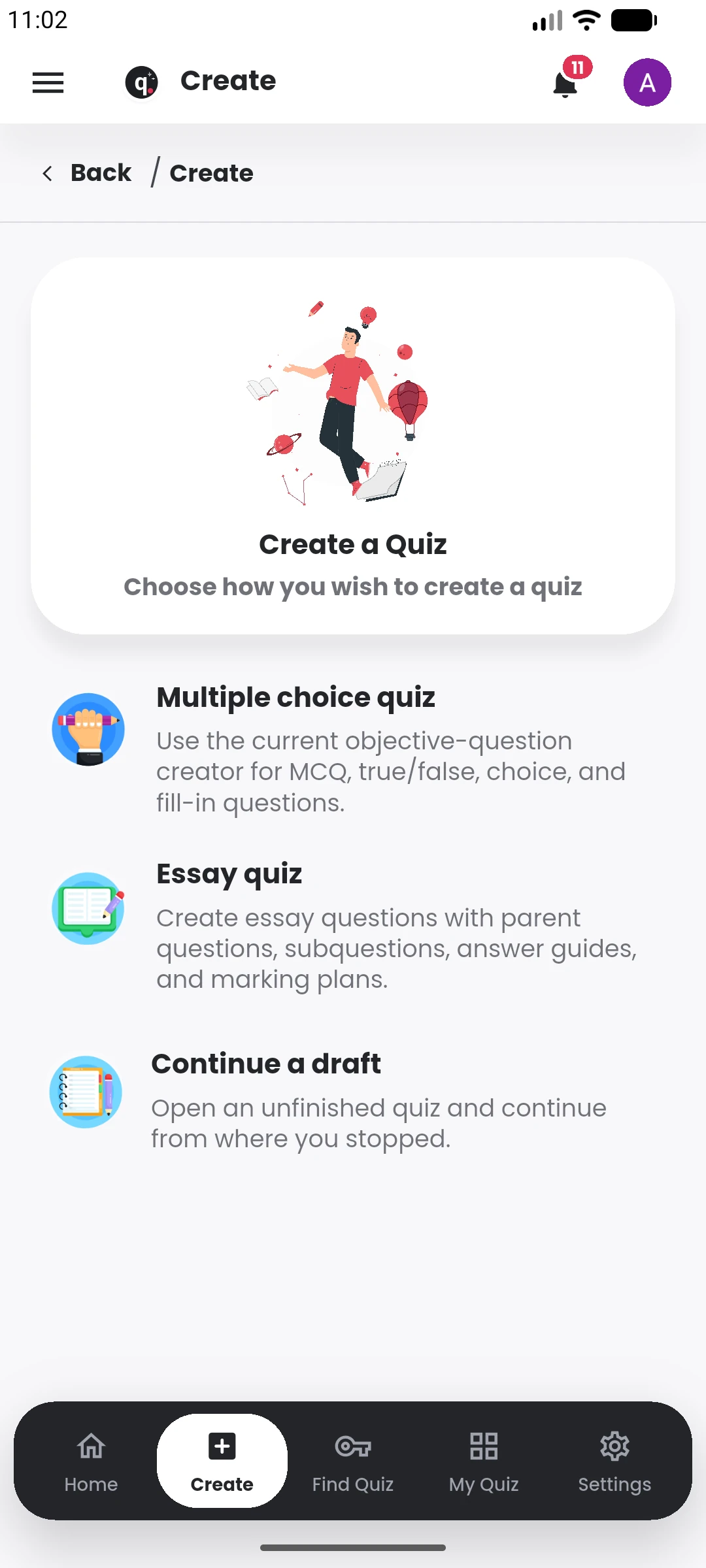
  1. Open Quiyo and choose Create Quiz.
  2. Choose a source: manual questions, an AI prompt, a public link, images, past questions, or lecture notes.
  3. Add a clear topic and the number of questions you need.
  4. Generate the question bank, then review every question before publishing.
Related tutorials

View library