Save active work
Creation drafts and attempt progress can be kept locally while you continue.
Keep supported quiz progress and queued attempt data locally when connectivity drops, then sync when the connection returns.
 QuiyoAI-powered quiz studio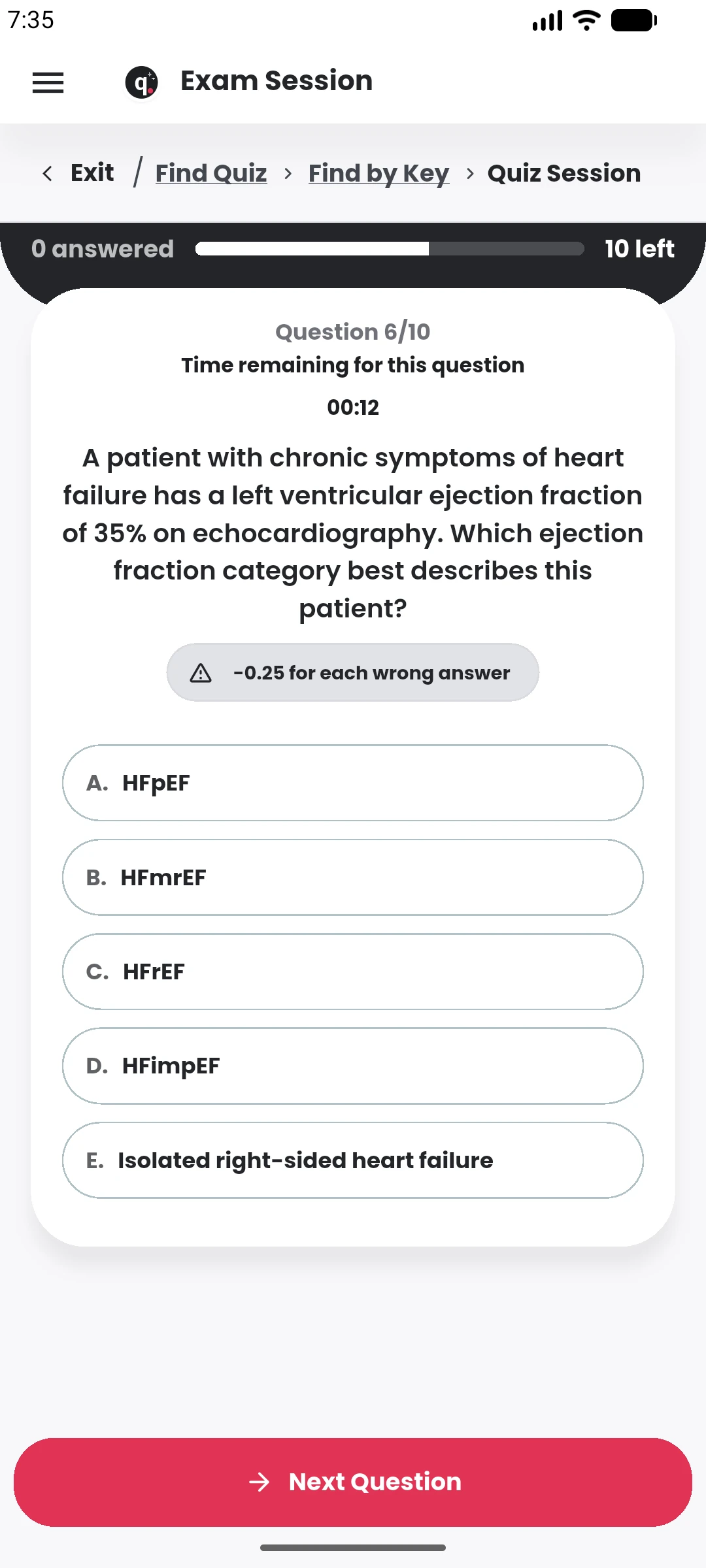
SUPPORTED BY LEADING TECHNOLOGY ECOSYSTEMS


Quiyo keeps local quiz data and attempt progress where supported so a temporary network problem does not immediately wipe out ongoing work.
Queued submission behaviour and local drafts are used in parts of the app where work may need to wait for a reliable connection.
Offline support focuses on preserving work and resuming cleanly when connectivity changes during creation or attempts.
Creation drafts and attempt progress can be kept locally while you continue.
Previously loaded content can remain available for supported flows.
Supported actions can wait for connectivity and continue when the connection returns.
Reconnect the local state with Quiyo when the network becomes available again.
Quiyo keeps local progress for important quiz and creation flows so a temporary connection problem does not immediately discard the work already completed on the device.
Attempts can be queued when they cannot be submitted immediately, and generation or creation drafts can be resumed from saved state. When connectivity returns, the app can continue the relevant sync or submission process.
This is designed to reduce disruption during mobile use, while final server-side state remains authoritative for published assessments, results and institution-controlled activity.
Connectivity handling is designed around preserving work first and syncing it when the app can safely continue.
Supported local progress and queued attempt data can continue through temporary connection problems.