Android
Use the Android release when it is available for your device and region.
Create, study, take assessments and manage quiz activity from the same mobile account.
 QuiyoAI-powered quiz studio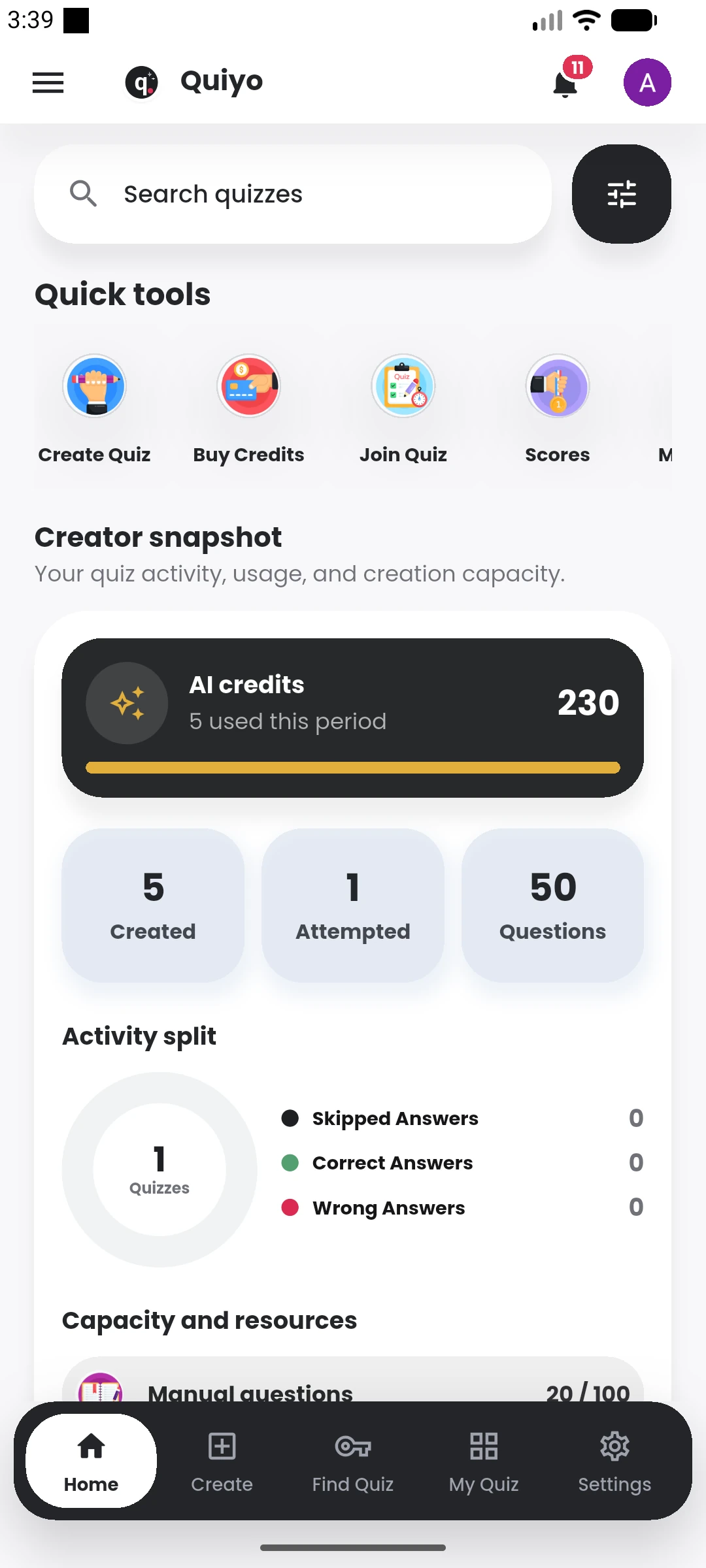
SUPPORTED BY LEADING TECHNOLOGY ECOSYSTEMS


The mobile experience covers creation, participation, results, study tools and creator management from the same account.
Use the platform links on this page to follow current mobile availability and access the web app in the meantime.
Store availability is presented here so people can find the correct Quiyo app from one download page.
Use the Android release when it is available for your device and region.
Use the iOS release when it is available for your device and region.
Sign in with the same Quiyo account to keep your quizzes, study activity and institution access together.
Use the web experience when a browser is the better fit for the task.
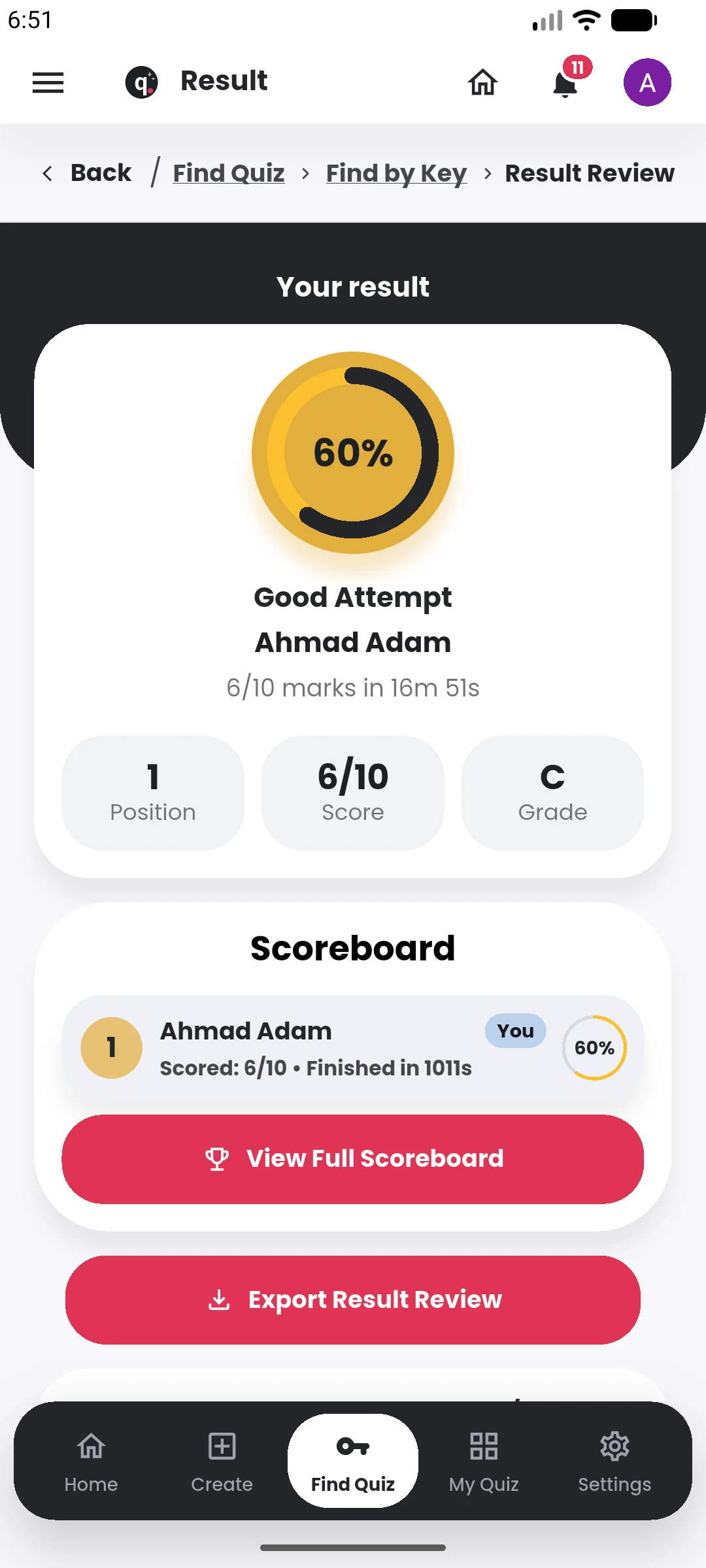
Quiyo on mobile keeps the highest-frequency actions close at hand: creating a quiz, joining one, checking scores, reviewing attempts and opening study resources attached to a subject or quiz.
The interface is arranged for shorter sessions as well as complete assessments, so a user can move between quick revision and longer Exam-mode activity without switching products.
The same account also carries public quizzes, Study Groups and institution access where those features are available to the user.
The app uses the same Quiyo account and quiz data as the wider platform.
Create, study, take assessments and manage activity from the same account.