The questions people usually have before they start.
Quiyo can be as simple as creating a quiz from a topic or as involved as running repeated assessments across an institution. These answers explain what changes as you go.
 Quiyo
Quiz, assessment and CBT workspace
Quiyo
Quiz, assessment and CBT workspace
SUPPORTED BY LEADING TECHNOLOGY ECOSYSTEMS


What Quiyo is built to help with.
What problem is Quiyo trying to solve?
Preparing questions is only the beginning. Materials may be in one place, question creation in another, delivery somewhere else, and results or corrections in spreadsheets. Quiyo is built to keep more of that work attached to the same assessment.
Is Quiyo just an AI quiz generator?
No. AI can help with question preparation, study resources and supported marking workflows, but Quiyo also covers editing, publishing, taking quizzes, results, corrections, public discovery, Study Groups and, for institutions, recurring assessment work in a shared workspace.
Is Quiyo only for schools or exams?
No. You can use Quiyo for revision, sports, movies, group games, training and public challenges, or use the same product for formal tests and institution-wide CBT.
Do I need AI to use Quiyo?
No. AI can help you create a first draft faster, but you can also create and edit questions manually. Quiyo is the workspace around the quiz, not only the generation button.
Can I use Quiyo on the web and mobile?
Yes. Quiyo is available through the web app, with mobile apps for everyday creation, participation and quiz follow-up.
Starting from ideas and material you already have.
What can I start from when creating a quiz?
You can start from a topic or prompt and use supported source types such as documents and images. The exact generation options available in the app guide you through the supported source for that workflow.
Can I use my own notes or documents?
Yes. One of the main reasons Quiyo supports source-based creation is so you can build questions from material you already use instead of rewriting everything into a prompt.
Can I edit AI-generated questions?
Yes. Generated questions are a draft, not a locked result. You can edit questions and options, change answers, regenerate selectively, reorder, remove, add manually and continue refining before publishing.
Can I keep and reuse good questions?
Yes. Quiyo supports keeping, refining, merging, exporting and reusing quiz content so strong work does not have to disappear after one assessment.
Can I create a quiz without uploading a document?
Yes. You can start from a topic or prompt, create questions manually, use a supported source file, or combine those approaches depending on what you are trying to make.
What kinds of questions can I create?
Quiyo supports common assessment formats including multiple-choice, true-or-false, fill-in-the-blank and written-response questions. The available setup depends on the quiz and the way you choose to create it.
What happens once the questions are ready.
What happens after I publish?
Publishing is not the end of the workflow. You can continue managing the session, participation, attempts, scoreboards, results, review, settings and exports from the quiz.
Can I control how a quiz is taken?
Yes. Depending on the quiz setup, Quiyo supports controls around timing, attempts, access, participants, review and other session rules.
Can Quiyo be used for CBT?
Yes. Quiyo supports CBT delivery for regular assessments and institution workflows.
Can I use a quiz outside Quiyo?
Yes. Quiyo supports DOCX question export for printed assessments, classrooms, workshops, training, events and offline use.
Can people discover public quizzes?
Yes. Creators can choose to make supported quizzes publicly discoverable, and users can browse free public quiz content inside Quiyo.
Can a quiz be shared publicly or kept for a specific audience?
Yes. Quiyo supports public discovery as well as controlled quiz access, so a creator can choose whether a quiz is meant for open participation or a particular group.
The work that begins after people submit.
Can I review attempts and results?
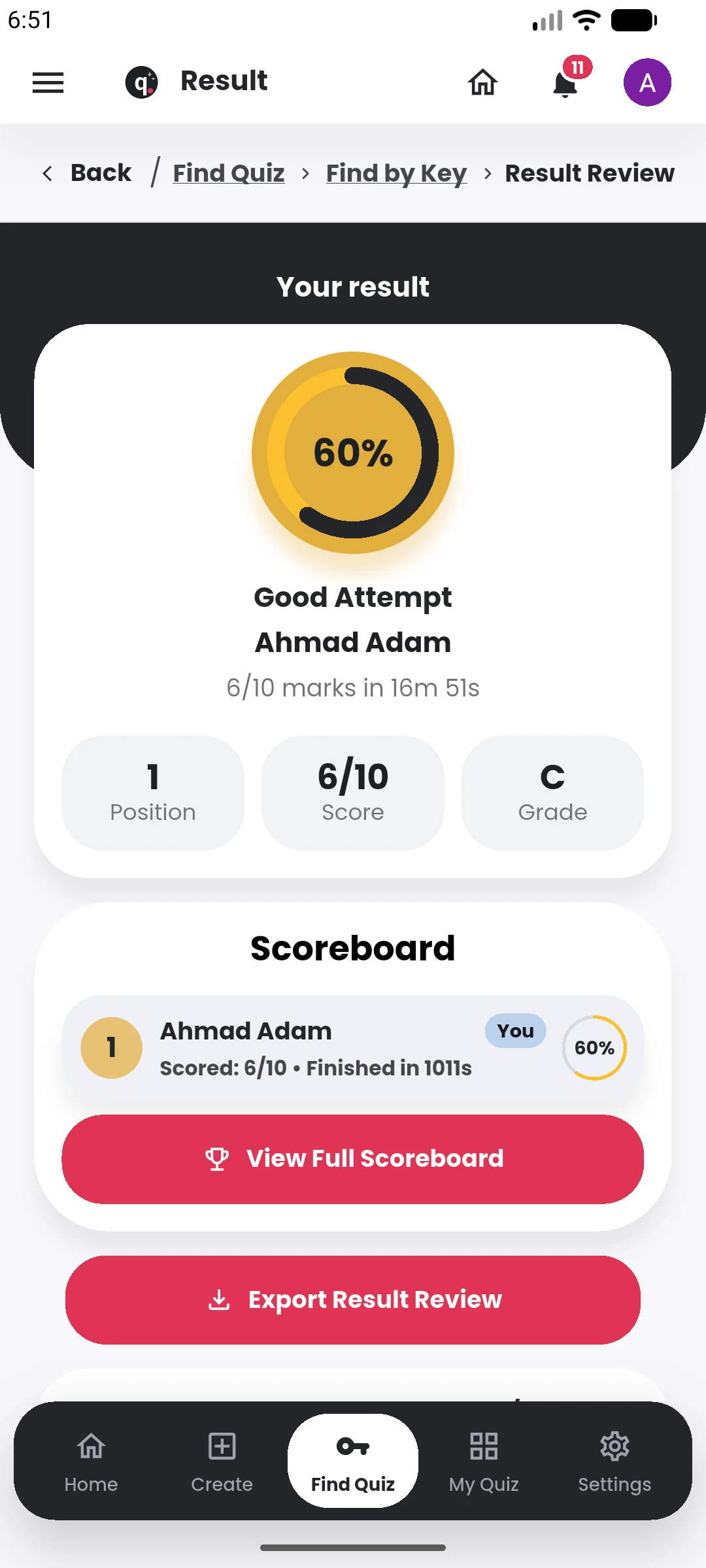
Yes. Quiyo provides result and attempt views along with scoreboards and supported analytics so you can see what happened after participation.
What if a published question is wrong?
Quiyo supports reassessment so affected attempts can be updated after a question is corrected instead of forcing you to recalculate every participant result by hand.
Can participants appeal a result or question?
Quiyo includes appeal workflows for supported assessment setups so a concern can remain connected to the assessment instead of becoming an unrelated message thread.
Can I export results?
Yes. Quiyo supports result and scoreboard exports for workflows that need records outside the app.
Can I export the questions as well as the results?
Yes. Quiyo supports question export for uses such as printed assessments and result export for reviewing or working with assessment data outside the app.
Studying after the quiz has been created.
What study tools can Quiyo generate?
Quiyo can create Key Points, Flashcards, Study Notes and short two-host Podcasts from supported quiz source material.
Do study tools have to be generated before the quiz?
No. They are part of the wider quiz and study workflow, so you can continue from the material and quiz you already have.
What are Study Groups?
Study Groups are private spaces where members can bring in published quizzes, discuss them and compare group scoreboards.
Can public quizzes have comments and followers?
Yes. Public quiz discovery includes creator profiles and social actions such as following, likes, comments, replies and sharing.
What changes when an institution uses Quiyo.
What does Institution Workspace add?
It gives an institution a shared place for courses, materials, question preparation, assessments, participants, CBT activity, results and recurring assessment work.
Do we need to recreate our material for every assessment?
No. The workspace is designed so useful course material and question content can remain available for future assessment preparation.
Can we use course outlines, notes, textbooks and past questions?
Yes. Supported academic source material can be brought into the workspace and used while preparing questions and assessments.
Can we run both CBT and printed assessments?
Yes. Assessments can continue through Quiyo for CBT, while DOCX question export supports workflows that need a printed or offline version.
Do participants need a separate institution app?
No. Institution assessments continue through the normal Quiyo quiz experience.
Can the workspace grow as our use grows?
Yes. Institution capacity is configurable around staff, participants, storage and AI usage so the setup can grow with actual use.
Can we evaluate Quiyo with one real assessment before expanding our use?
Yes. An institution can begin with the assessment work it already has, bring in relevant material, prepare the questions, deliver or export the assessment, and review the results before deciding how broadly to use the workspace.
Can someone use Quiyo personally and also work inside an Institution Workspace?
Yes. Personal quiz use and Institution Workspace are separate contexts within Quiyo, so the product can stay useful for an individual while also supporting work carried out for an institution.
What we can say about the hardware today.
Quiyo Device is a product direction in development, so the website separates the goal from specifications that are not final yet.
What is Quiyo Device?
Quiyo Device is dedicated assessment hardware being developed to run Quiyo quizzes, CBT and institutional examinations in a device environment built specifically around assessment use.
Can I buy Quiyo Device now?
No. It is currently in development. Hardware specifications, availability, pricing and deployment options will be announced when they are ready.
Will I need Quiyo Device to use Quiyo?
No. Quiyo remains usable through its supported software experiences. The device is planned as an additional option for people and institutions that want dedicated assessment hardware.
Is the device intended for institutional CBT?
Yes. One of the main goals is to support repeatable institutional assessment sessions, including larger deployments where dedicated candidate devices are useful.
Are the screen size and hardware specifications final?
No. Any concept shown on the website is illustrative. Final hardware, software lockdown, deployment model, specifications and pricing may change during development.
Why is Quiyo building a dedicated device?
The goal is to give institutions a focused assessment endpoint for CBT and repeated exam sessions. It could reduce dependence on large desktop-PC laboratories while avoiding some of the control problems that come with unrestricted personal devices.
Is Quiyo Device meant to be cheaper than building a PC laboratory?
Affordability is one of the problems shaping the concept, especially for schools that want to adopt CBT without purchasing a full desktop workstation for every exam seat. Final device pricing has not been announced, so the website does not promise a specific cost saving yet.
How could the device reduce exam malpractice?
The planned experience keeps the candidate centered on the assessment rather than a general-purpose device environment. That can reduce opportunities to leave the exam interface, switch to unrelated applications or use the device for unintended activity. It does not guarantee that all forms of malpractice are impossible.
Are the current device images photographs of a finished prototype?
No. They are representative concept renders of the prototype direction. The final enclosure, ports, dimensions, charging system and other hardware details may change during development.
The commercial questions.
What are AI credits?
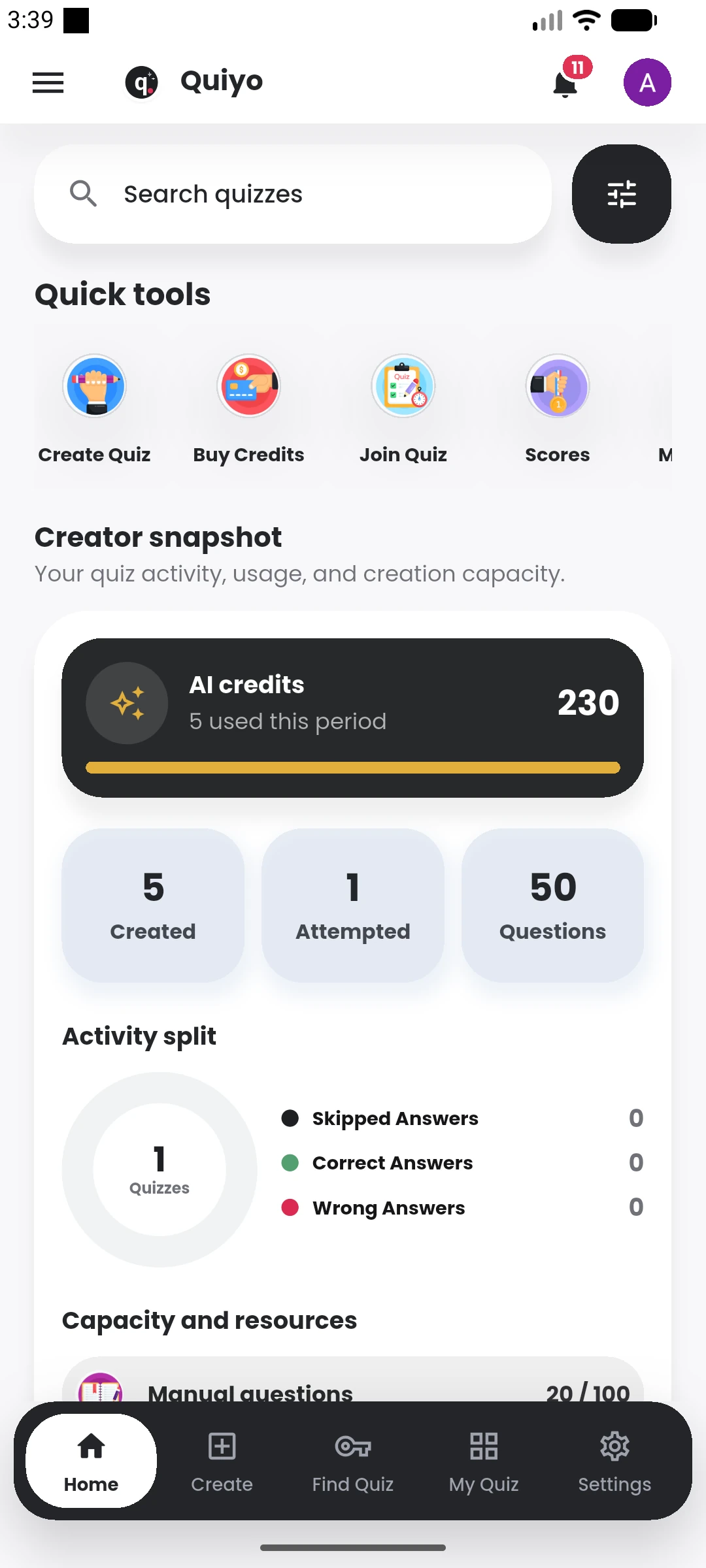
AI credits are used by AI-powered creation workflows. They are separate from the idea of simply having access to Quiyo and are consumed when supported AI actions run.
Can I buy more AI credits?
Yes. One-time credit bundles can be added when you need more AI processing.
Do institution staff need personal subscriptions?
No. Institution staff access is handled through Institution Workspace. A personal subscription is for personal Quiyo use, not a requirement for every staff member.
Is Quiyo a marketplace?
No. Quiyo sells access to its own software and AI usage. Users do not sell quizzes, collect participant payments, earn commissions or receive payouts through Quiyo.
Where can I read the payment and refund terms?
The Pricing page explains current plans and capacity options, while the Refund Policy and Terms pages contain the applicable purchase and refund conditions.
Start with the quiz or assessment you already need to make.
You do not need to use every part of Quiyo on day one. Start with the work in front of you and add more when it becomes useful.