Find relevant quizzes
Search and filter public quizzes across broad categories from one discovery area.
Browse by category, follow creators, attempt public quizzes, react and discuss, share useful material and report content when needed.
 QuiyoAI-powered quiz studio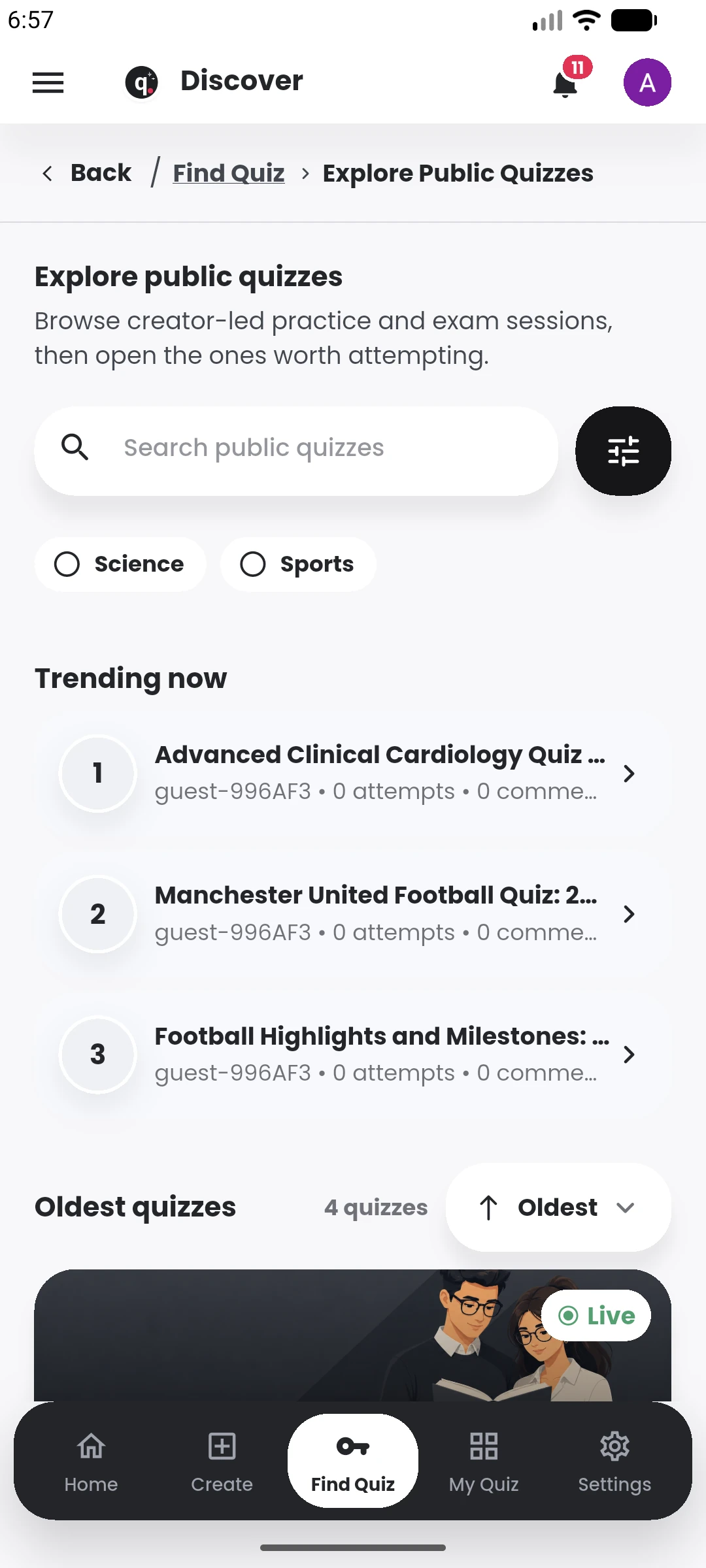
SUPPORTED BY LEADING TECHNOLOGY ECOSYSTEMS


The public area lets learners browse quizzes by category, open creator profiles and follow people whose material they find useful.
Likes, comments, replies and sharing add context around a quiz while reporting tools give the community a way to flag content that needs review.
Public quizzes are a discovery layer around the same quiz experience, with community features that help good material travel further.
Search and filter public quizzes across broad categories from one discovery area.
Open creator profiles, follow people whose quizzes are useful and receive publication updates.
Like quizzes, comment, reply and engage around the assessment in its own context.
Send public quiz links to others and report content when something needs review.
Published public quizzes can be discovered by category and search, then opened from the creator’s public profile. The quiz page keeps the assessment itself together with the creator identity and the activity around that content.
Learners can follow creators, like quizzes, comment, reply and share useful public material. Those social features make it easier to return to creators or topics that consistently produce useful practice content.
Creators can see the public side of their work alongside the normal quiz-management tools, so publishing a quiz does not separate it from attempts, analytics and later updates.
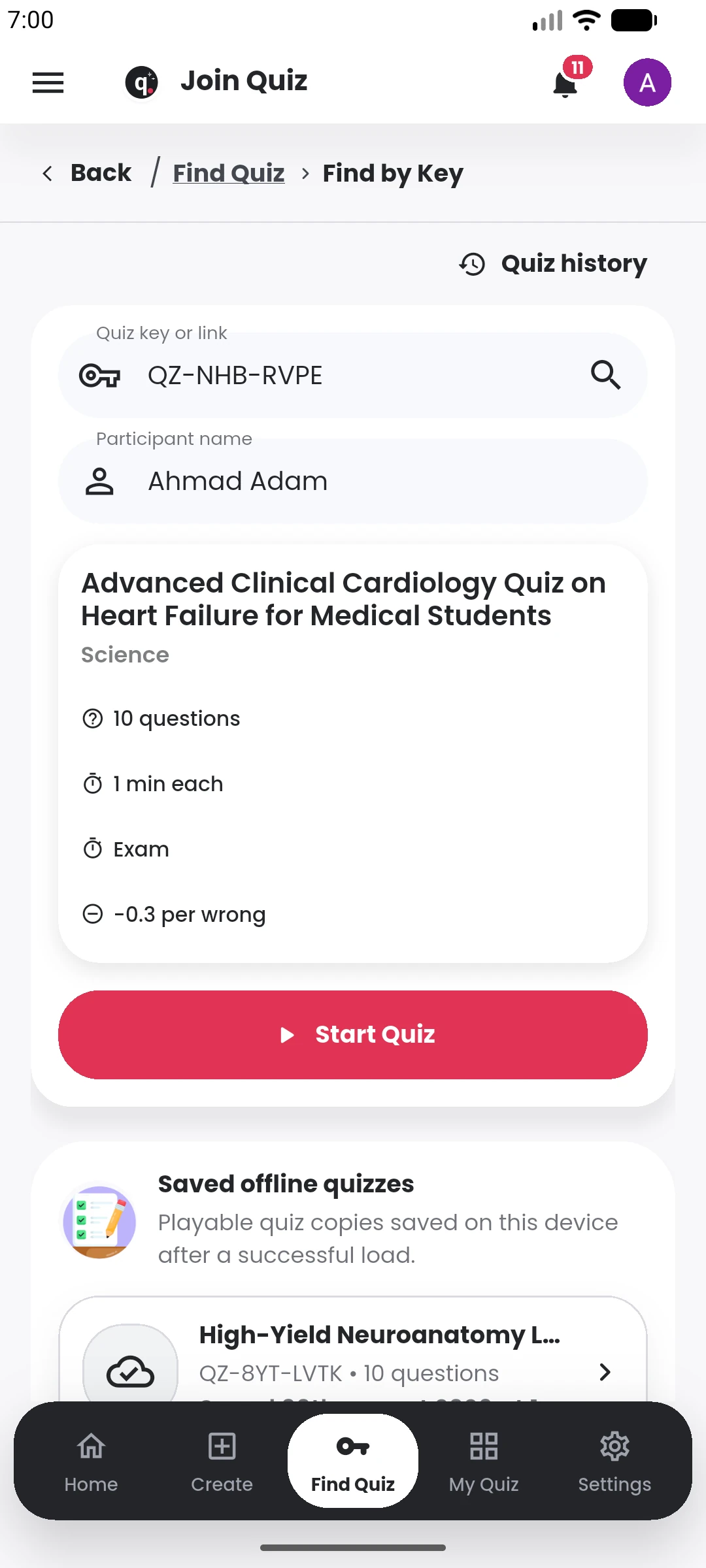
A public quiz can move from discovery to attempt, discussion and sharing inside Quiyo.
Browse the public directory, open creator profiles and take part in quiz discussions.