Choose a source
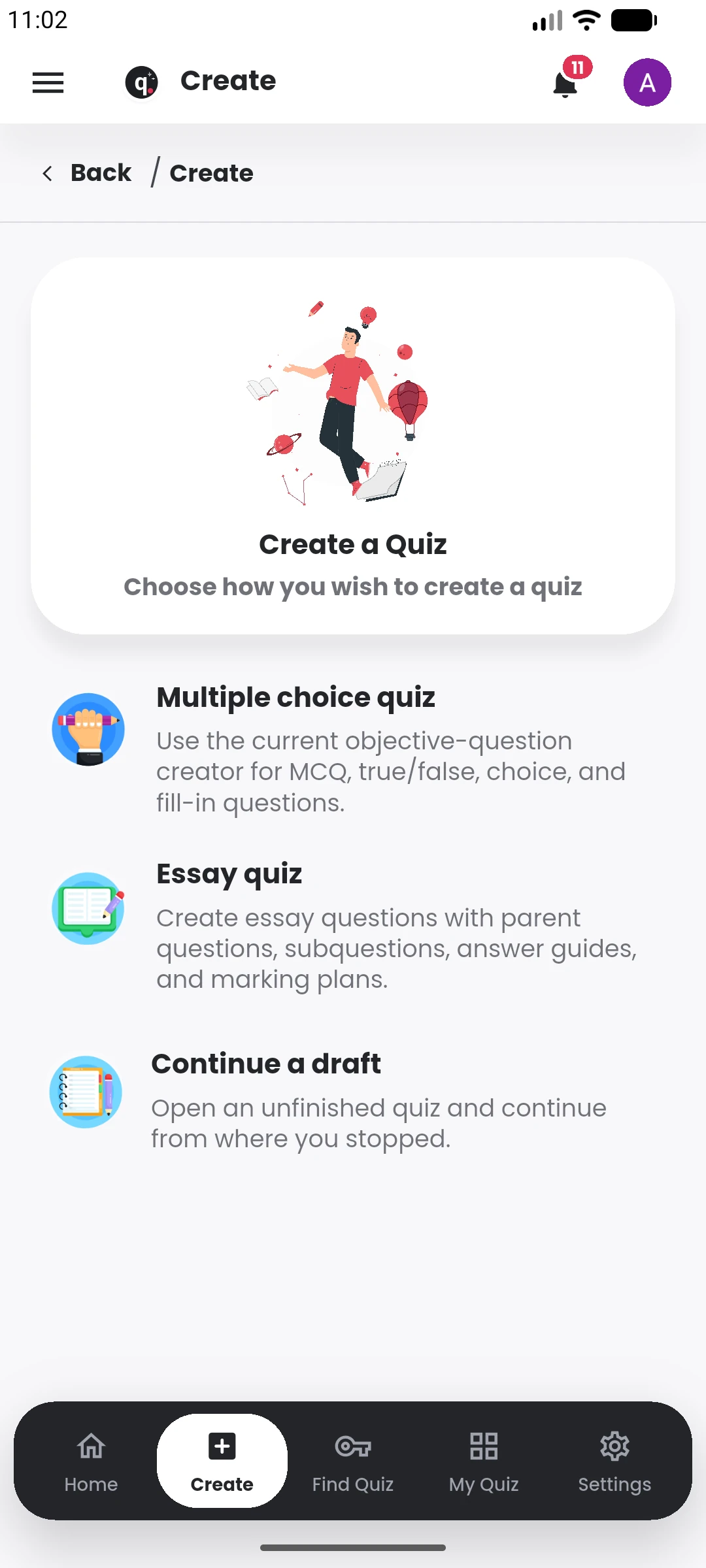
Start with a prompt, lecture note, file, image, camera capture, link or existing question material.
Generate MCQs, True/False, fill-in-the-blank and essay questions, then edit the draft and configure how it will be used.
 QuiyoAI-powered quiz studio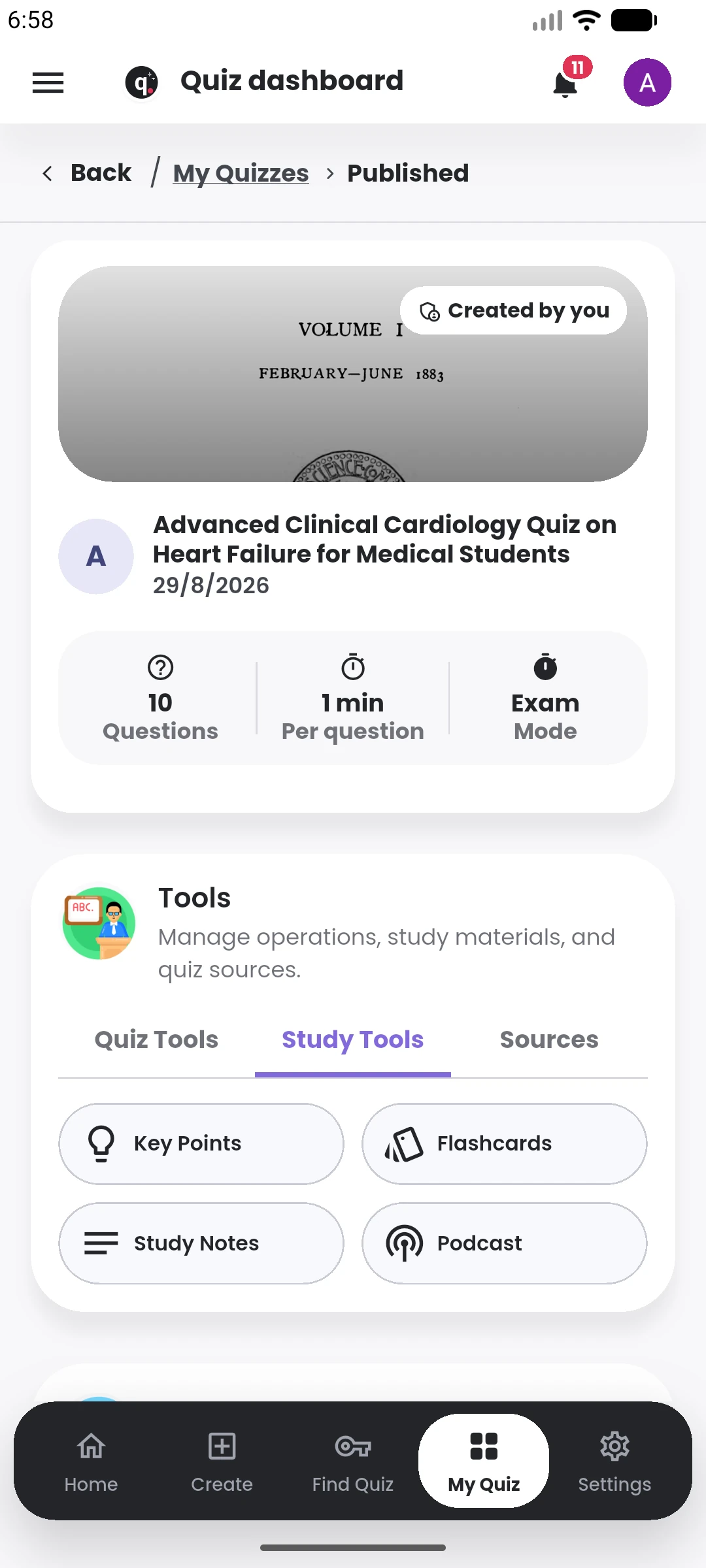
SUPPORTED BY LEADING TECHNOLOGY ECOSYSTEMS


A quiz can begin with a topic, a lecture note, a PDF, an image, captured pages or existing questions. Quiyo keeps that source close while the questions are generated and edited.
The generated draft stays editable. You can change wording, options, answers, explanations, marks and assessment settings before anything is published.
Quiyo keeps quiz creation in one flow so the source material, generated questions and final assessment stay connected.
Start with a prompt, lecture note, file, image, camera capture, link or existing question material.
Create MCQs, True/False, fill-in-the-blank or structured essay questions with configurable counts and options.
Edit wording, answers, explanations, marks and settings, or ask AI for help on individual questions.
Use Practice or Exam mode, control timing and access, or keep the quiz private until it is ready.
Creation begins by choosing where the questions should come from. That can be a direct topic or prompt, a document, images, notes, past questions or manually entered material. Quiyo then turns the selected source into an editable question set.
The creator can refine individual questions, adjust options and answers, mix supported question types and decide how the quiz should behave. Setup controls cover the assessment mode, timing, shuffle rules, access, retakes, review settings and other delivery choices.
Publishing keeps the quiz available for attempts, sharing, public discovery or later management. From there, the same quiz can feed scoreboards, analytics, study tools and reuse workflows instead of ending at the generation screen.
The creation flow is useful for a quick personal quiz and still has enough control for a formal assessment.
Open Quiyo and begin with a topic, file, image or existing question material.