01
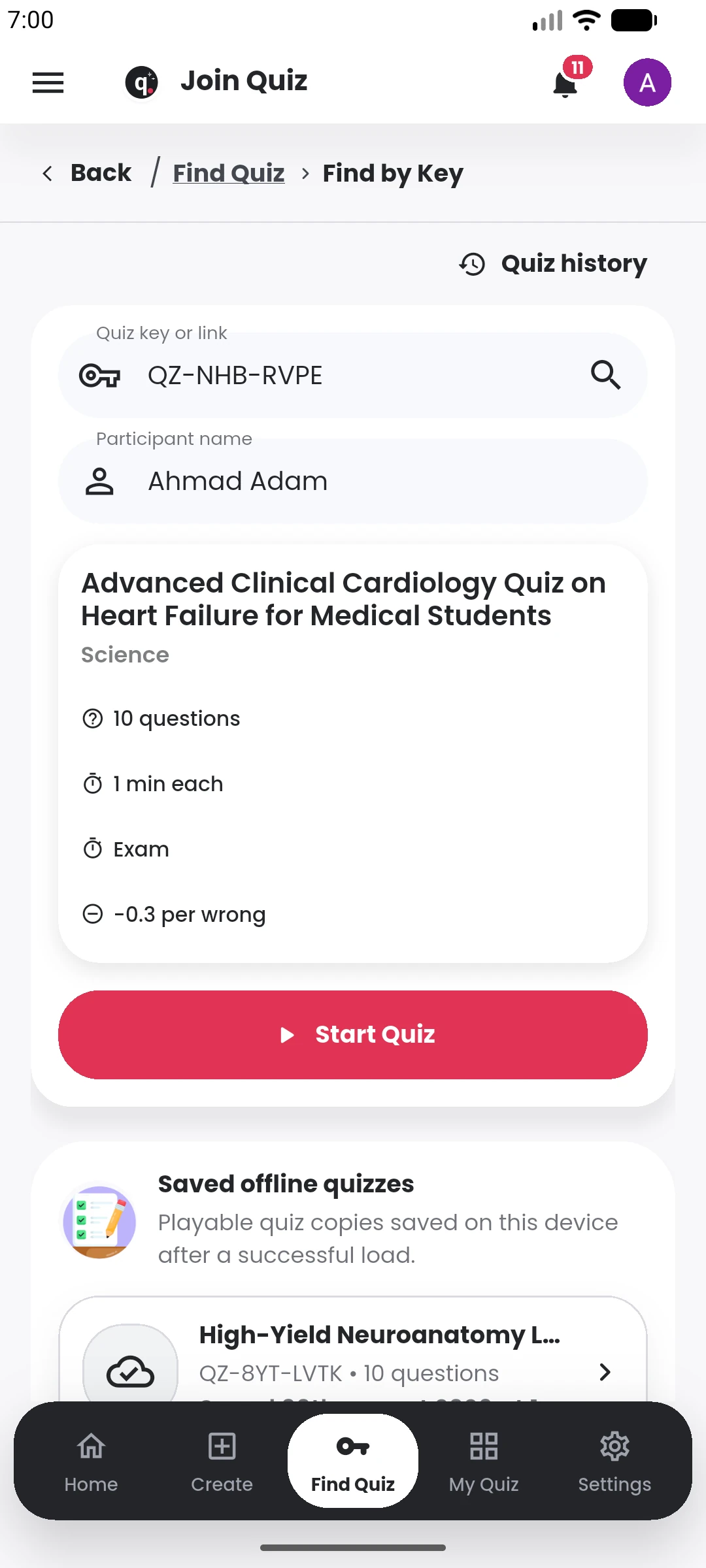
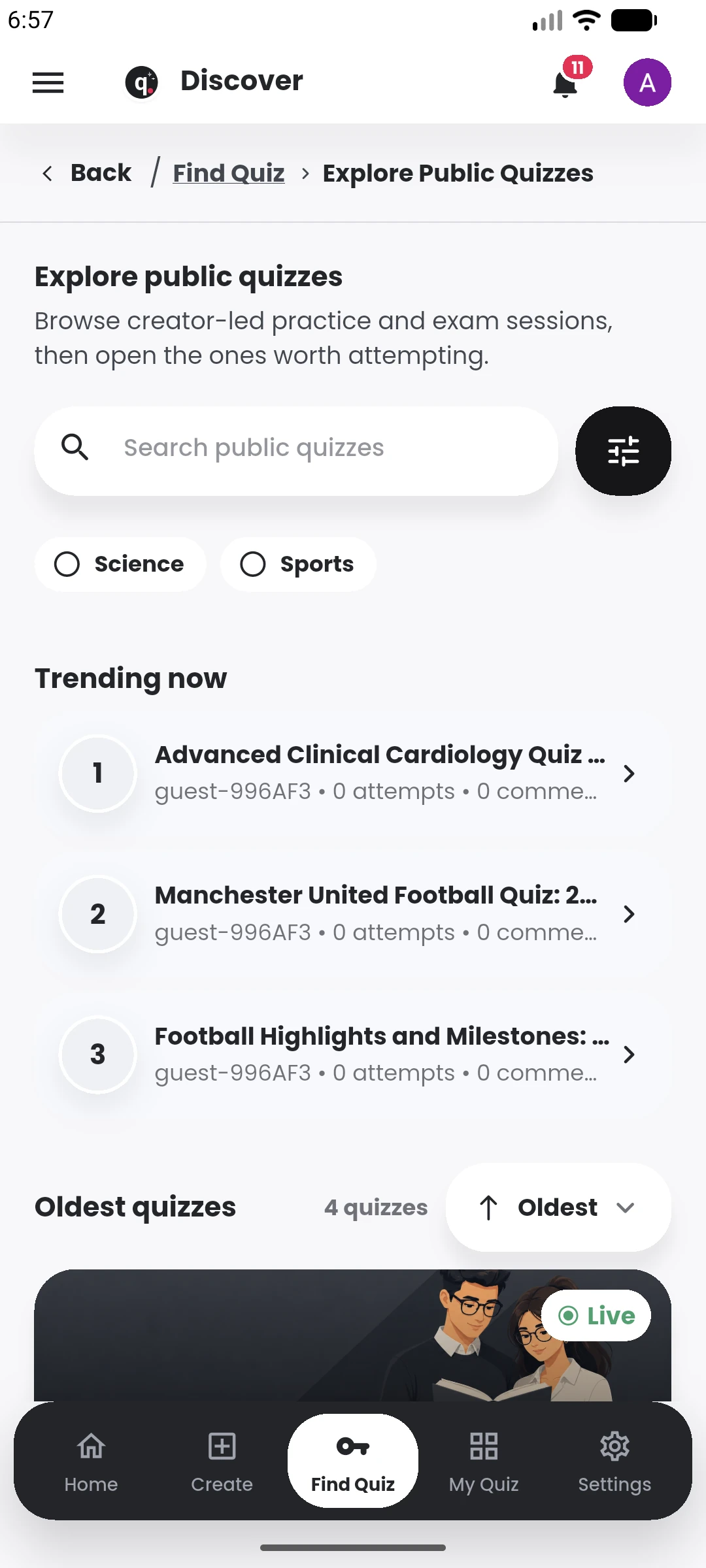
Discover public quizzes
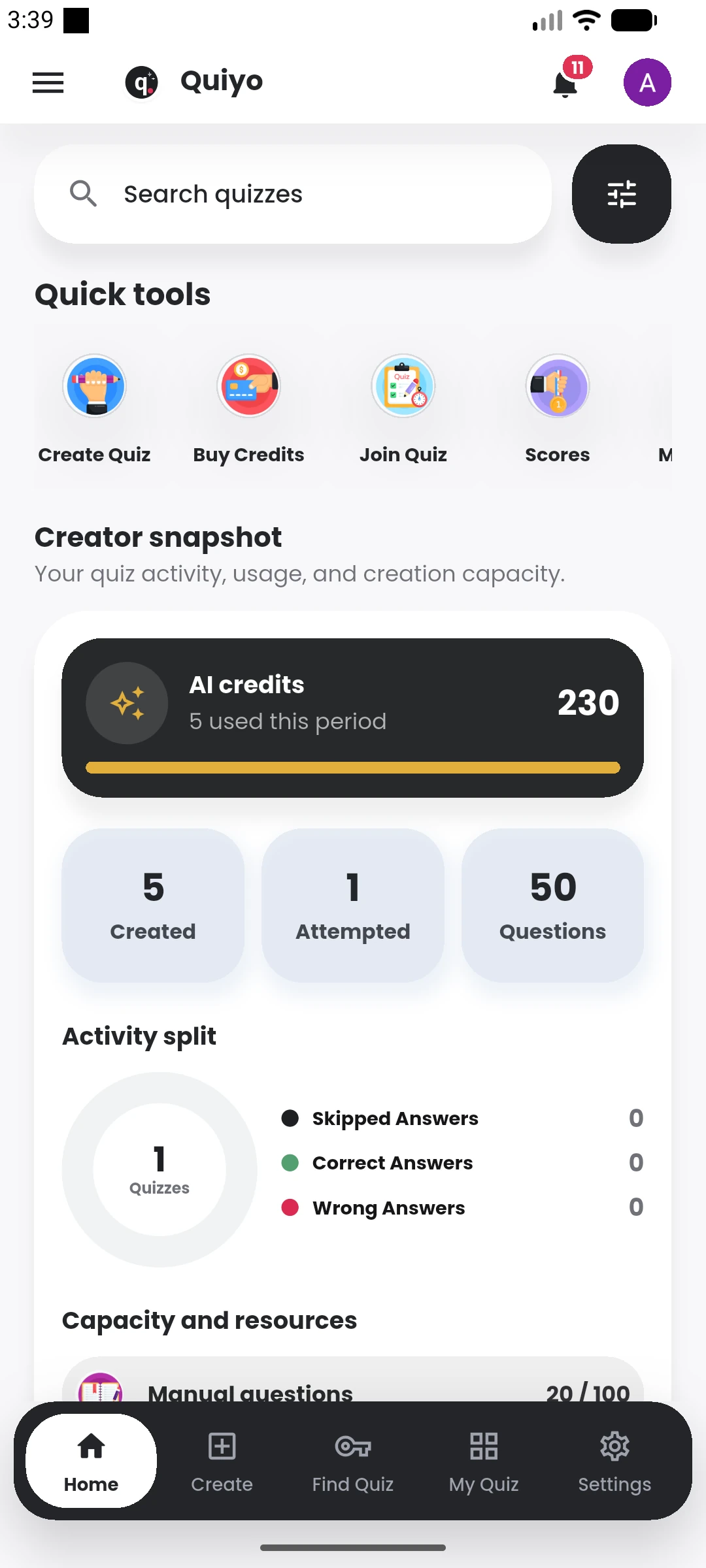
Browse public quizzes and move from search to an available session.
Get questions ready from ideas or materials, refine them, publish, conduct, review results, correct issues, reuse strong questions, and keep assessment work organized when the scale grows.
 Quiyo
AI-powered quiz studio
Quiyo
AI-powered quiz studio
SUPPORTED BY LEADING TECHNOLOGY ECOSYSTEMS


Discover, take and understand a quiz
Browse public quizzes and move from search to an available session.
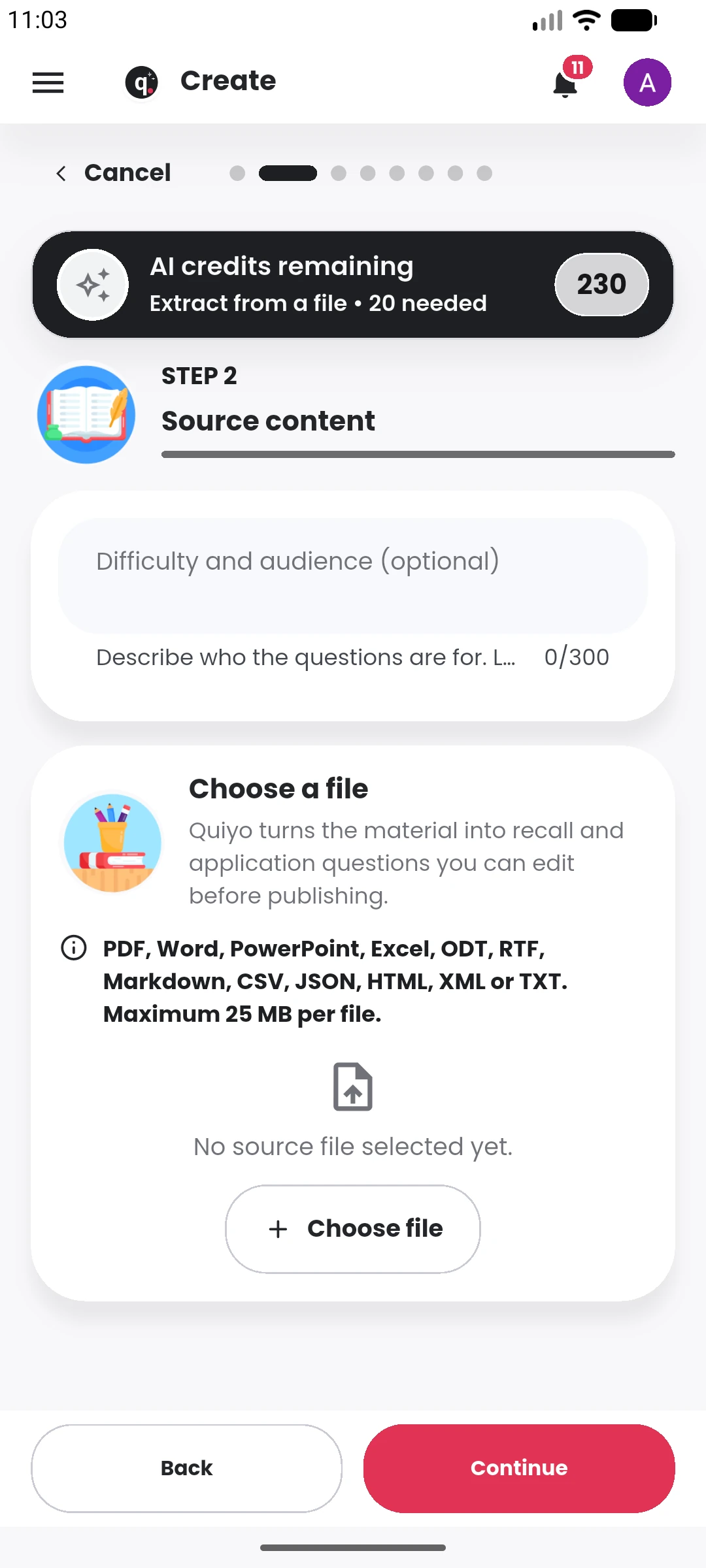
Bring course outlines, lecture notes, textbooks, past questions and other source material closer to question preparation so useful content does not have to be rediscovered every time.
Quiyo
Organize · Generate · Moderate
Arrange the work around the courses, programmes, classes or other academic groupings the institution already uses.
Give the people preparing, reviewing and managing assessments a shared place to work from.
Refine, review, reuse and carry strong questions into future assessments.
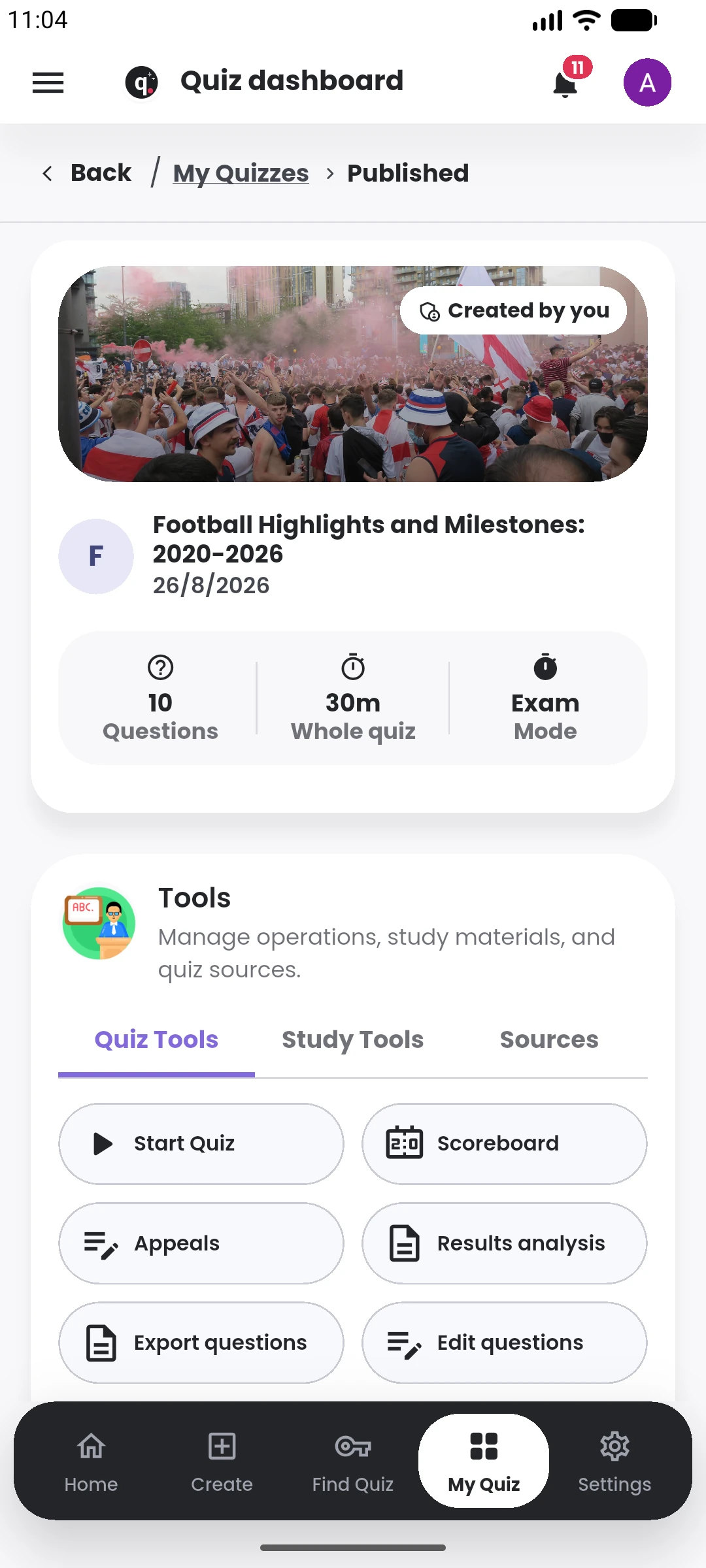
Publish, conduct CBT, review results, handle follow-up and export when needed.
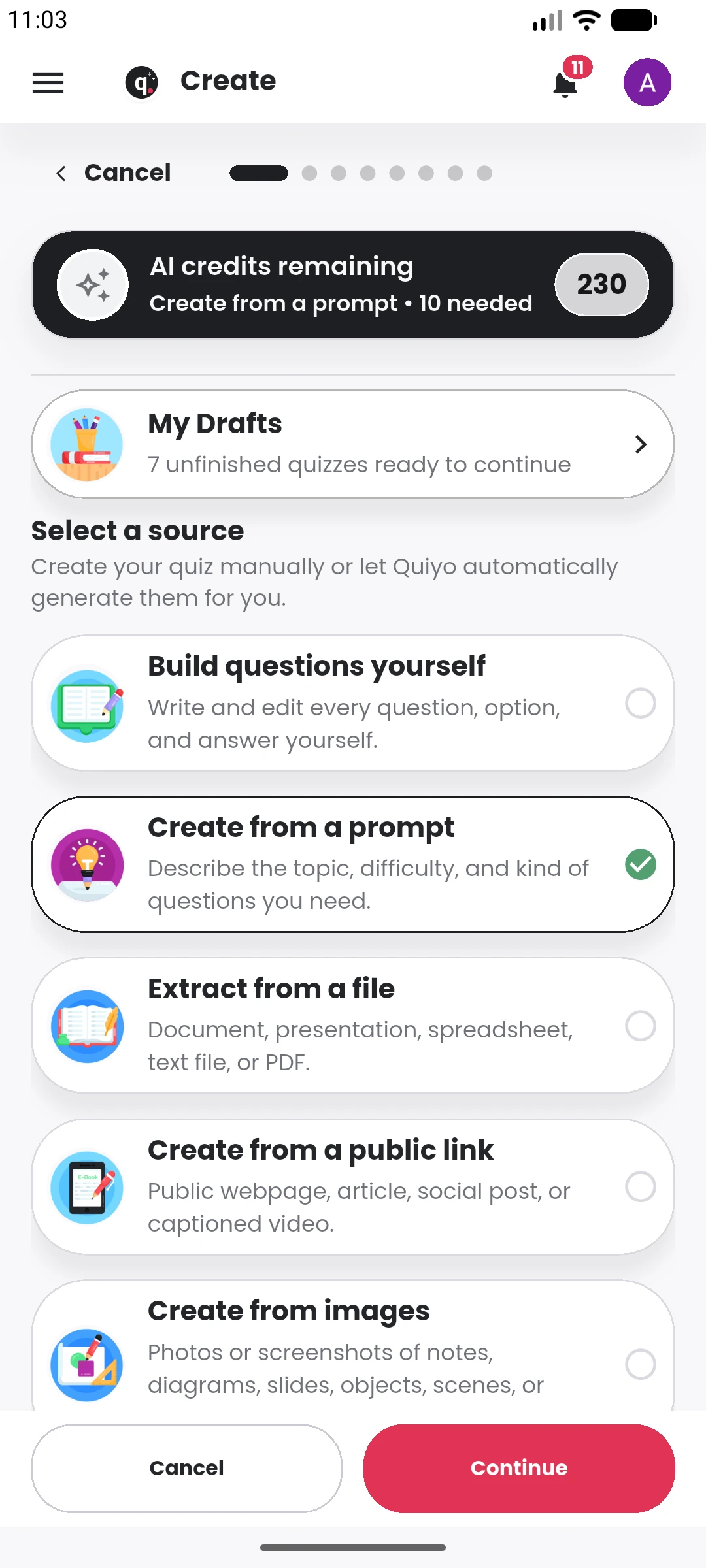
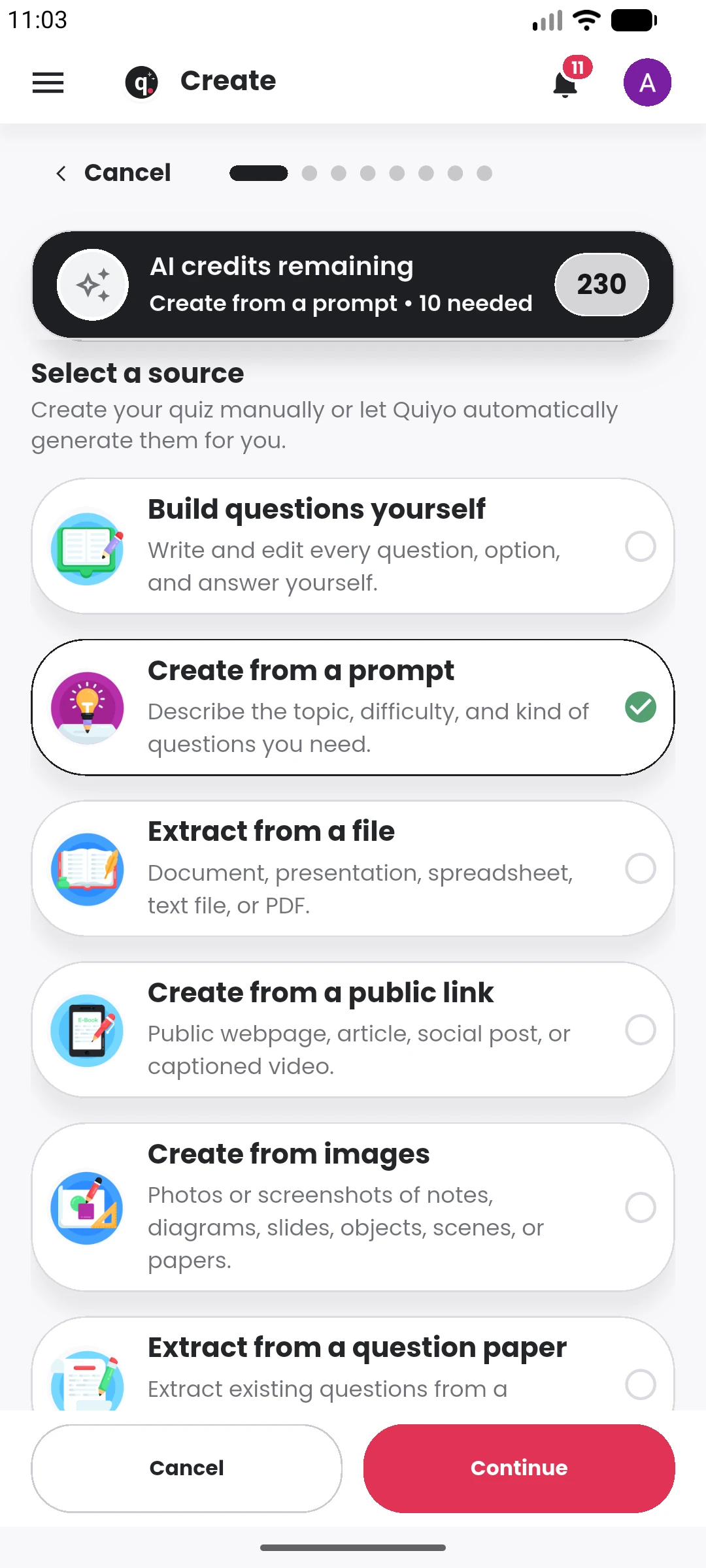
From an idea or source to a working quiz
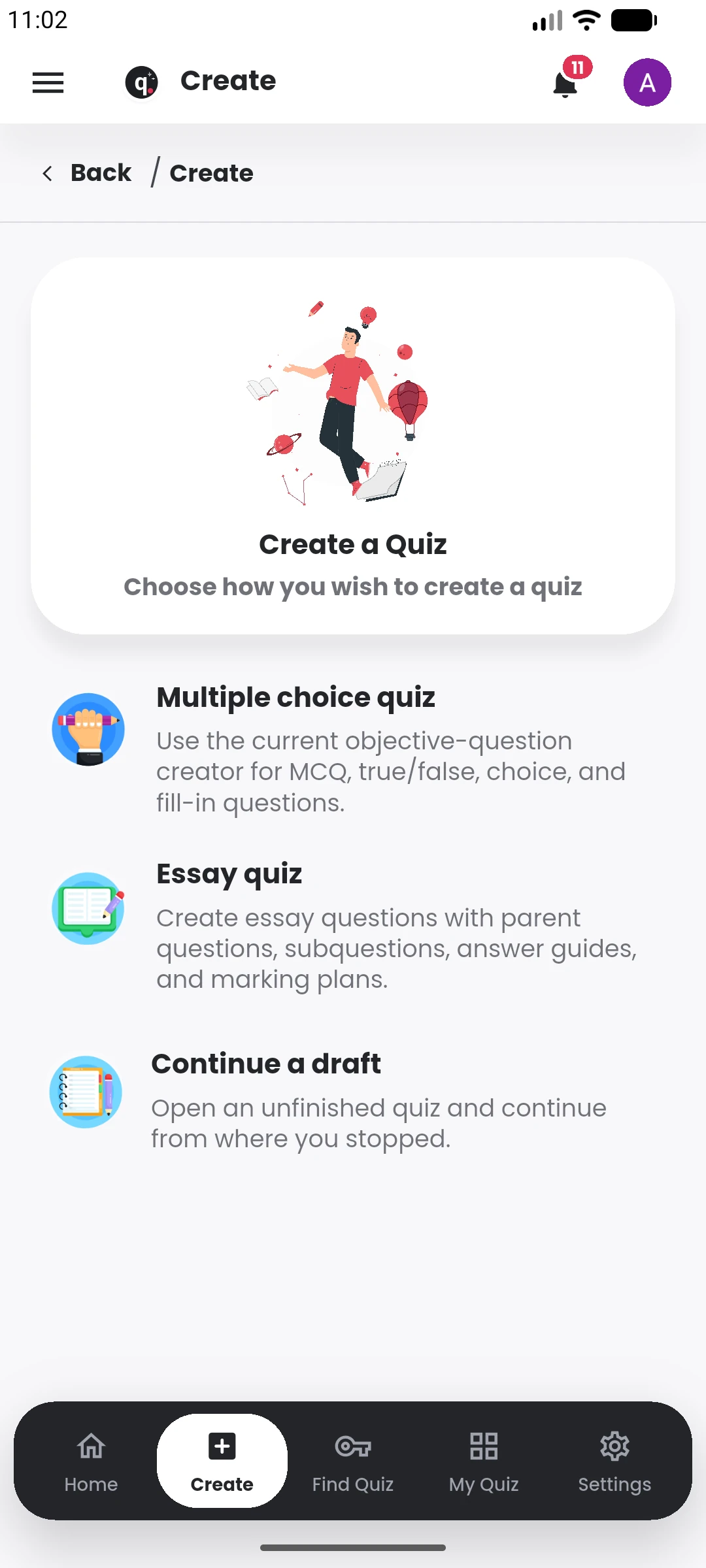
Start with multiple-choice, essay, or continue a draft already in progress.
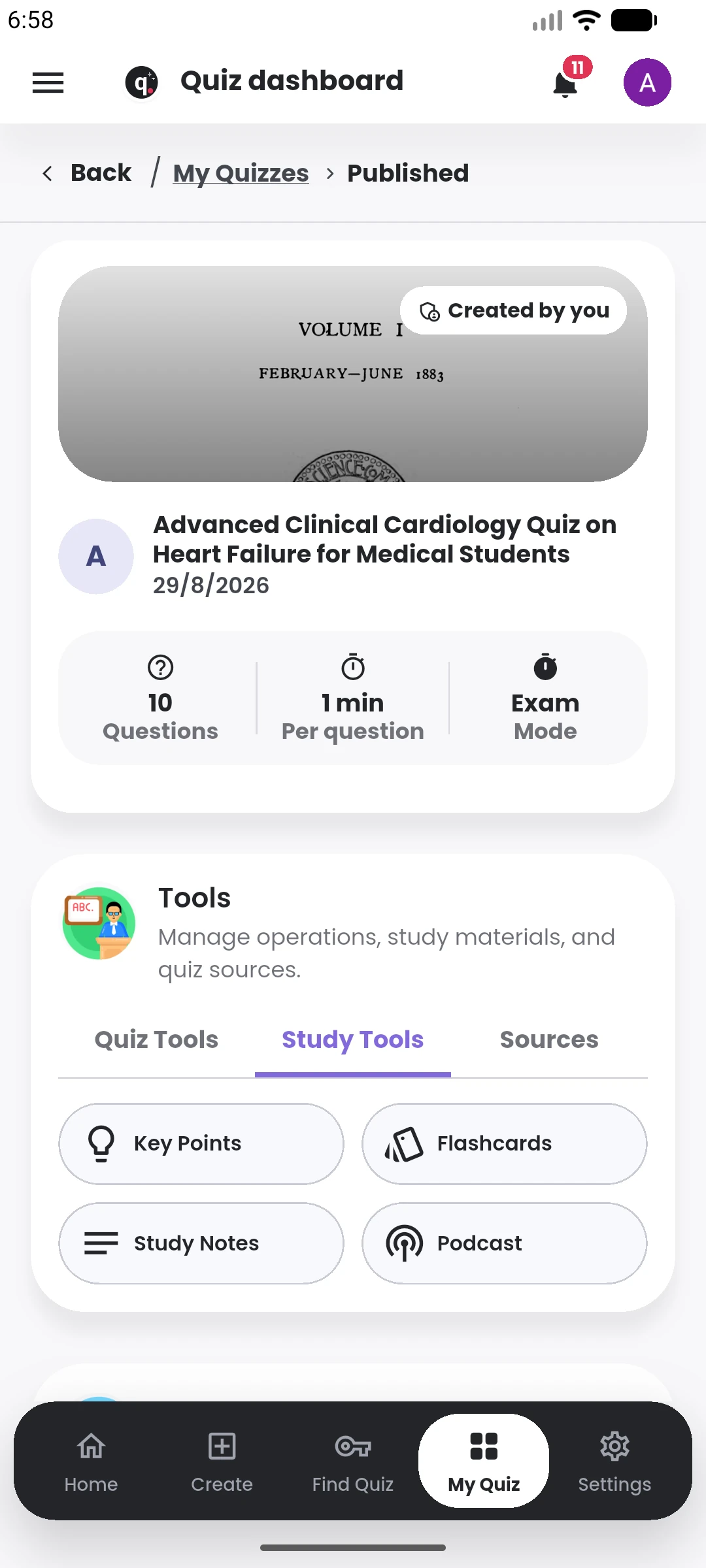
Quiz generation is now one part of the study workflow. Quiyo can keep working from the same source and turn it into revision material you can read, recall or listen to.
Choose the study format that fits the moment without rebuilding the context each time.
Generate a concise set of important ideas with selectable depth and presentation.
Create recall material in term-definition, question-answer and fill-in styles.
Build structured notes from the material attached to the quiz.
Generate short two-host audio discussions in lecture, conversational or interview styles.
Create private groups, invite members, discuss quizzes and compare group scoreboards.
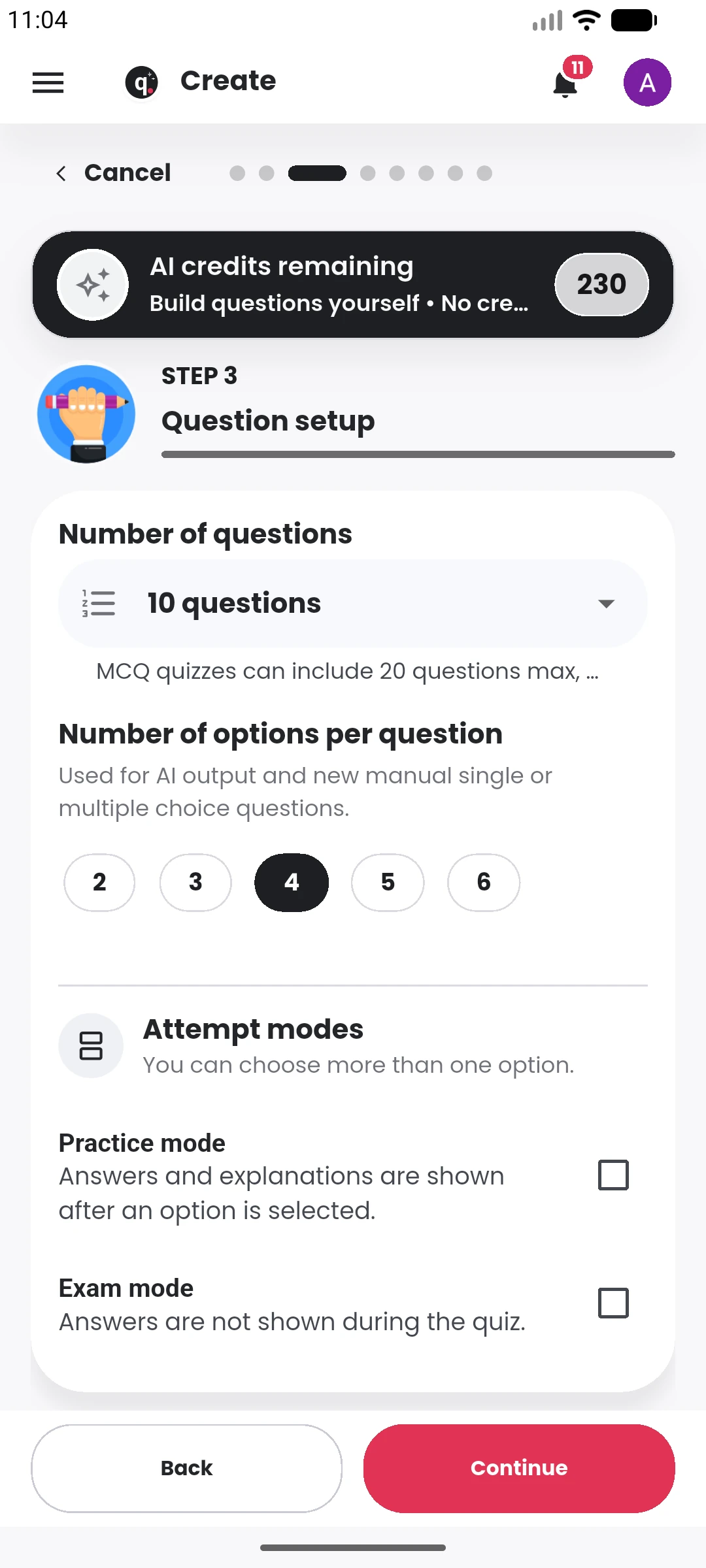
Quiyo supports richer question structures, written responses and AI-assisted review while keeping the creator in control of how the assessment is configured.
Use single-answer and multi-select MCQs, True/False formats, fill-in-the-blank questions and written responses.
Arrange sections, nested questions and subquestions, then attach answer guides and marking schemes where needed.
Use AI while drafting individual questions and options, and use supported AI marking tools for written or fill-in responses.
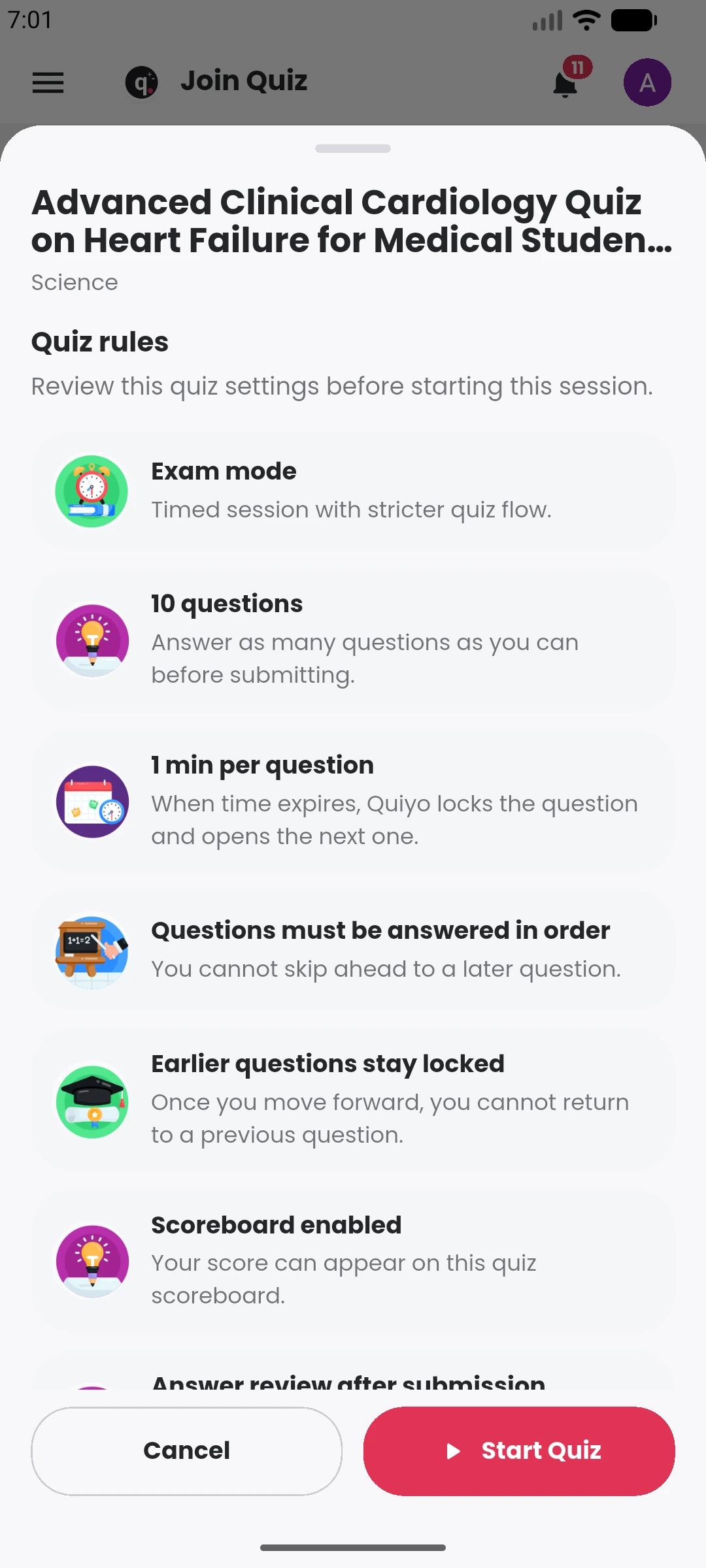
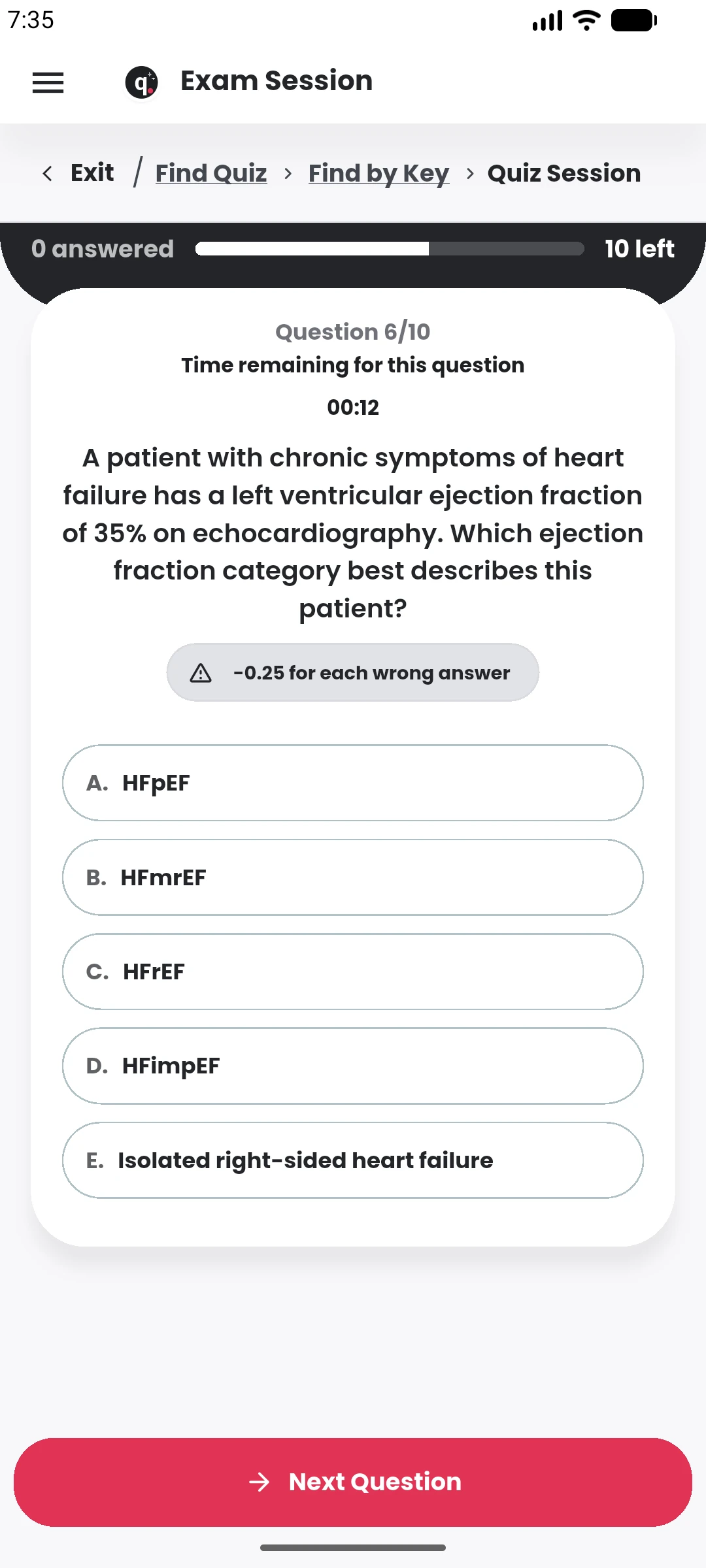
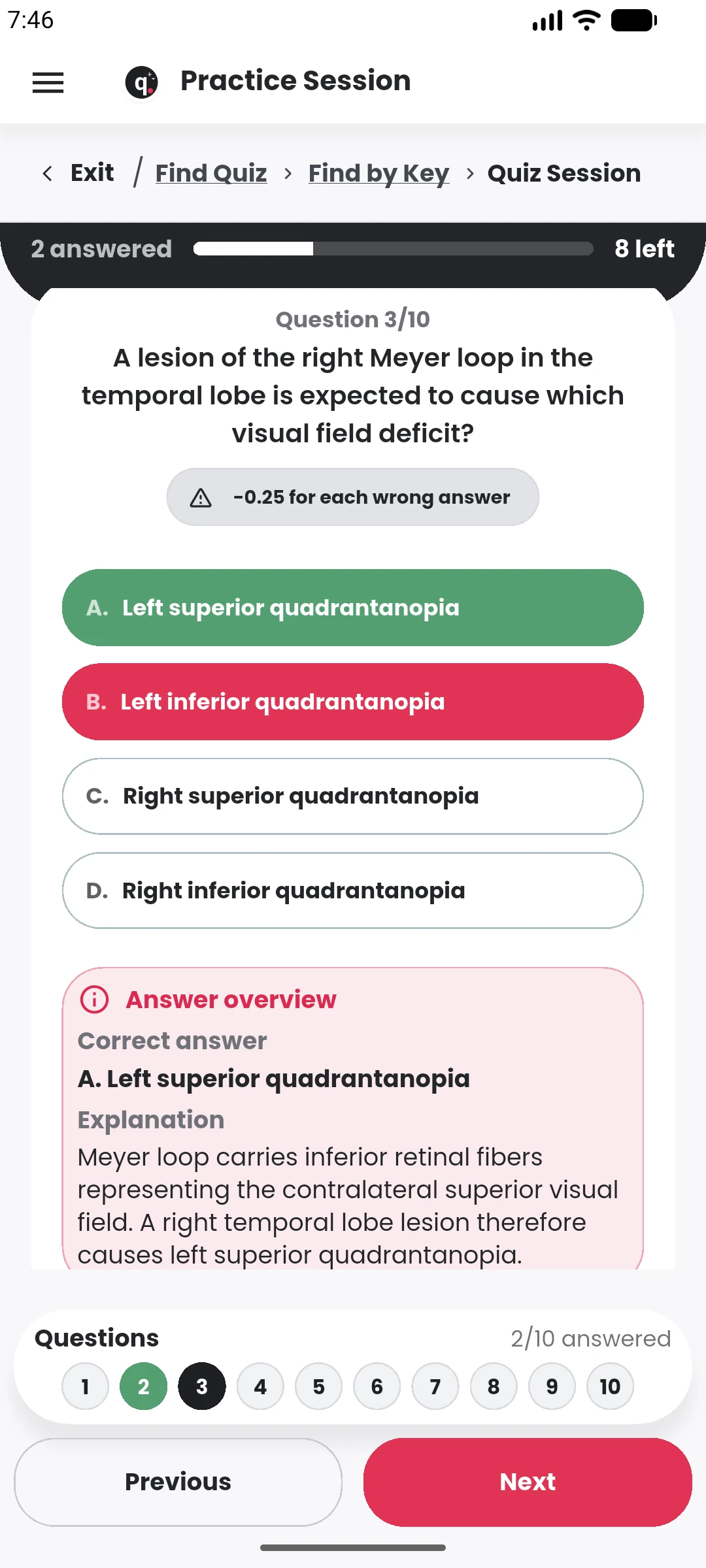
Configure timing, shuffle, schedules, access approval, retakes, participant limits, review rules, grading and leaderboard visibility.
Creators can build a public profile around the quizzes they publish, while participants can discover quizzes by category and interact around the work.
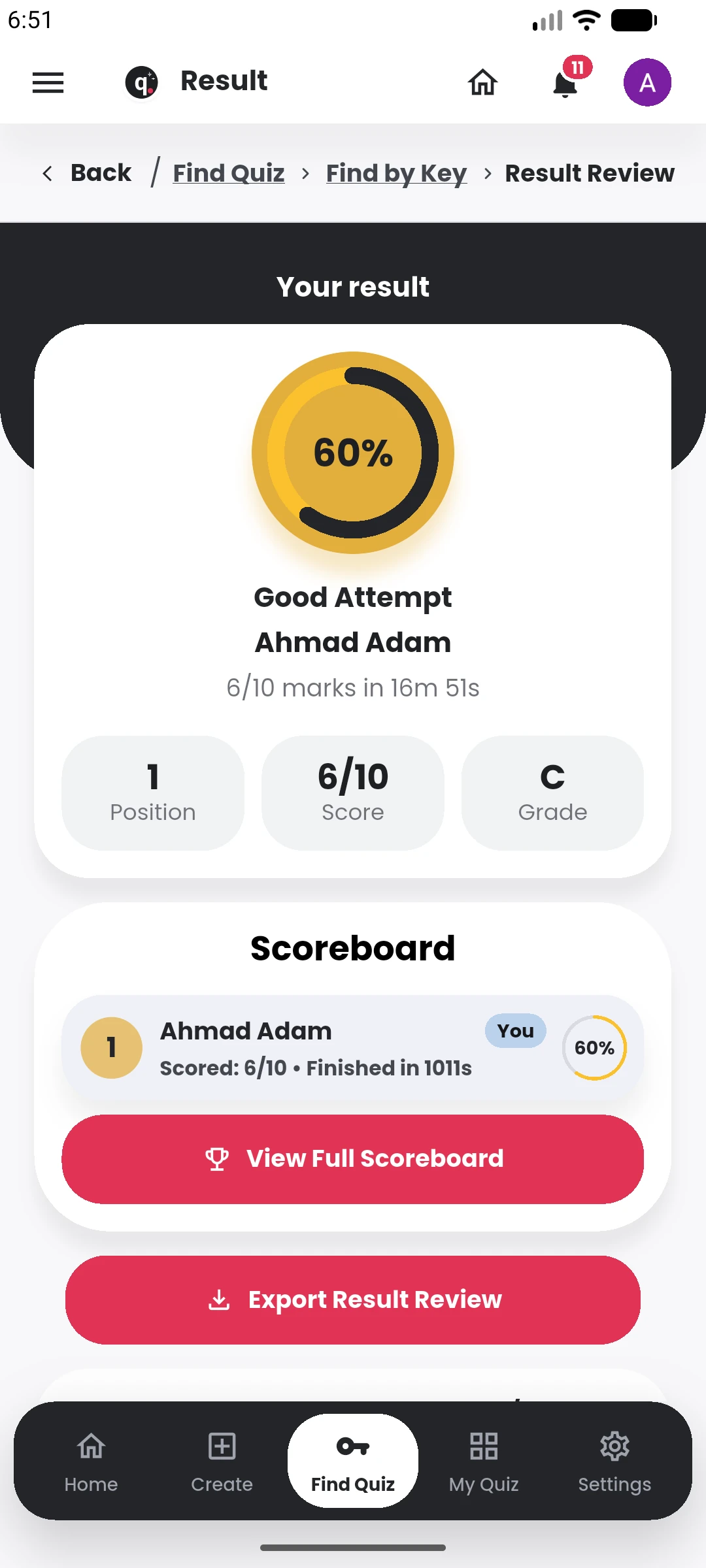
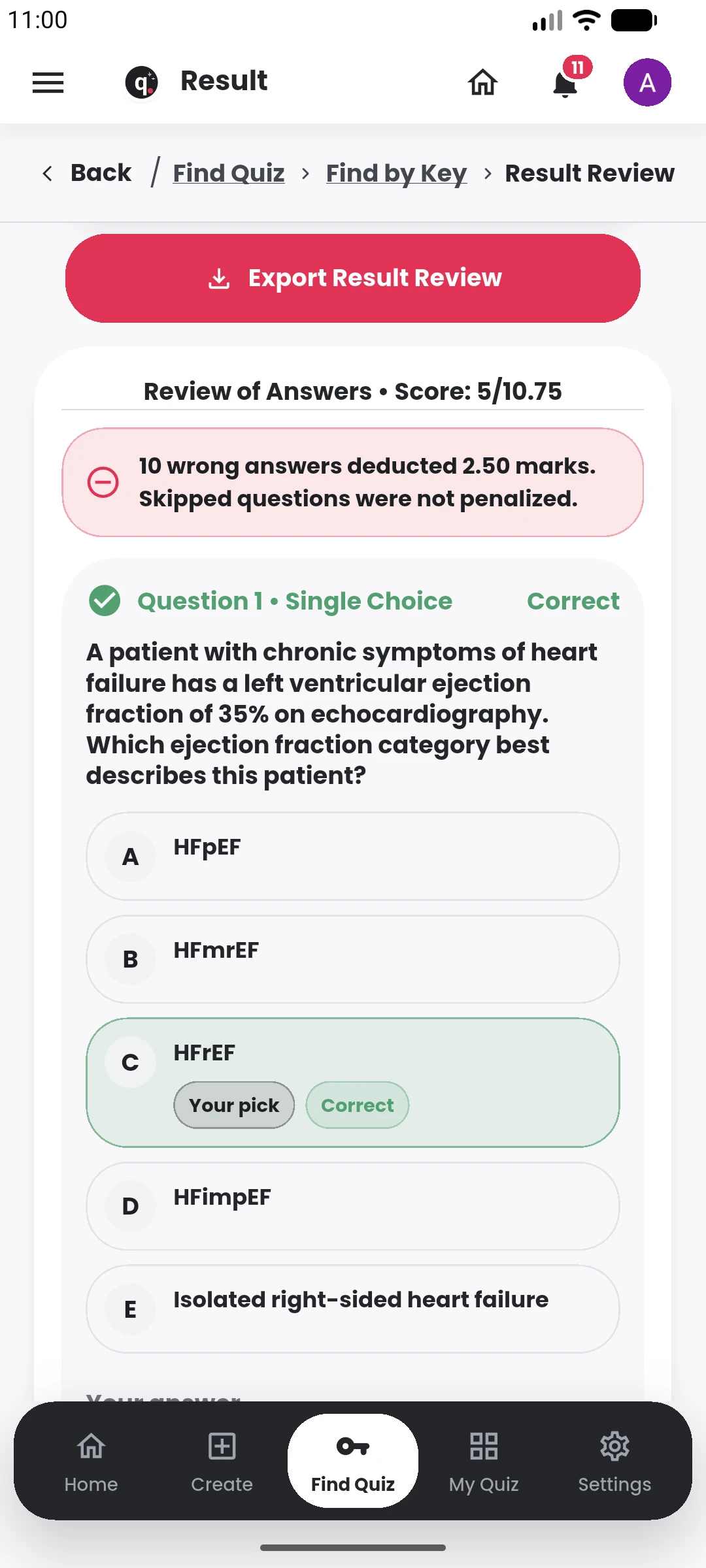
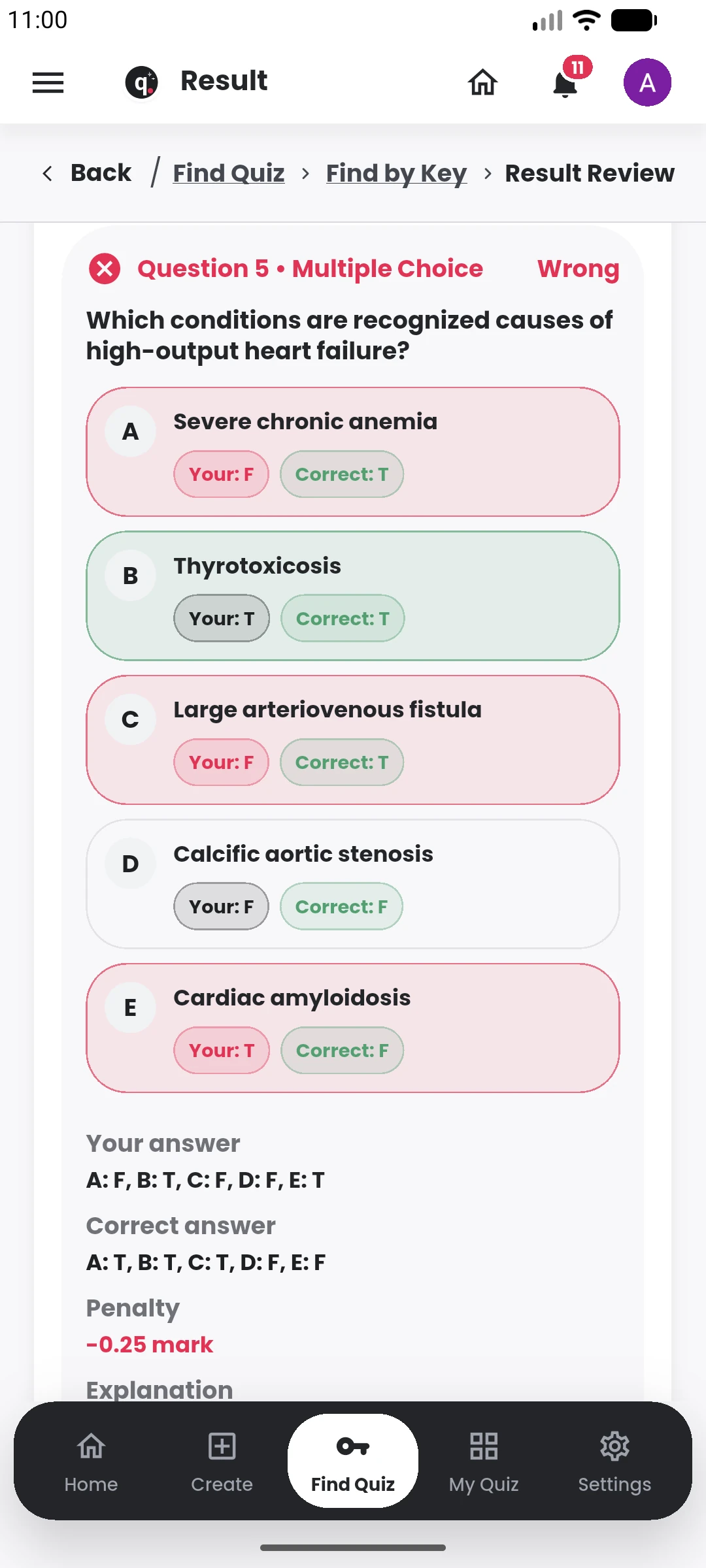
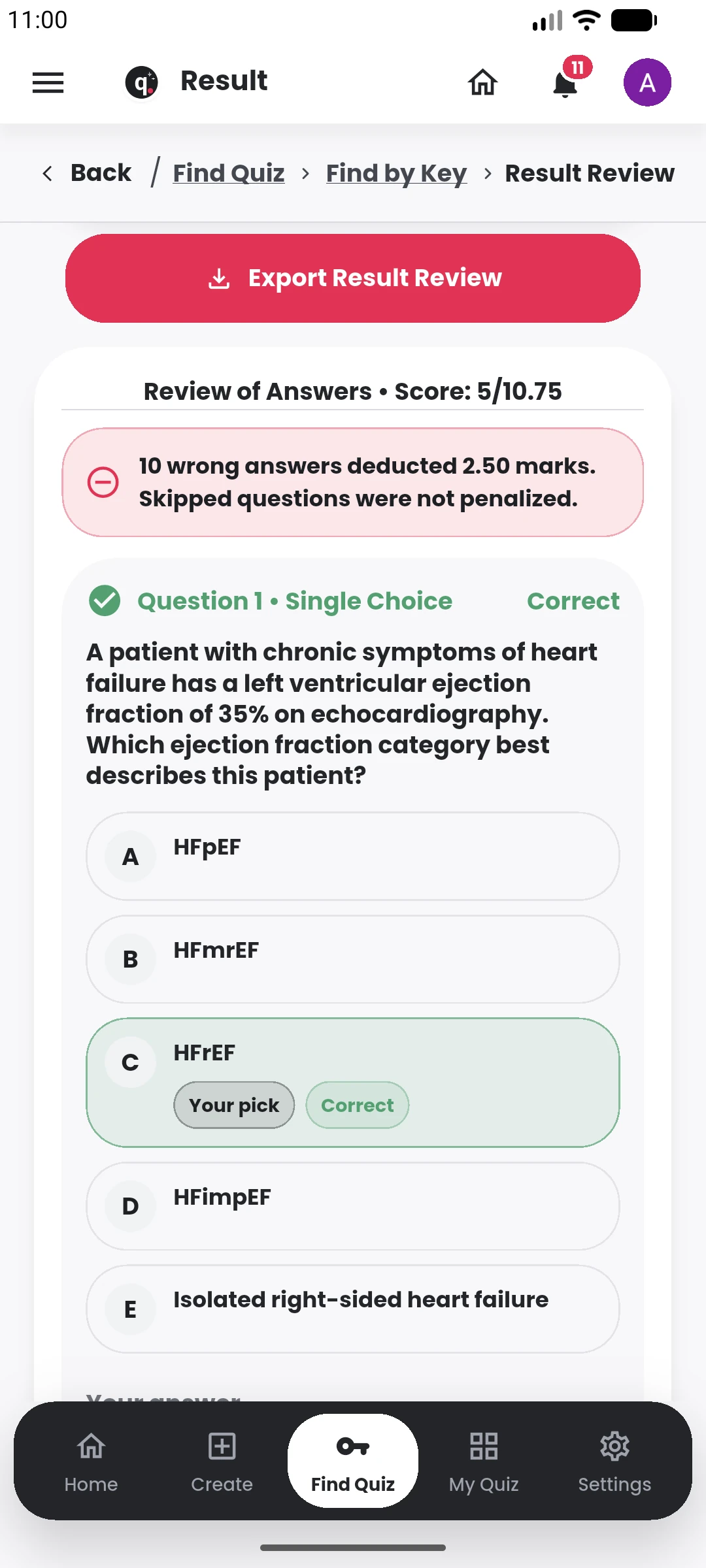
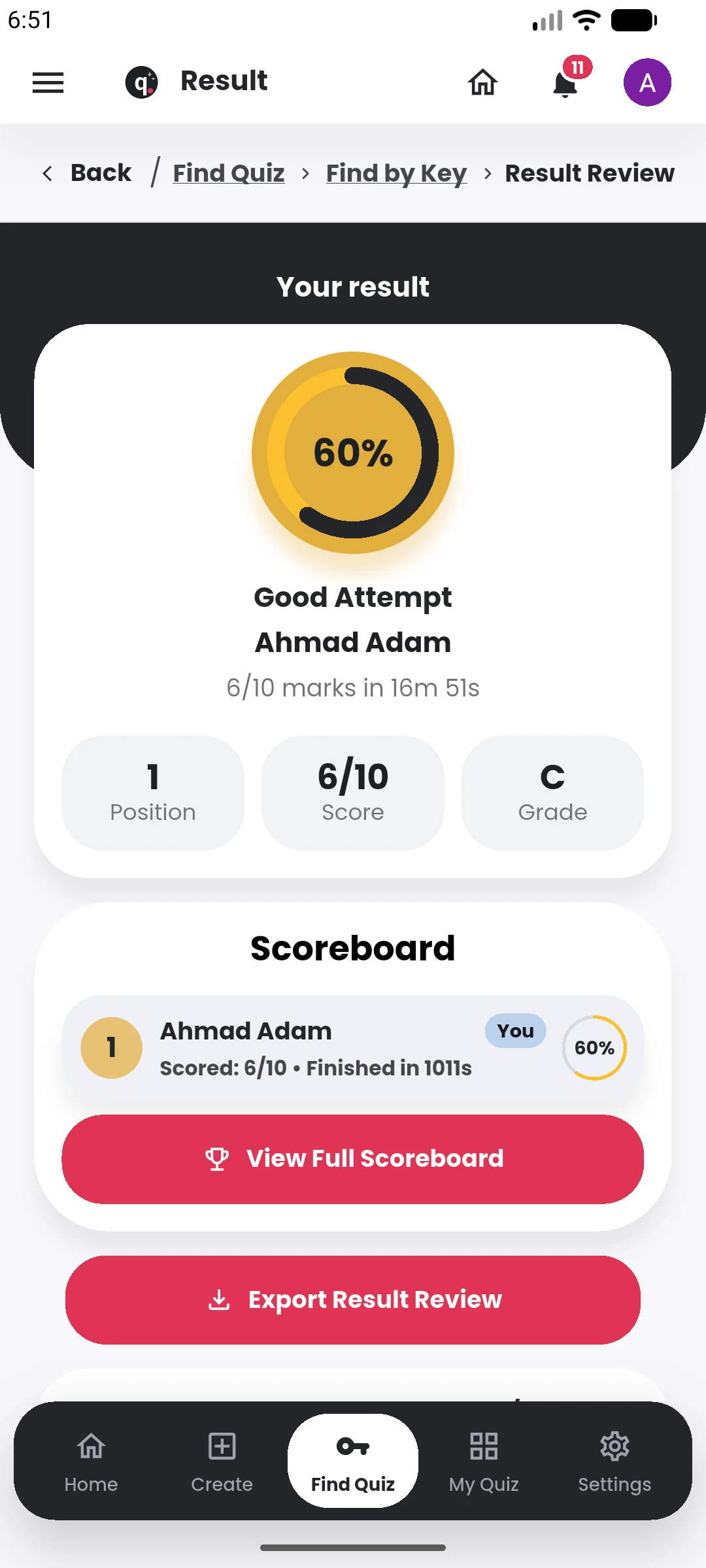
Manage, review and learn from the result
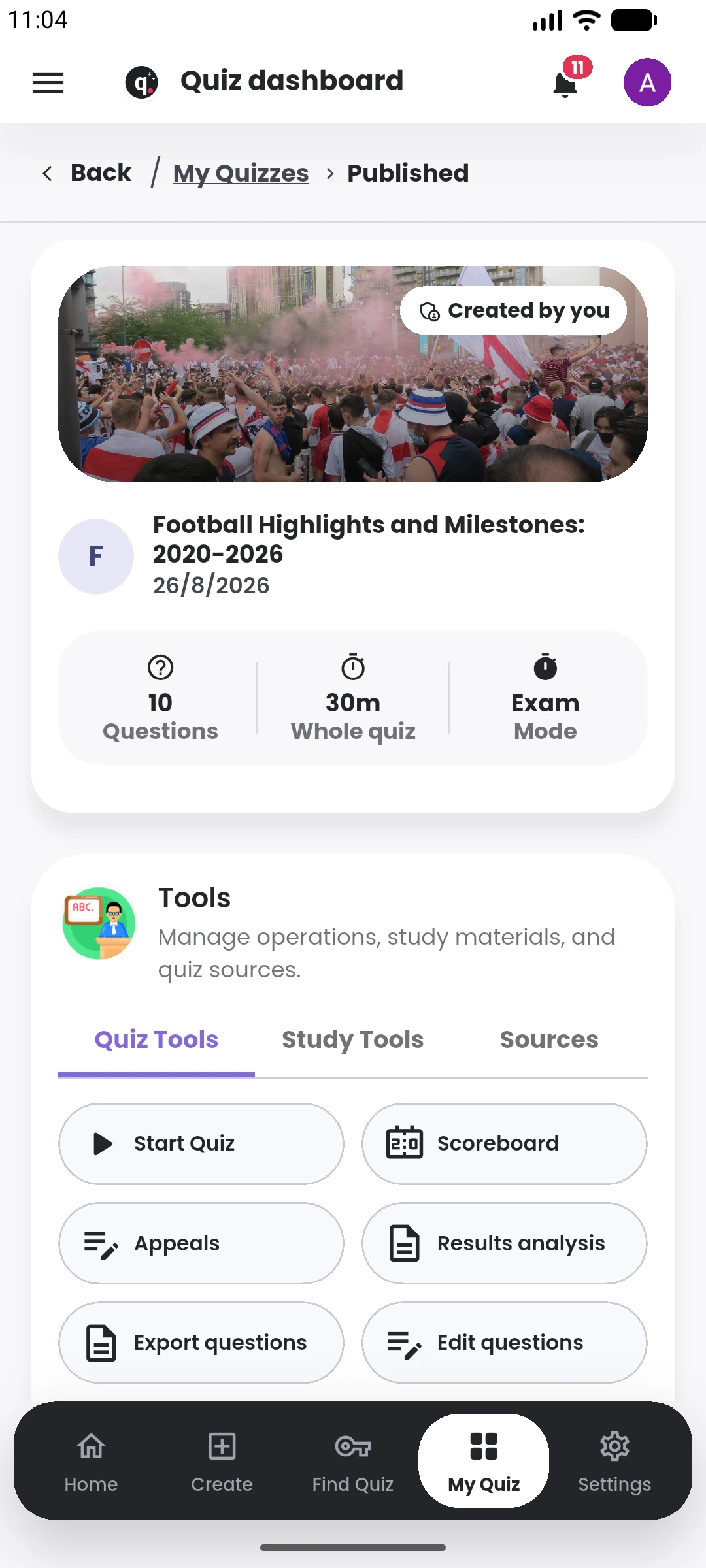
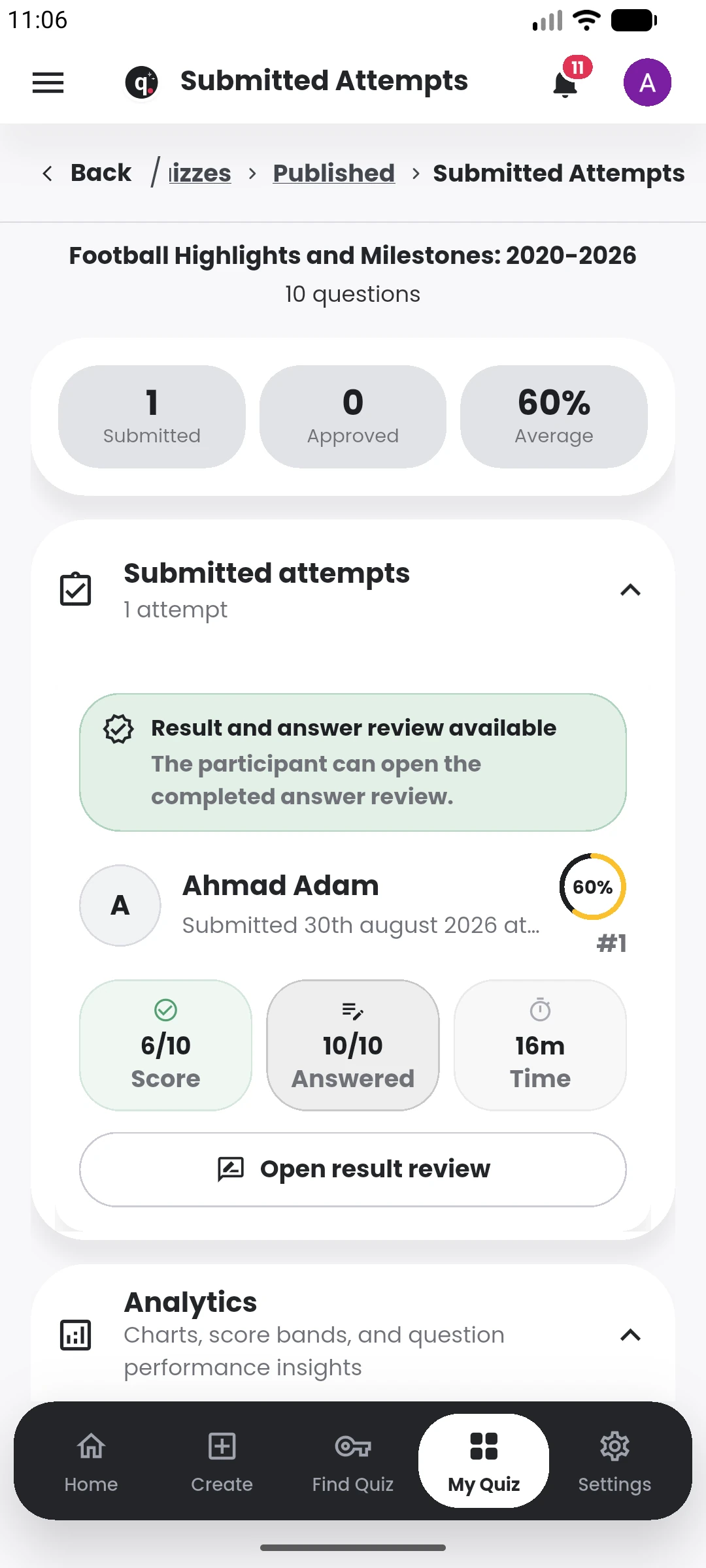
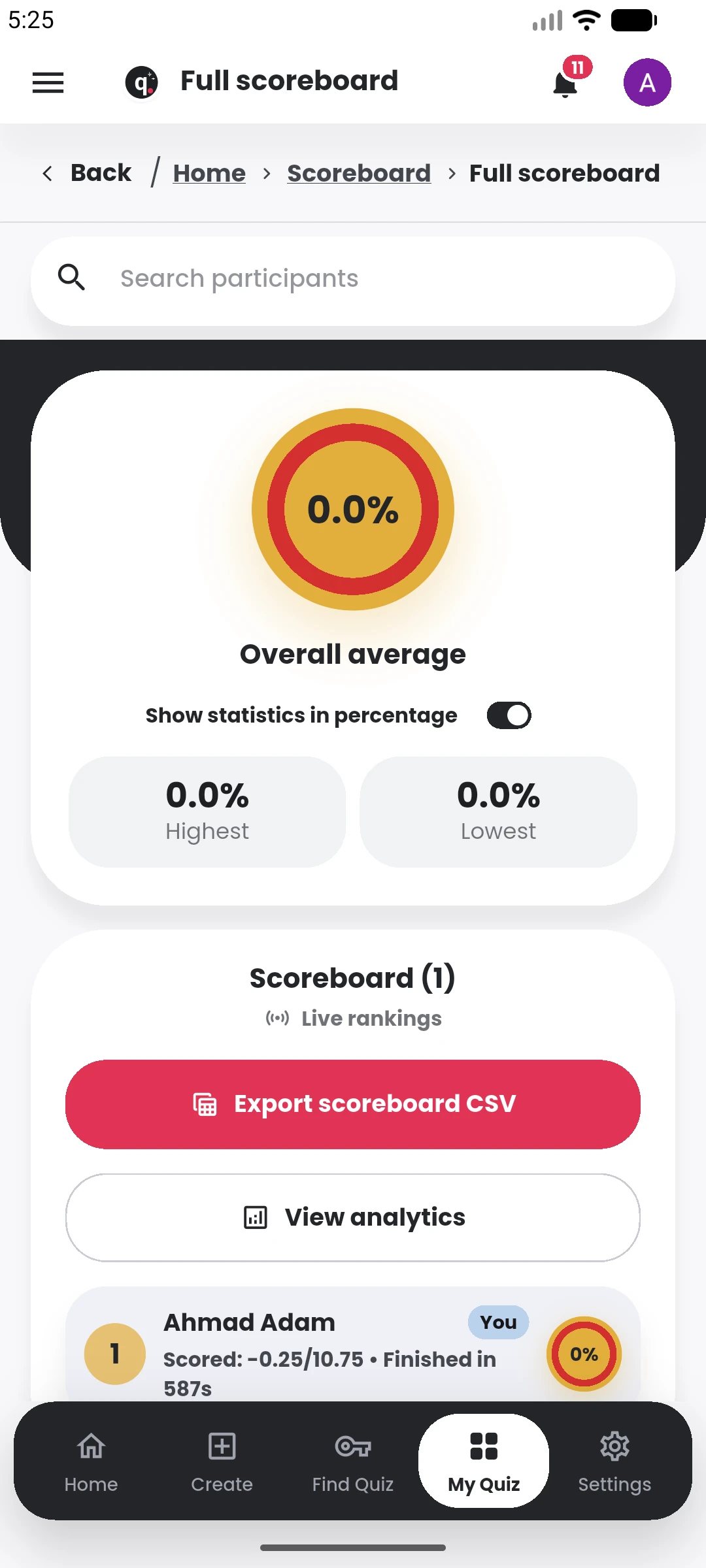
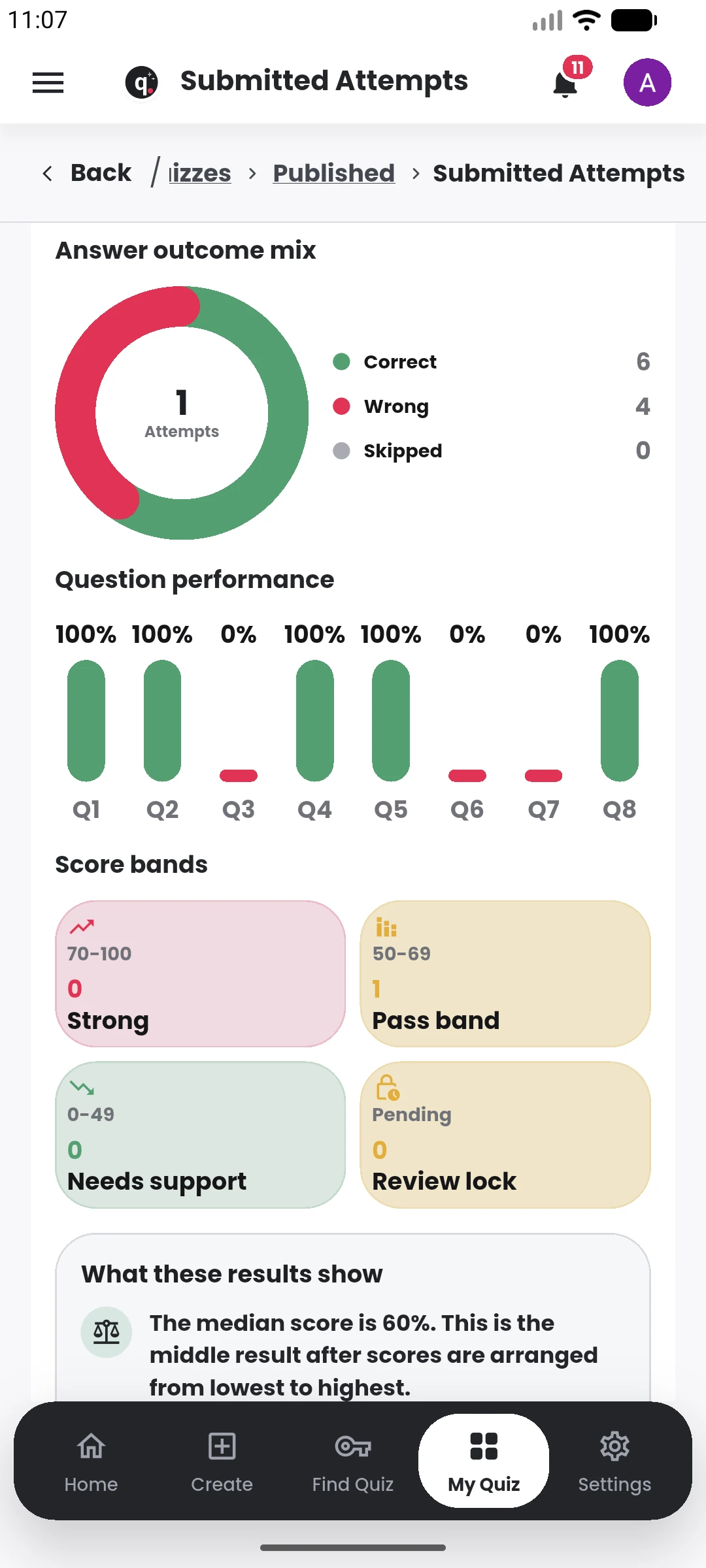
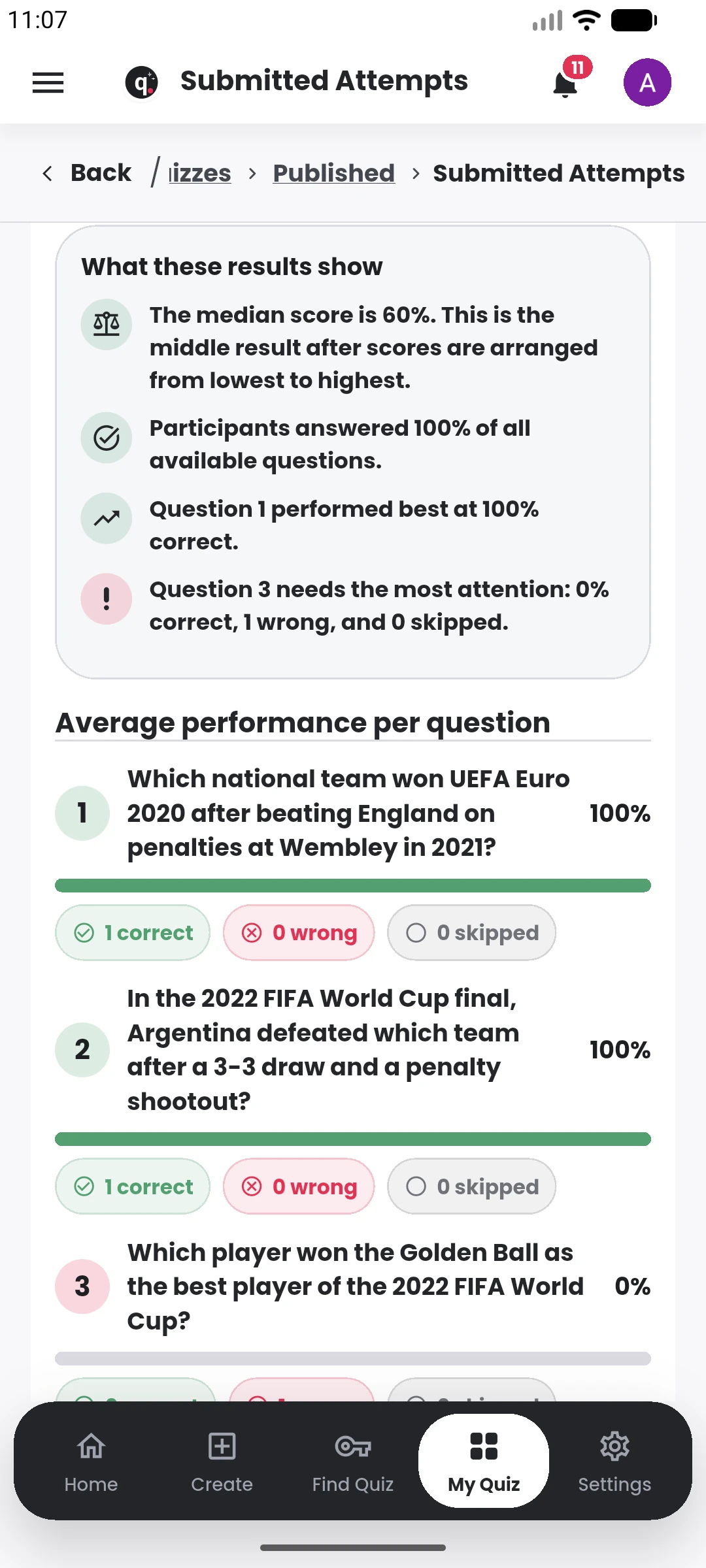
The quiz dashboard keeps the important post-publishing actions together.