Read Key Points
Use a condensed view when you need fast revision.
Open Key Points, Flashcards, Study Notes and generated Podcasts from the same mobile account used for quizzes.
 QuiyoAI-powered quiz studio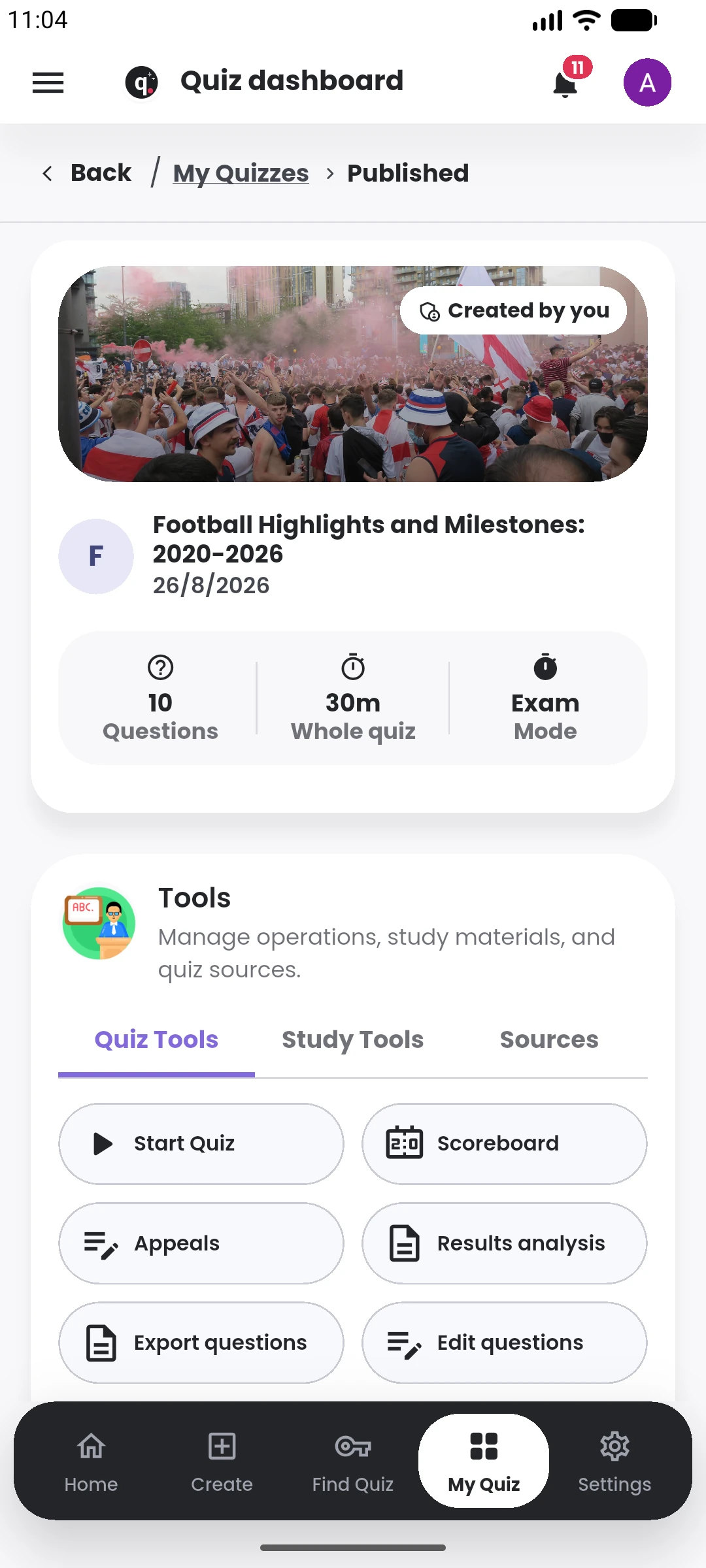
SUPPORTED BY LEADING TECHNOLOGY ECOSYSTEMS


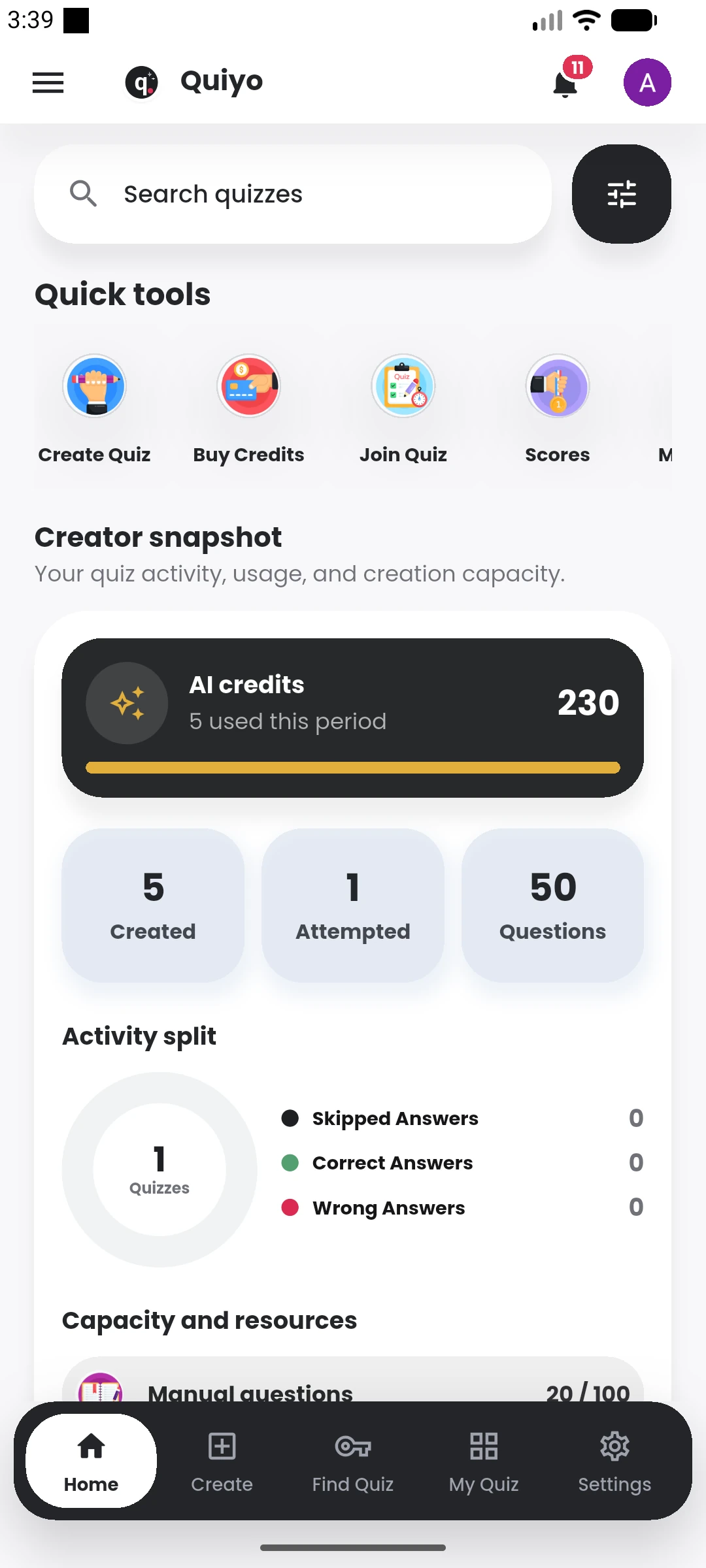
Key Points, Flashcards, Study Notes and generated Podcasts are available from the same mobile experience learners use for quizzes.
That makes it easier to move between recall, reading, listening and practice while keeping the subject context together.
Study resources stay attached to the learning context so revision can move between questions, notes, recall and audio.
Use a condensed view when you need fast revision.
Move through short recall prompts on the same device you use for quizzes.
Review a longer explanation when the topic needs more context.
Use generated study audio during a different kind of revision session.
Key Points are useful for a quick pass through the most important material, while Flashcards support active recall in short sessions. Study Notes provide more connected explanation when the learner needs context around the facts.
Generated Podcasts turn the same learning context into audio that can be used when reading from the screen is inconvenient. Different formats can be chosen depending on the type of revision session.
Because these resources remain connected to Quiyo, a learner can move from studying into a related quiz and then return to result review without rebuilding the subject context.
The study formats are designed to be useful in short revision sessions as well as longer study periods.
Open the same Key Points, Flashcards, Study Notes and Podcasts from your mobile account.