Read the rules
See timing, attempts and other quiz conditions before you begin.
Read quiz rules, answer questions, submit attempts and review released results from the mobile app.
 QuiyoAI-powered quiz studio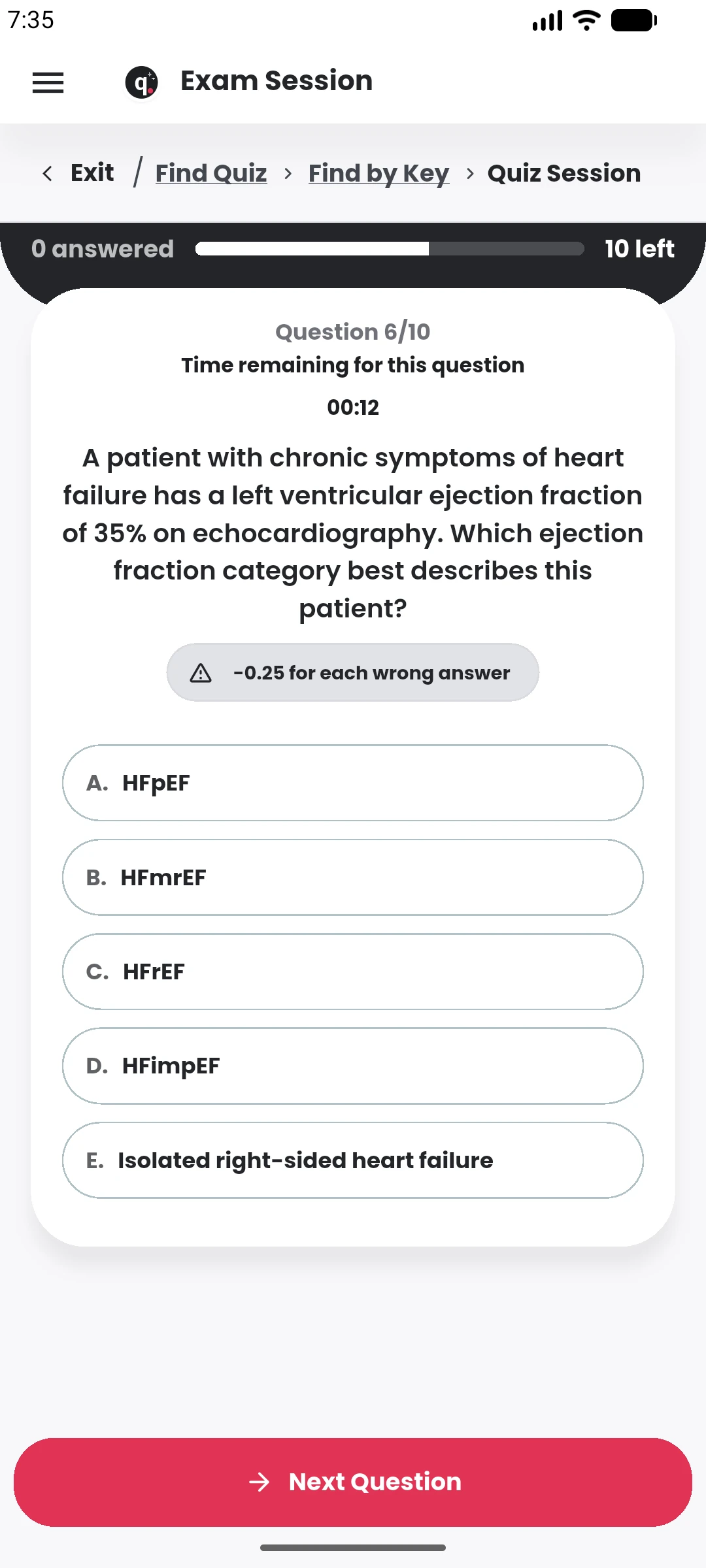
SUPPORTED BY LEADING TECHNOLOGY ECOSYSTEMS


Participants can review quiz rules, enter the session, answer questions and submit from the mobile app.
Practice can provide immediate learning feedback, while Exam mode follows the timing and review rules configured by the creator.
The participant experience changes with the creator’s settings while keeping the core attempt flow familiar.
See timing, attempts and other quiz conditions before you begin.
Use Practice for learning feedback or Exam for a more controlled attempt.
See unanswered-question warnings and complete the attempt when ready.
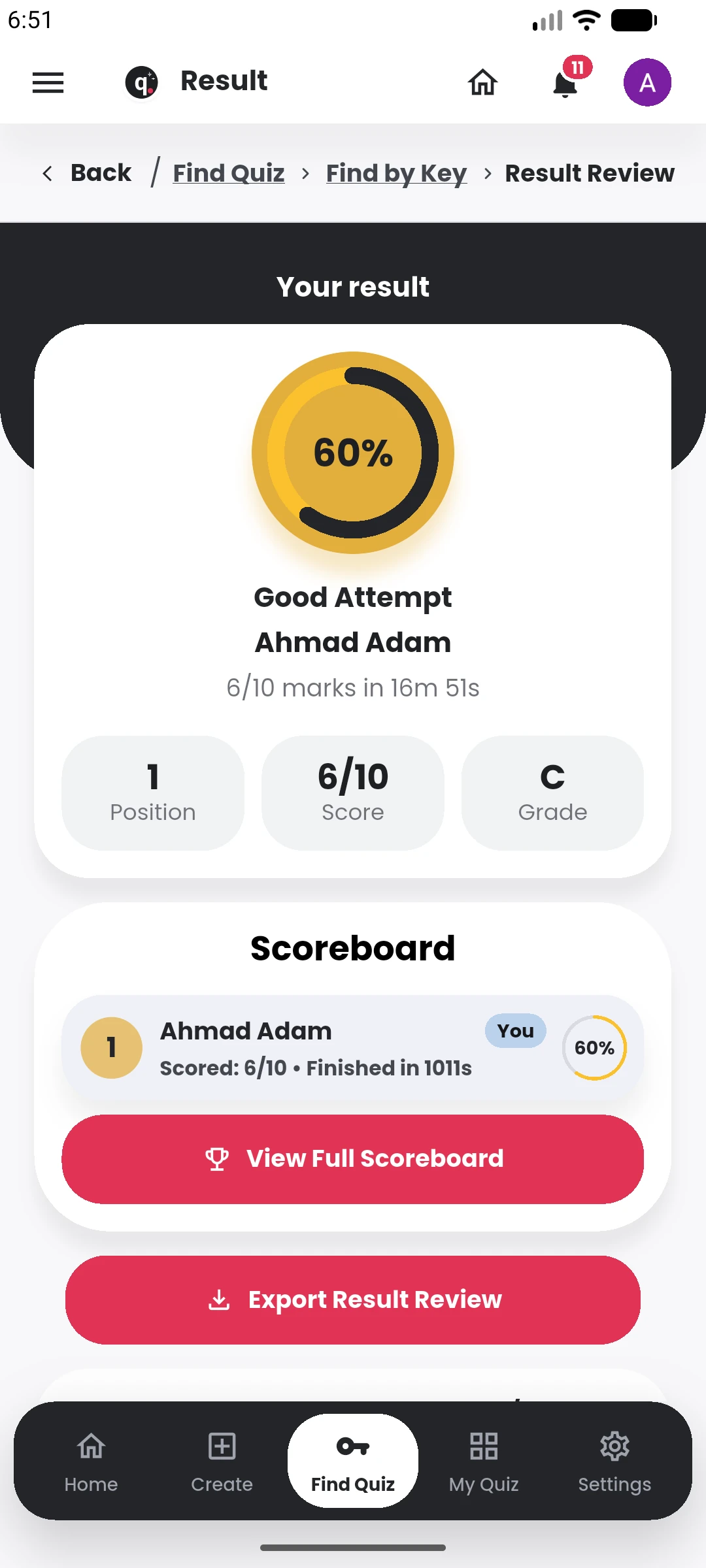
Open scores, answer review and scoreboard information according to the quiz settings.
Practice mode is built for learning while answering. Depending on the quiz, learners can move through questions with feedback and use the session to identify areas that need another round of revision.
Exam mode follows the assessment rules set by the creator, including timing, question order, access conditions and review settings. The interface keeps the candidate focused on the active session and the remaining work.
After submission, the result can connect to scoreboards, answer review and the creator’s release settings, giving the learner a clear continuation from attempt to outcome.
The result, scoreboard and answer review appear according to the assessment settings after submission.
Read the rules, complete the attempt and review what the creator releases.