Build the staff team
Invite staff, assign roles and limit responsibilities to the areas they actually manage.
Manage staff responsibilities separately from participant registration, approvals and academic targeting.
 QuiyoInstitution Workspace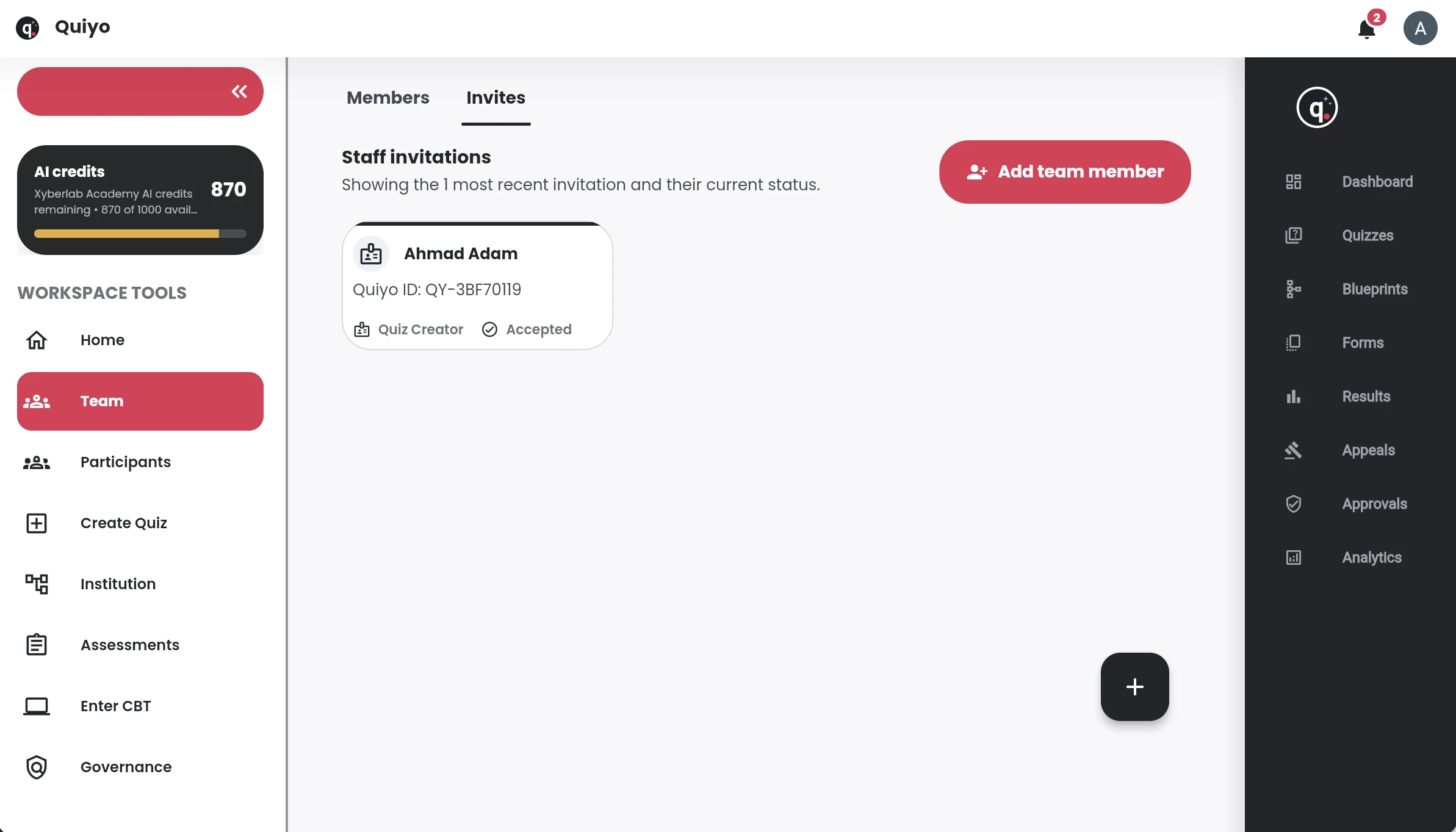
SUPPORTED BY LEADING TECHNOLOGY ECOSYSTEMS


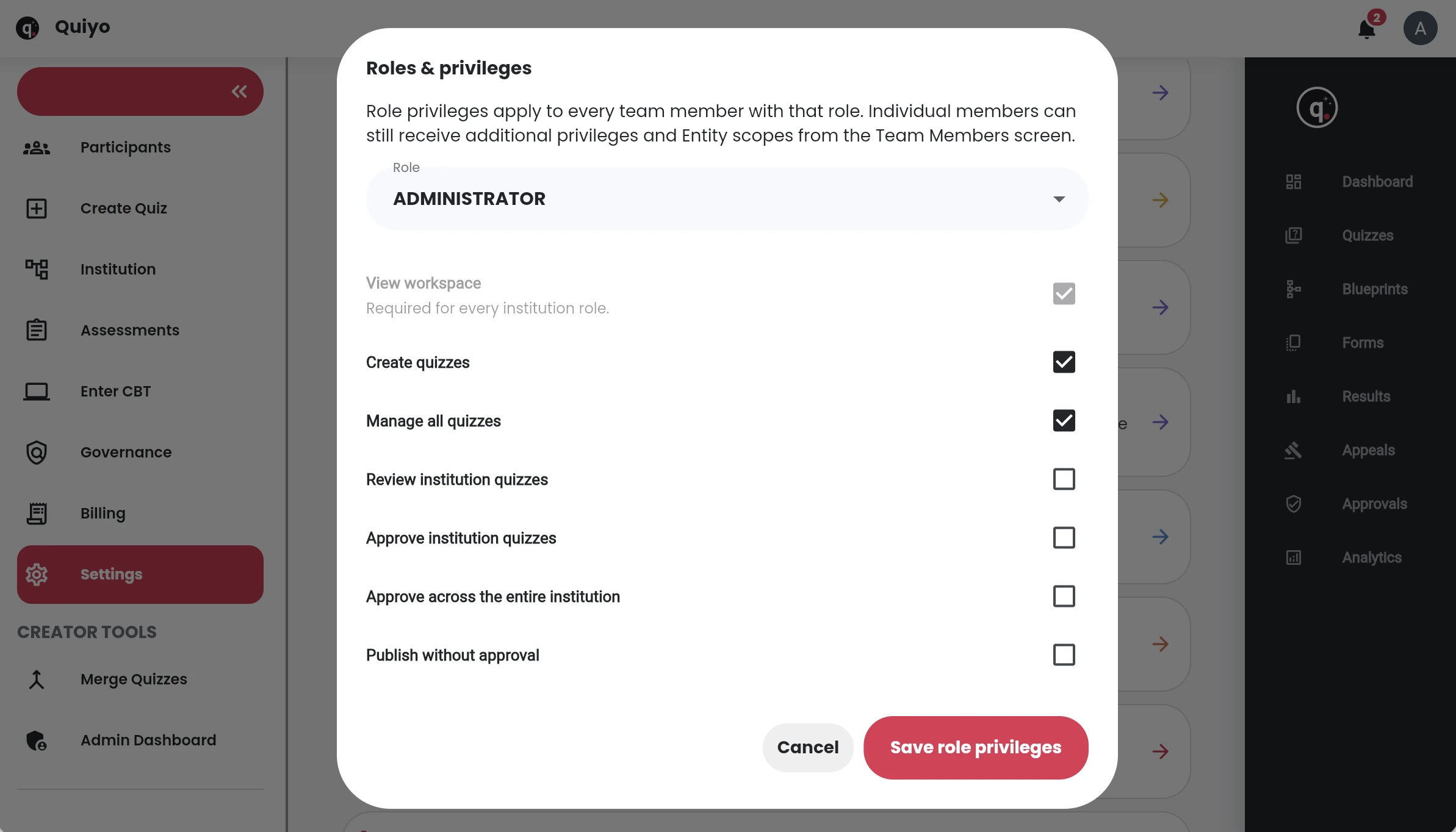
Institution Workspace lets an organisation manage staff roles separately from participant registration, approvals and academic targeting.
That structure helps a faculty, programme, department or level deliver assessments to the intended group while keeping staff responsibilities scoped.
Quiyo separates staff responsibilities from participant access while keeping both connected to the institution’s academic structure.
Invite staff, assign roles and limit responsibilities to the areas they actually manage.
Bring learners into the institution and collect the participant fields the institution needs.
Use programme, department, level, semester or other configured structure when an assessment is assigned.
Review participant approvals and keep institution-only assessments inside the intended audience.
Staff and participants have different responsibilities inside Institution Workspace. Staff can be given roles and scoped permissions, while participants are registered and organised using the academic fields the institution needs for access and reporting.
Participant filters can be used to work with groups such as levels, faculties, programmes, departments or semesters. That structure helps the institution direct assessments and read results without maintaining separate spreadsheets for each cohort.
Team administration also covers invitations, approvals and ownership responsibilities so the institution account does not depend on one person’s personal login.
The institution can shape its people and academic structure around the way it already operates.
Set up the people who prepare, administer and take institution assessments.