Start from your source
Use prompts, files, images, notes and other supported inputs.
Start creation, upload or capture source material, edit questions, publish and return to quiz management from your phone.
 QuiyoAI-powered quiz studio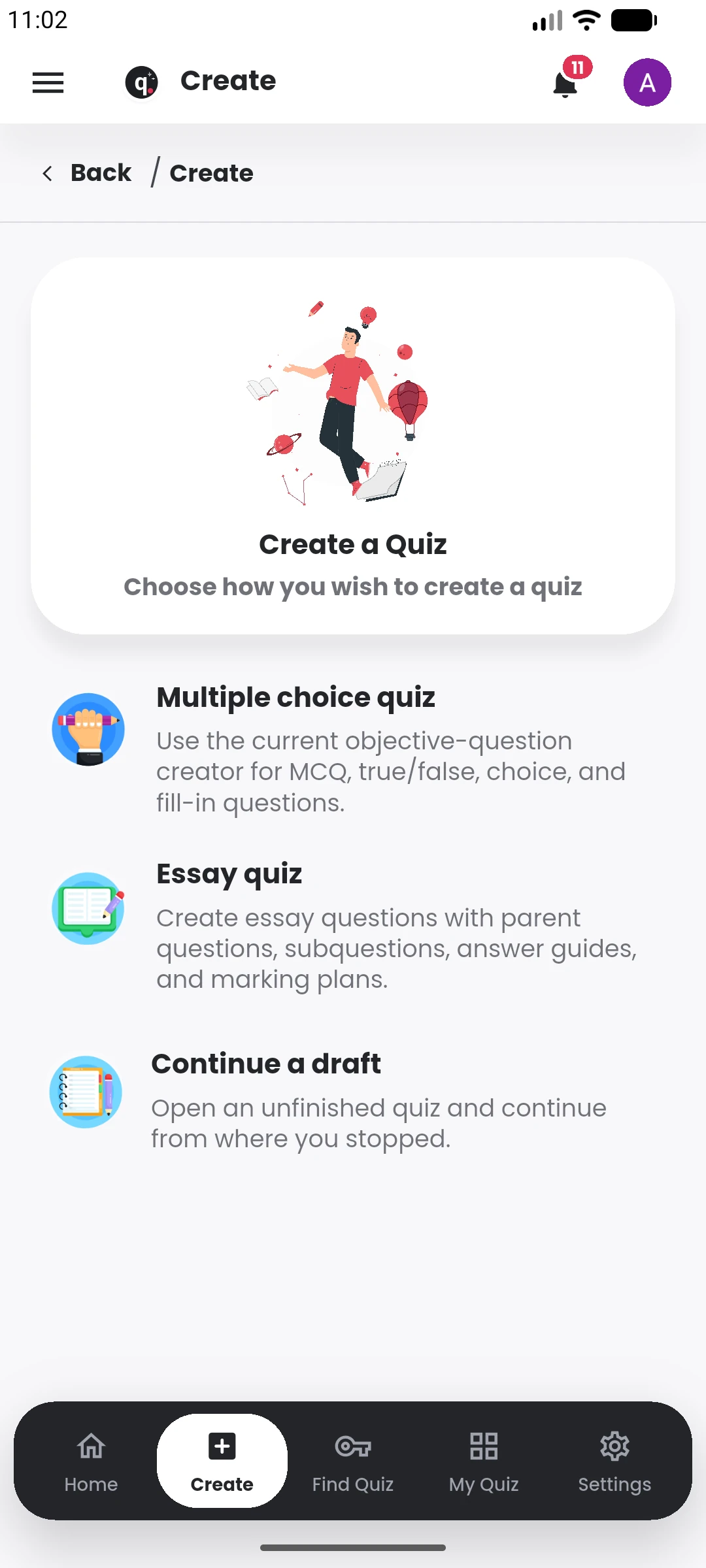
SUPPORTED BY LEADING TECHNOLOGY ECOSYSTEMS


The mobile app can start from a topic, file, image or other supported source, then carry the creator through editing and publishing.
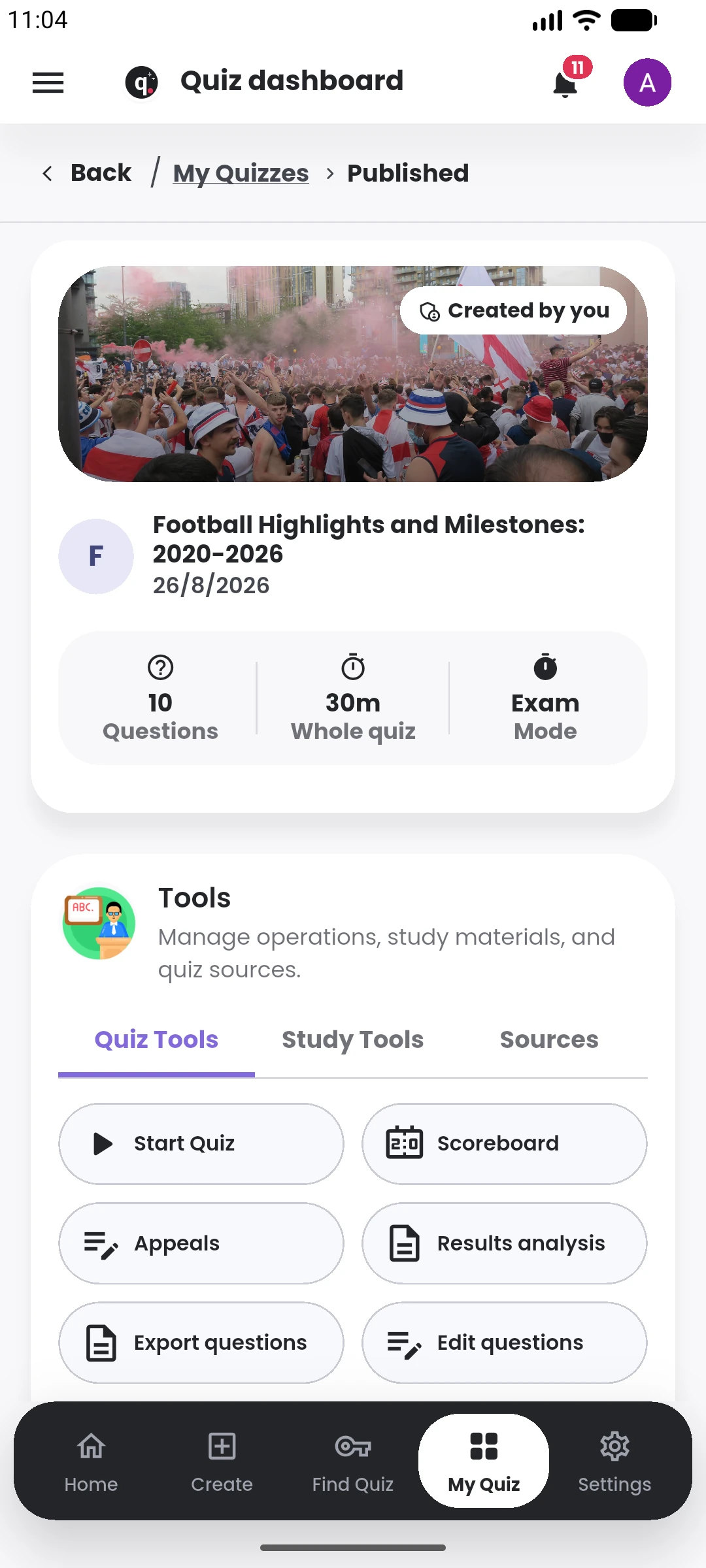
After publication, the same phone can be used to check attempts, scores, appeals, results analysis and other quiz operations.
The mobile app supports the creator workflow away from a desktop, including creation and management.
Use prompts, files, images, notes and other supported inputs.
Edit questions, answers, explanations and assessment settings before publishing.
Open your quizzes, manage participant activity and review results.
See recent work, AI credit usage and important actions from the mobile dashboard.
The mobile app supports the full personal quiz workflow: starting a quiz, choosing a source, generating or writing questions, adjusting setup options and publishing when the quiz is ready.
After publication, creators can return to attempts, scoreboards, result review and quiz management from the same device. Draft and progress handling also make it easier to continue work that was started earlier.
The mobile experience uses the same Quiyo account and quiz records as the rest of the platform, so work created on the phone remains available wherever the account is used.
The mobile experience keeps everyday creator work close for quick edits and management.
Open Quiyo to start a quiz, edit it and return to creator management.