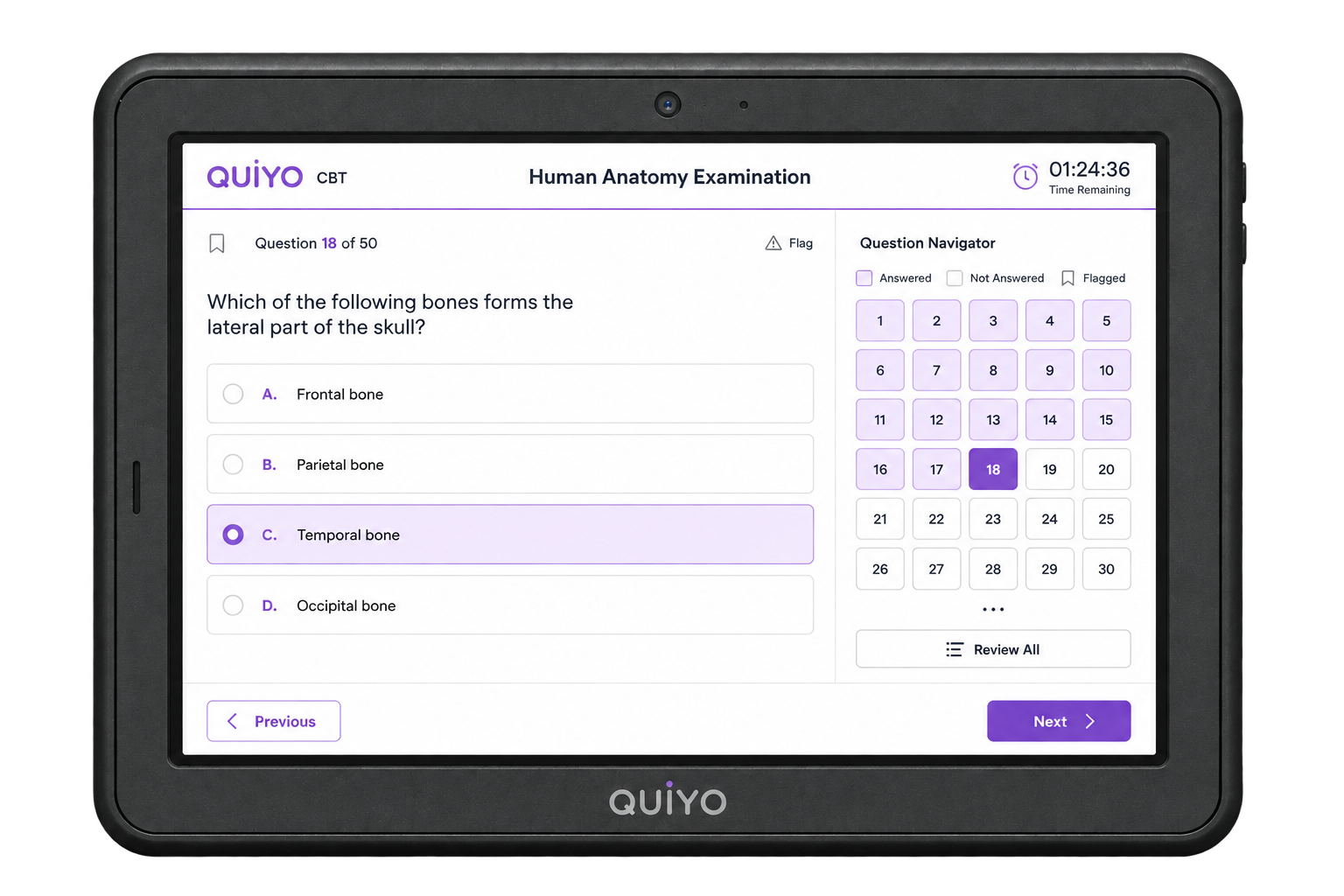
Front view
The candidate-facing surface keeps the assessment interface central and distraction-free.
Front, side, top and underside views show the physical direction of the dedicated CBT hardware.
 Quiyo DeviceDedicated CBT hardware
SUPPORTED BY LEADING TECHNOLOGY ECOSYSTEMS


The current concept views show the device from the front, side, top and underside so the physical direction can be understood beyond a single render.
Screen position, stability, handling and service access all matter because the unit is intended for repeated institutional use.
The enclosure and controls are being considered as part of the same product experience as the Quiyo CBT software.
The candidate-facing surface keeps the assessment interface central and distraction-free.
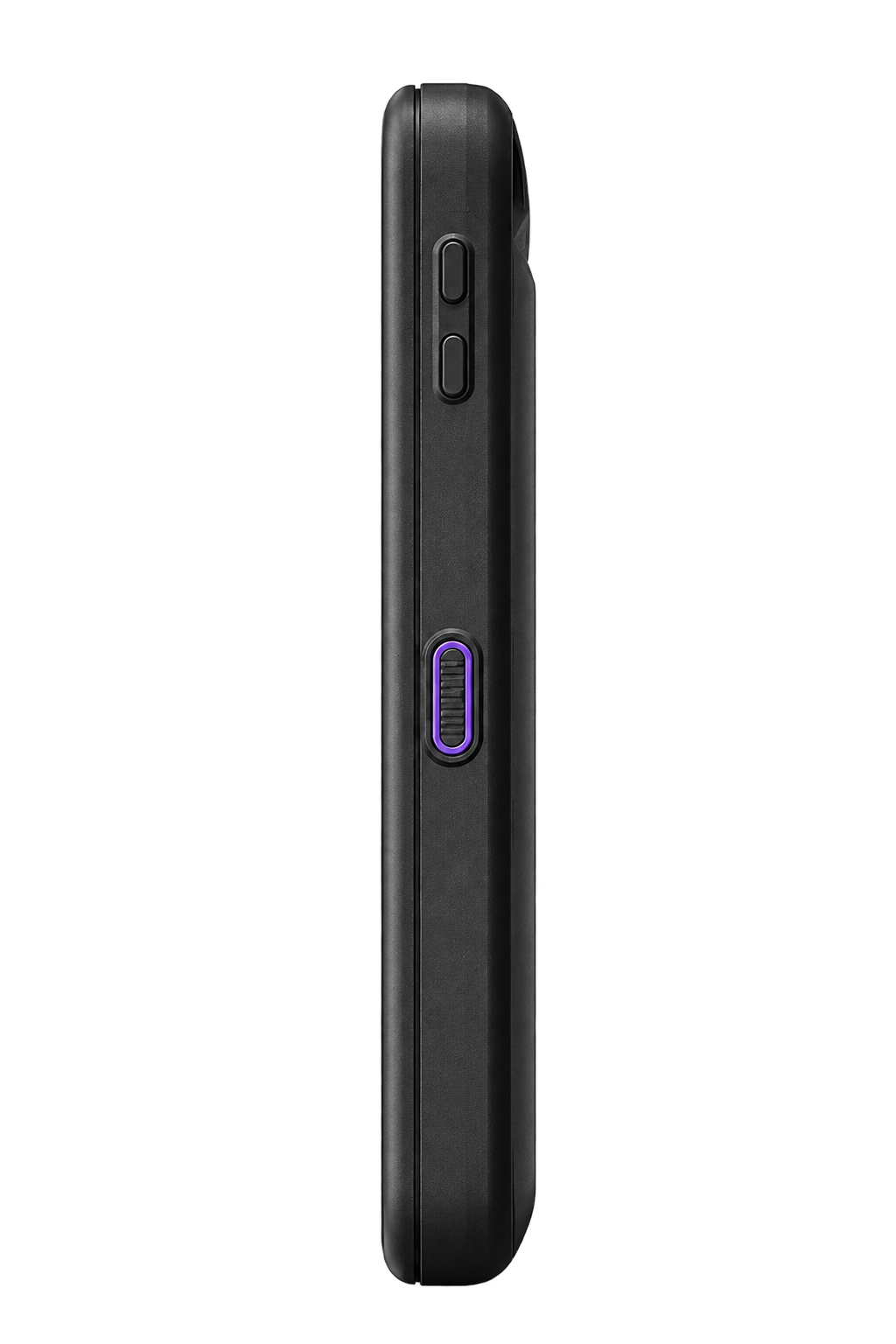
The profile is designed around desk use and repeated handling.
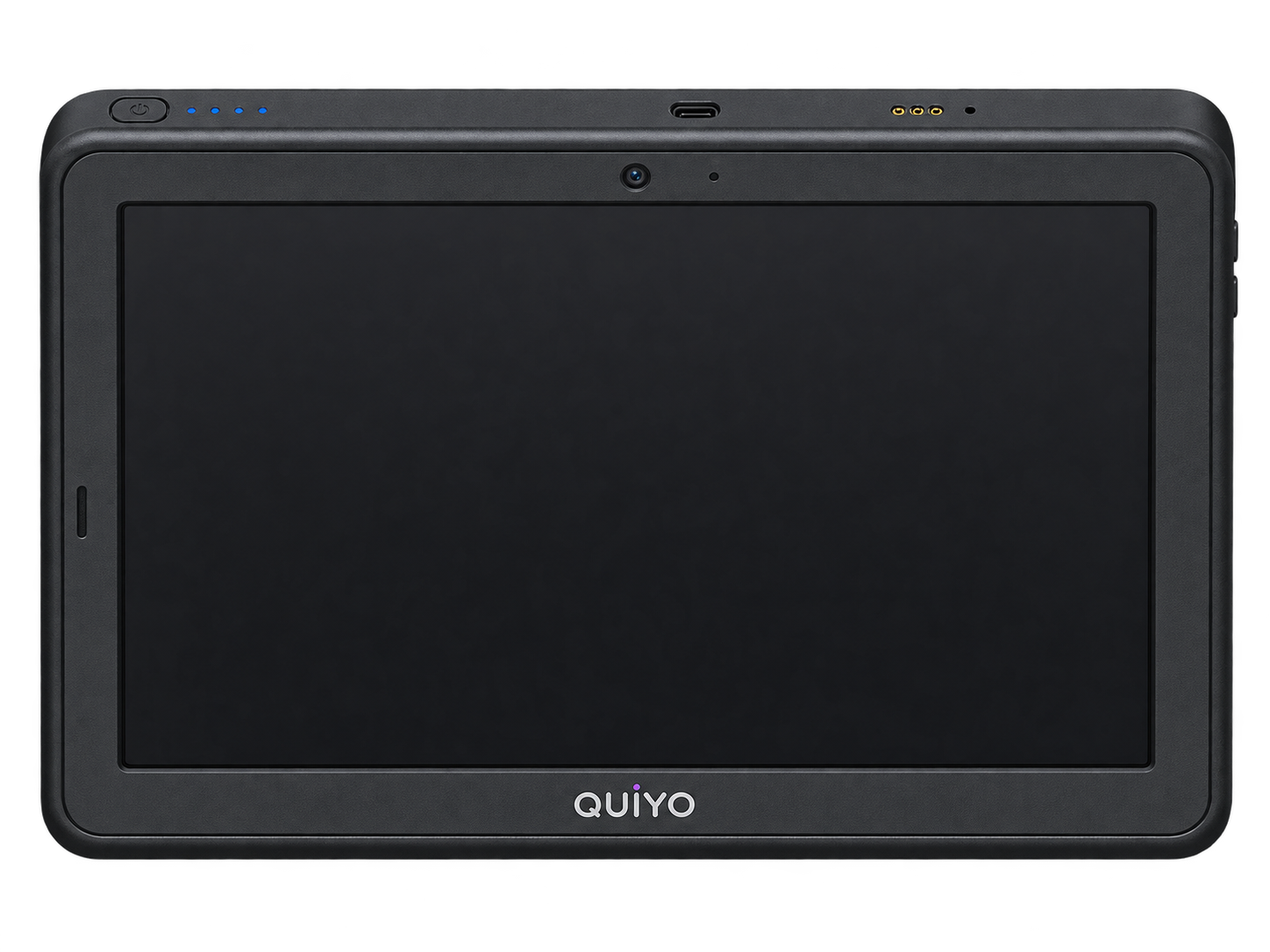
The layout keeps the primary interaction area easy to reach during an assessment.
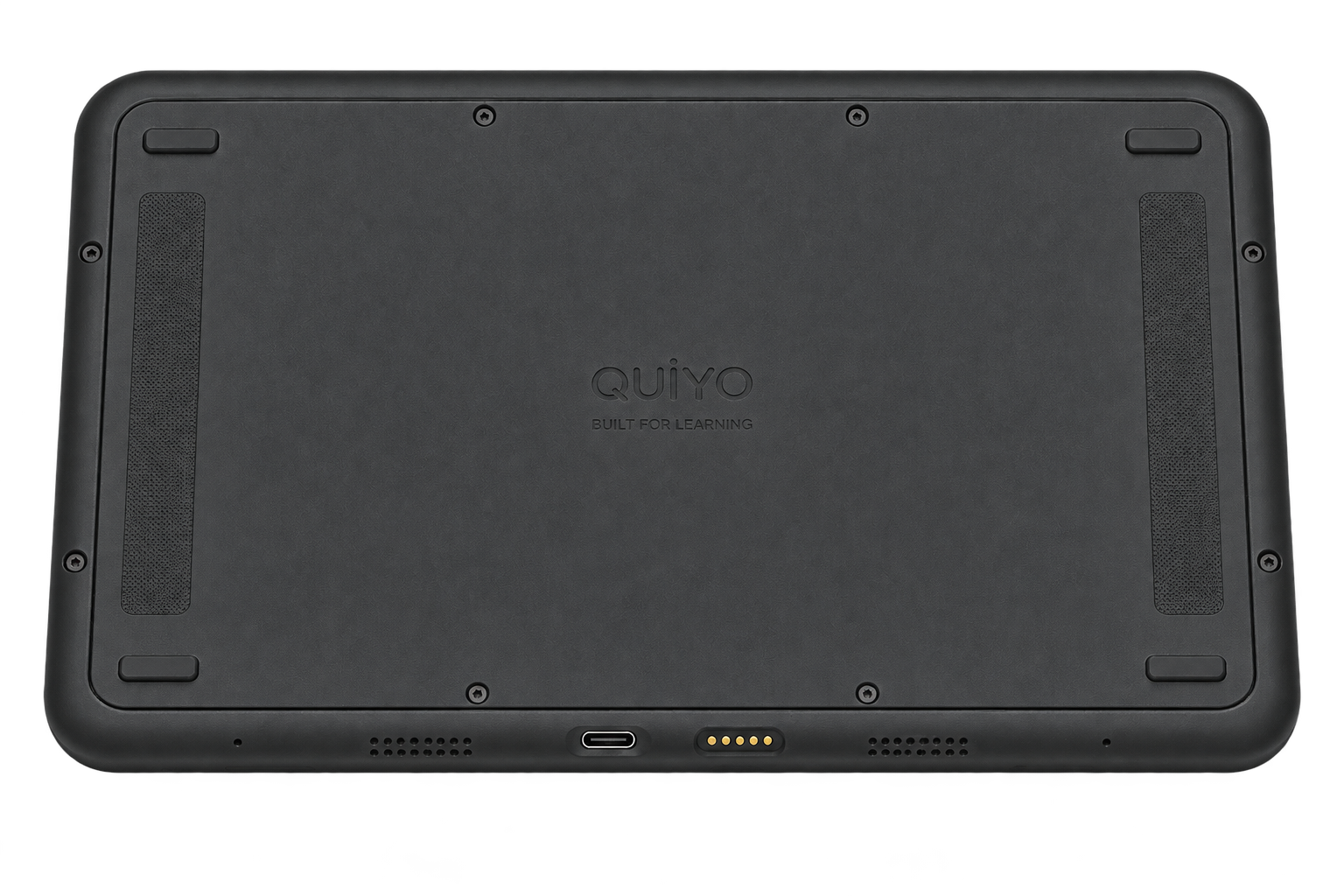
The base considers stability, service access and practical deployment.
The front view focuses on the candidate-facing surface: the display, interaction area and the form factor a learner would use during a CBT session. The side, top and underside views show how that interface is carried by the physical enclosure.
These views are useful for understanding placement, desk footprint, screen angle and the relationship between the device body and its access points. They also help institutions think about storage, movement and the space required when several units are deployed together.
The device is designed as an endpoint for the existing Quiyo CBT workflow, so the physical layout is considered together with operator access, candidate sessions and Institution Workspace.
These views explain the current hardware direction while the device continues through development.
Review the front, side, top and underside concept views together.