Prepare in the institution workspace
Staff create and approve the assessment using the same tools used for other Quiyo assessments.
Assessment setup, candidate access and results remain in Quiyo while the device provides a dedicated examination endpoint.
 Quiyo DeviceDedicated CBT hardware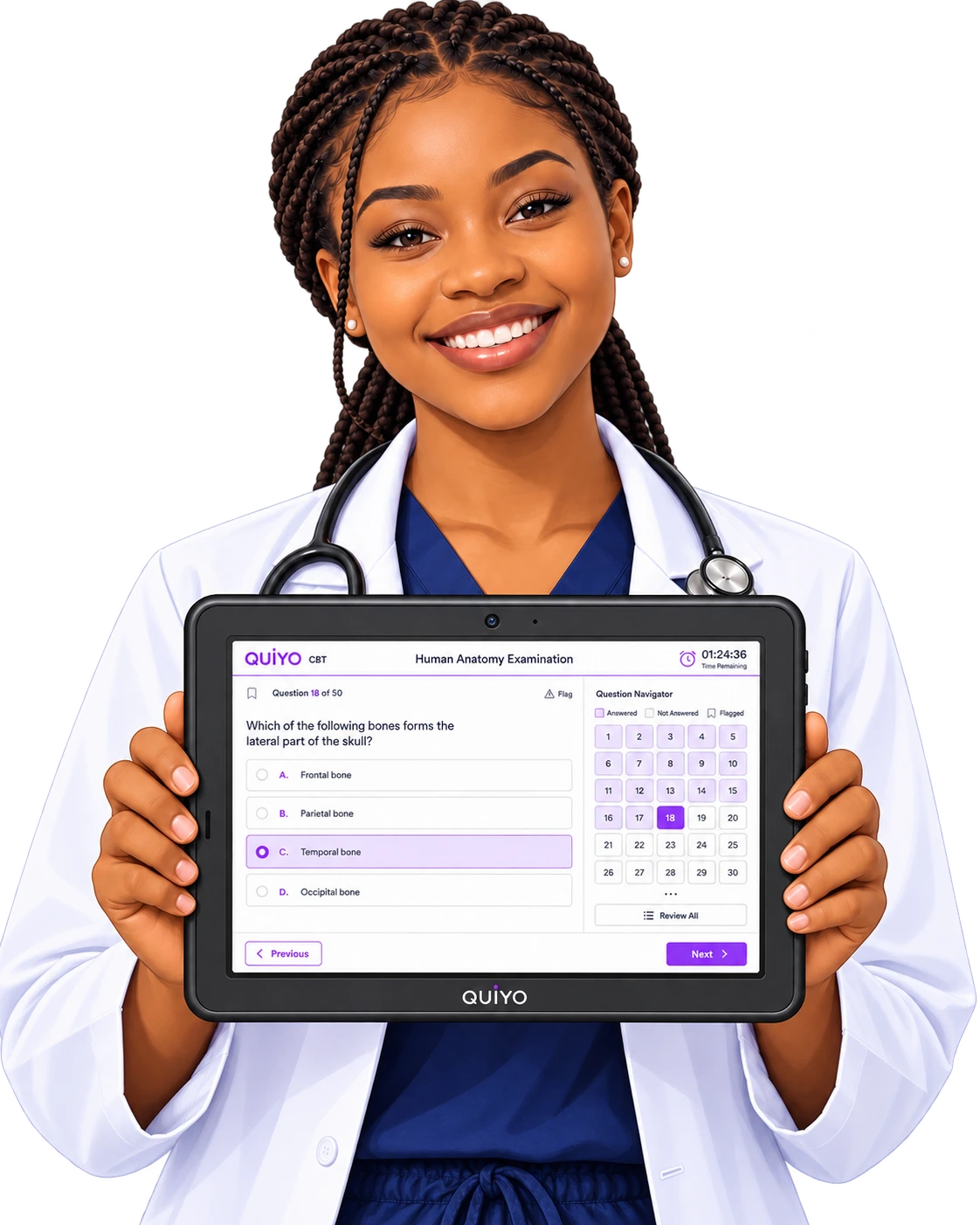
SUPPORTED BY LEADING TECHNOLOGY ECOSYSTEMS


An assessment is prepared in Institution Workspace, opened through CBT operations and then delivered to the candidate on Quiyo Device.
Submission and result data return to Quiyo, keeping the hardware endpoint connected to the same assessment record.
The device is an endpoint for the existing Quiyo assessment workflow, not a separate assessment platform.
Staff create and approve the assessment using the same tools used for other Quiyo assessments.
Operators prepare the assessment session and candidate access.
The candidate uses the dedicated interface to complete the assessment.
The submission moves back into Quiyo results, scoreboards and review.
Quiyo Device is tied to Institution Workspace instead of operating as an isolated exam terminal. Staff prepare the assessment and participant rules in the workspace, then use CBT operator access to admit and manage candidates during delivery.
The device receives the assessment experience needed for the candidate session while the institution retains control over identity, admission state, timing and session status. That keeps the operational rules in the same place as the rest of the assessment.
After submission, the result continues through the normal Quiyo result flow, including scoreboards, review and the institution-side tools used to resolve issues or analyse question performance.
The integration is designed so institutions do not have to maintain a separate assessment system for dedicated hardware.
Keep setup, candidate access and results in Institution Workspace.