Choose participant capacity
Start with the number of learners the institution needs to manage.
Choose participant and staff capacity, allocate AI usage across members and expand the workspace as the institution grows.
 QuiyoInstitution Workspace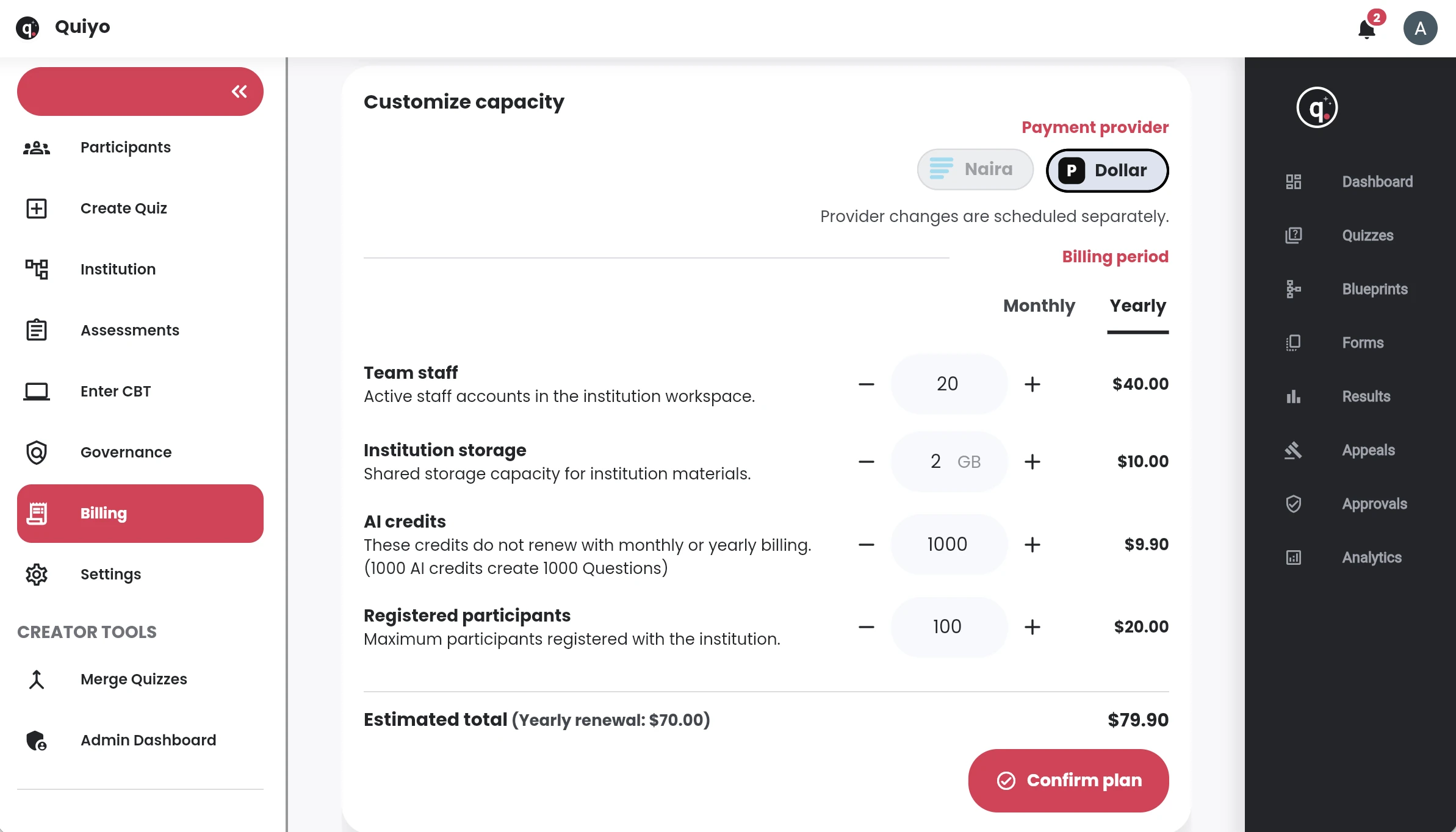
SUPPORTED BY LEADING TECHNOLOGY ECOSYSTEMS


Institution plans are shaped around participant capacity, staff access and AI usage so an organisation can choose a level that fits its current assessment activity.
Additional AI capacity can be allocated and tracked across members from the same institution account.
Pricing is organised around institution size and usage requirements, with additional AI capacity available when teams need it.
Start with the number of learners the institution needs to manage.
Include the team members who prepare, review and administer assessments.
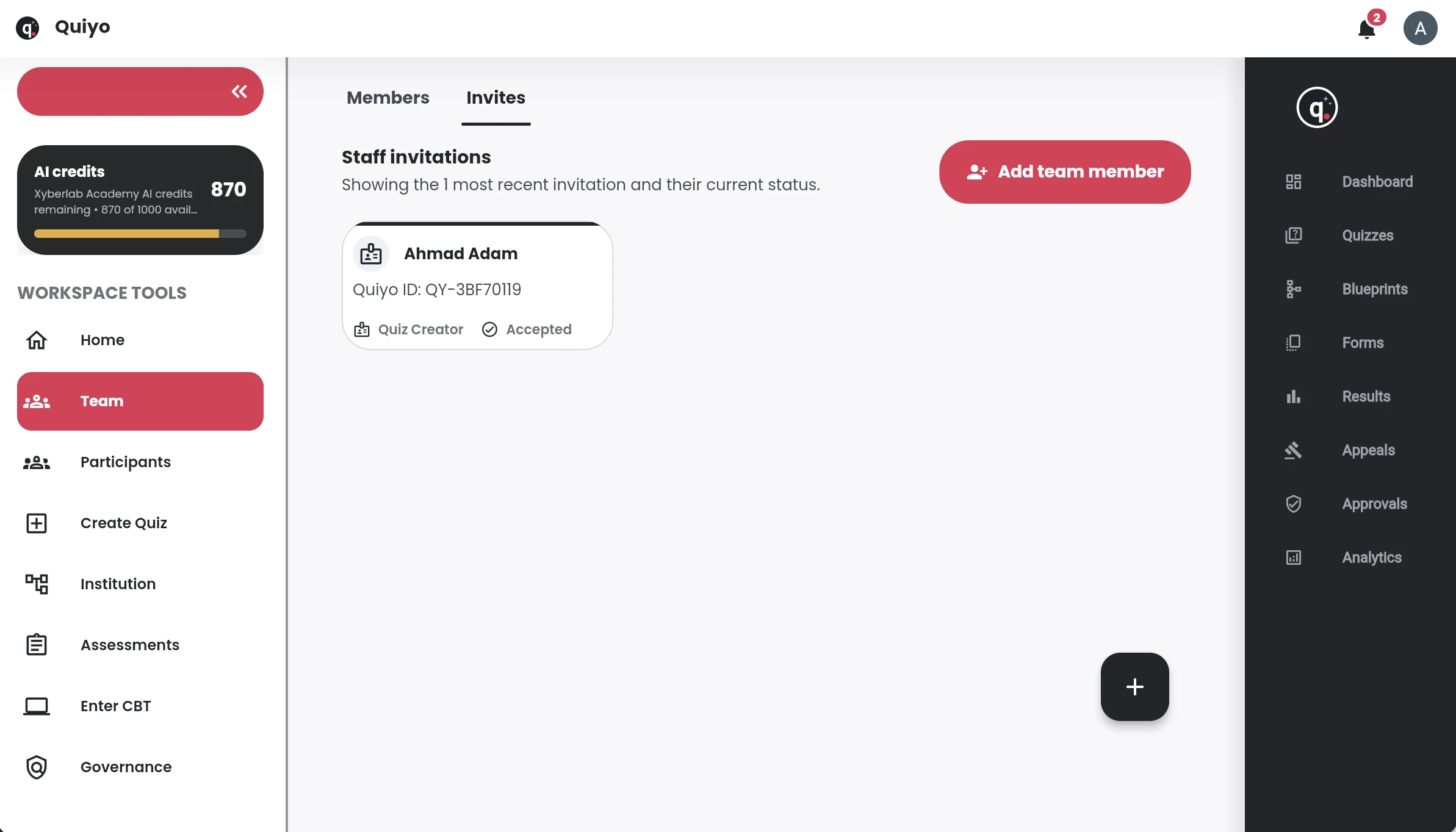
Distribute available AI credits across members and track usage from the institution workspace.
Increase capacity or add AI credits as the institution setup grows.
Institution plans are based on the capacity and operational needs of the workspace. The relevant factors include participant volume, staff usage, assessment activity and the AI resources allocated to members.
AI usage can be managed at institution level so administrators can see how shared generation capacity is being consumed and decide when additional allocation is needed.
This keeps the institution’s assessment operations and its billing context connected, especially when usage grows across several programmes, teams or CBT sessions.
The pricing page shows the current plan options, while the institution workspace keeps usage and member allocation visible after setup.
Review participant, staff and AI usage needs alongside the current institution plans.