
How to Explore Public Quizzes

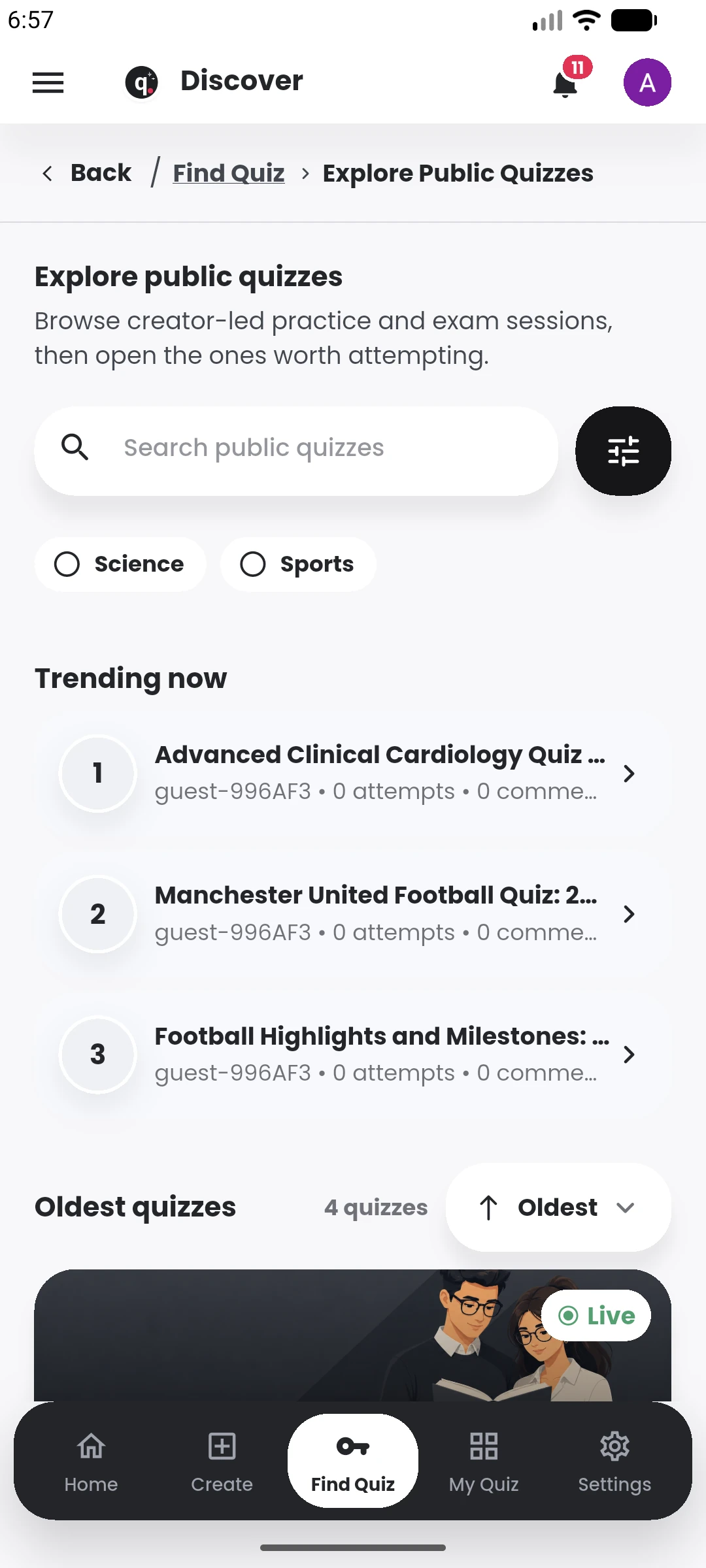
Browse free public quizzes shared by other users, inspect the session details, and start an available quiz in Quiyo.

Video coming soon explore · free public quizzes · quiz authors
Quiyo AI-powered quiz studio
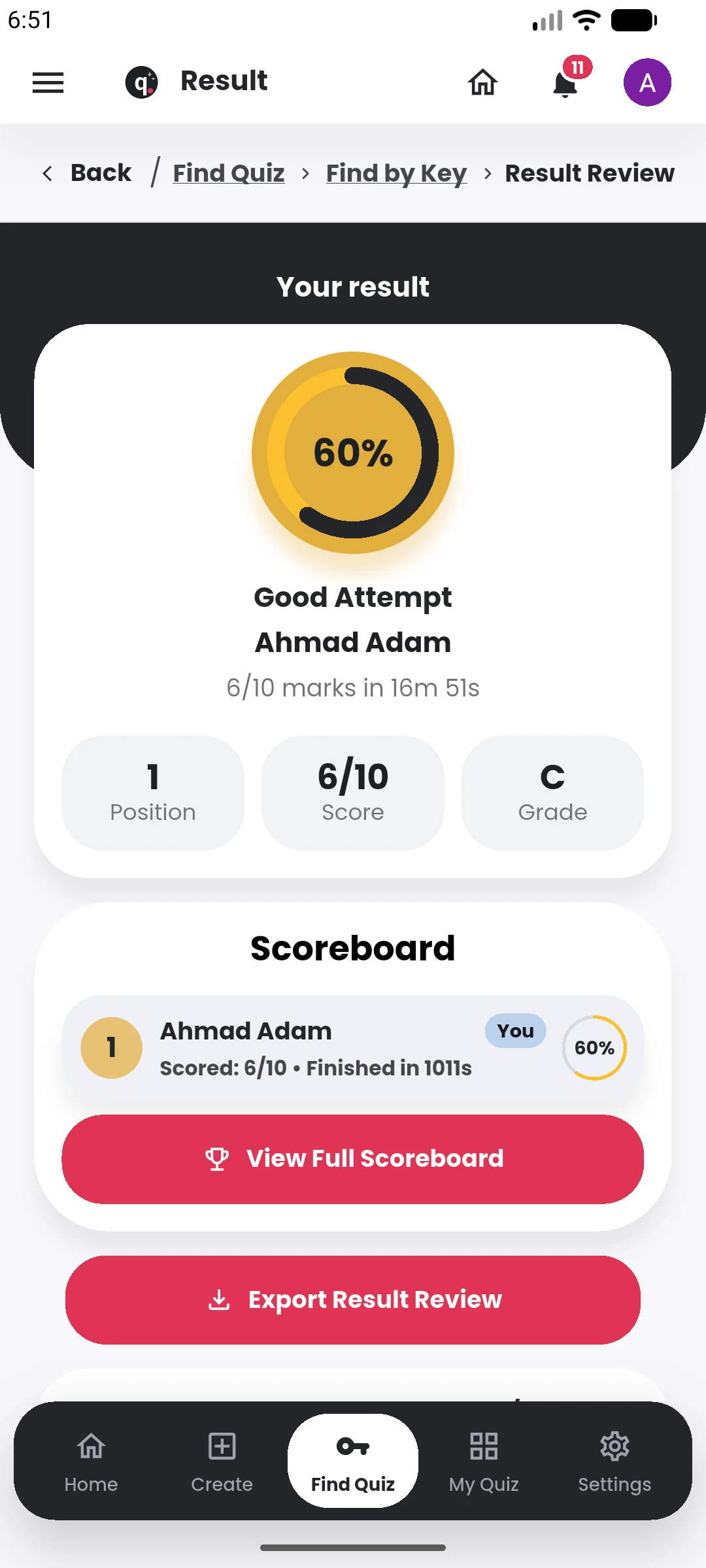
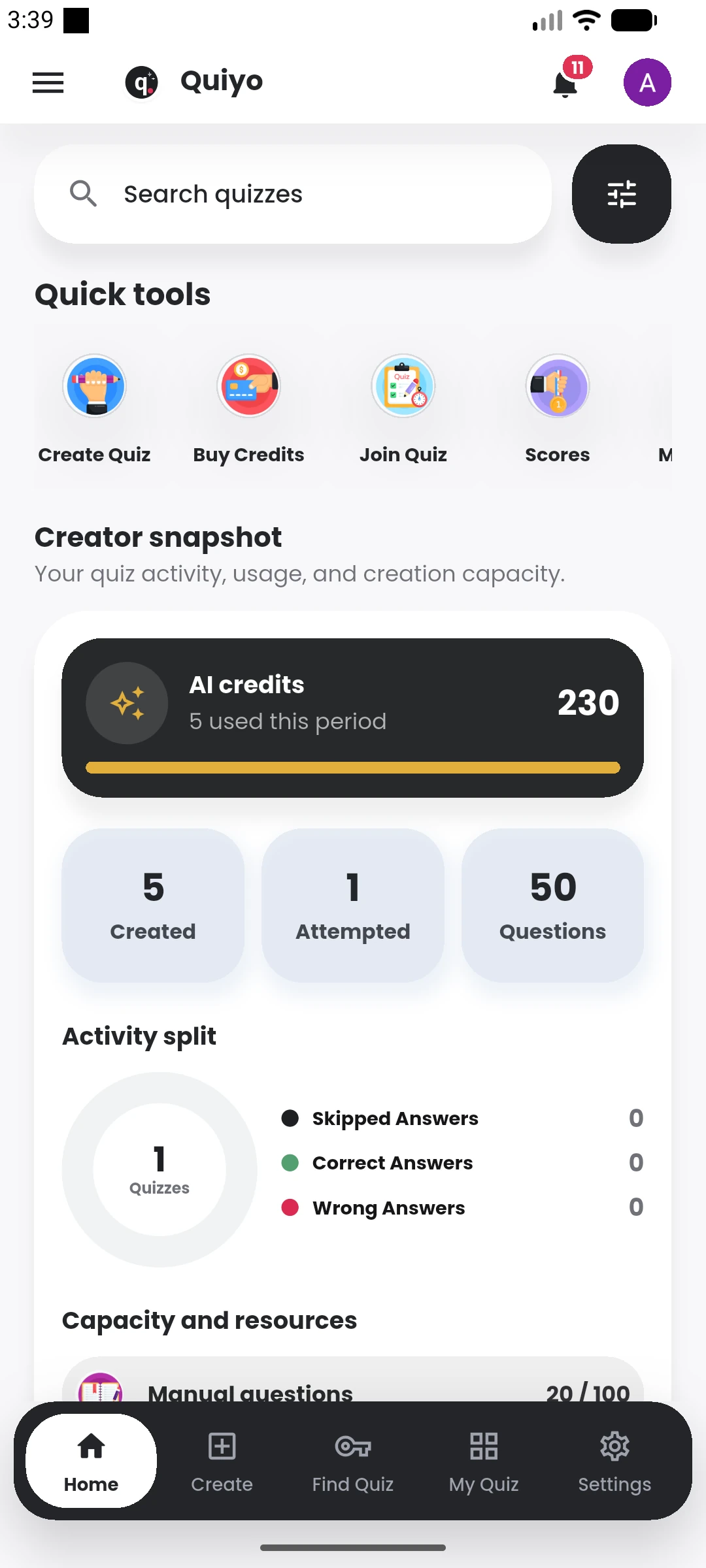
Quiyo mobile result showing score, grade, position and scoreboard. Quiyo mobile home showing quiz activity, AI credits and creator tools.

SUPPORTED BY LEADING TECHNOLOGY ECOSYSTEMS

Video coming soon

The complete written walkthrough is ready below.

Follow these steps

  1. Open Quiyo and enter the Explore experience.
  2. Browse public quizzes and use search to narrow the feed.
  3. Open a quiz profile to review its author and session details.
  4. Join or attempt the quiz inside Quiyo when it is available to you.
Related tutorials

View library